
Overview
Camera for Facebook is a photography app for capturing photos and videos and sending them directly to a selected or newly created Facebook album. Its camera includes burst mode, real-time filters, a selfie timer, one-touch skin smoothing, and a range of decorative effects for portraits and everyday images. When creating an album, you can choose whether it is private, public, or visible only to friends. After editing, the app provides sharing options for Facebook, Instagram, and WhatsApp, making it useful for people who want to prepare and publish social media images from one place.
What You Can Do
⭐ Capture photos and videos for immediate upload to a chosen Facebook album. You can select an existing album or create one before taking pictures.
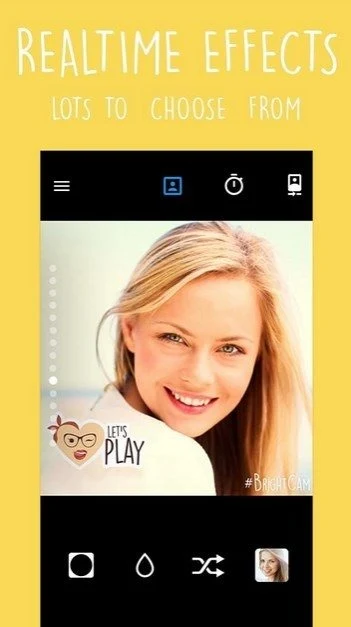
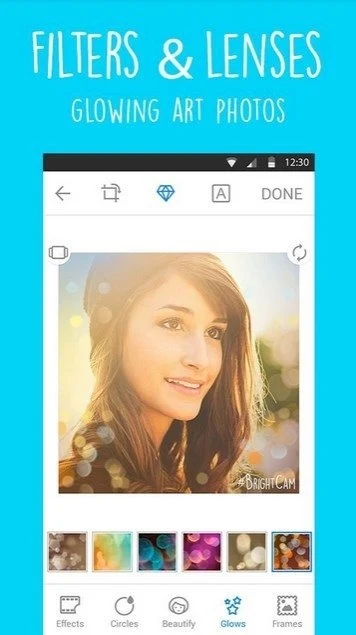
⭐ Use real-time filters and camera effects while composing a shot. Options include pastel, retro, neon light, bokeh, monochrome, pixel art, mosaic, and vignette-style effects.
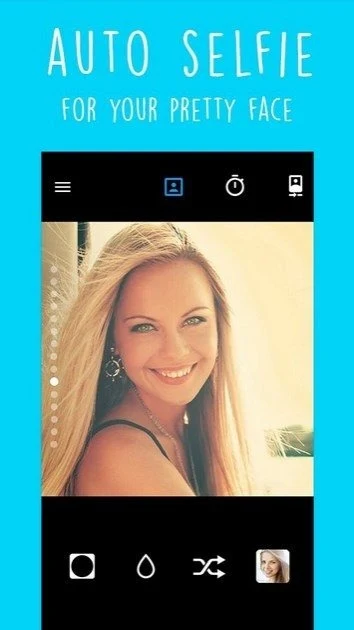
⭐ Improve portraits with the beauty and makeup tools. A single touch can lighten, whiten, and smooth the appearance of skin, while the selfie timer helps with hands-free portraits.
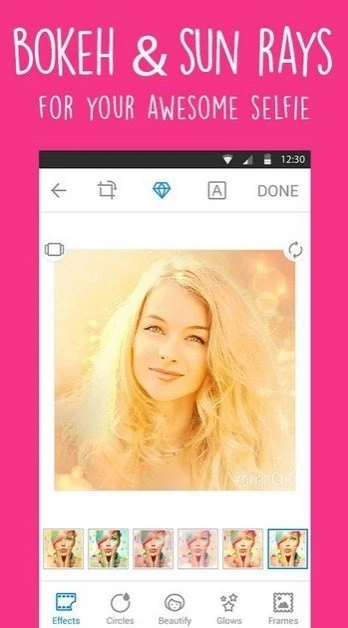
⭐ Add glow art and themed overlays, including light rays, disco light, stars, bubbles, diamond hearts, smileys, space effects, and other love-themed designs.
⭐ Apply editing tools such as crop, rotate, zoom, and mirror. You can also use tilt-shift, blur, backlight, radial effects, and colored vignette treatments to change the composition.
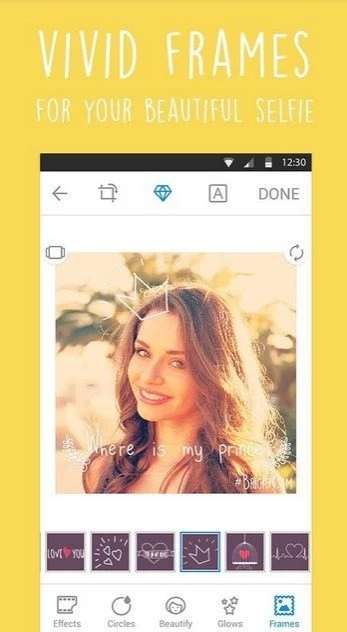
⭐ Add text quotes and decorative frames to images. Love sayings and messages such as birthday, good morning, or good night themes are available for photos.
⭐ Prepare images for Instagram with the “instasize no crop” option, which is intended to upload an entire photo without cropping, or use Instagram-oriented frames for portrait and landscape images.
Using the App
The workflow combines camera controls and editing in a straightforward sequence. Use the large camera button to take a picture, try a filter or effect during capture, and use the timer when you need time to pose. Afterward, adjust the image with cropping, rotation, zoom, mirroring, blur, or other effects. A gallery feature lets you view and organize photos in grid or calendar formats. Once an image is ready, it can be shared through Facebook, Instagram, or WhatsApp, while Facebook uploads can be directed to an album with a selected privacy setting.
Why It May Appeal
✅ Direct album uploads can reduce the steps between taking a photo and adding it to Facebook.
✅ The app brings portrait enhancement, artistic filters, text, frames, and layout tools together instead of limiting use to basic camera capture.
✅ The no-crop Instagram option is useful when you want to preserve the full image rather than fit it into a cropped square.
✅ Its combination of selfie controls, social sharing, and gallery viewing suits casual users who create and organize photos for social platforms.
Things to Consider
❎ The direct Facebook album workflow depends on access to Facebook, while sharing to Instagram and WhatsApp uses those external services.
❎ The app requires Android 4.0.3 or later, so devices running older Android versions are not supported according to the supplied information.