

Overview
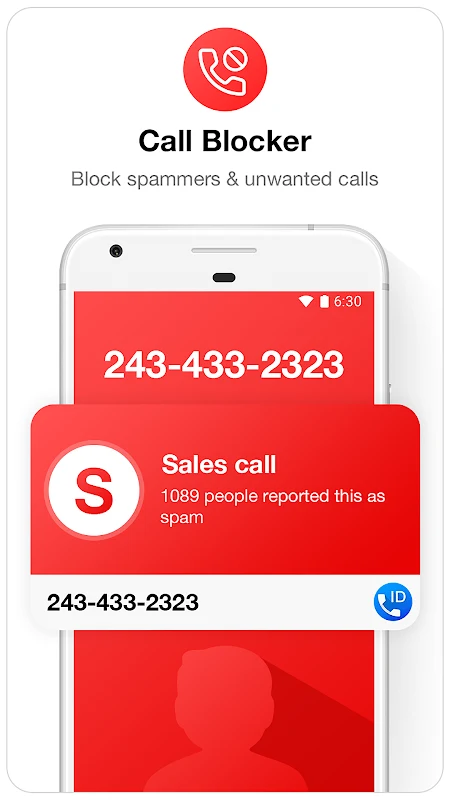
Caller ID & Call Blocker brings caller information, call management, and SMS filtering together in one Android app. When a call arrives, it can display the caller’s name and country or region, helping you assess unfamiliar numbers before answering. You can use its blacklist to block selected numbers from calling or texting, and the app also offers automatic blocking for calls identified as spam or harassing. A call log provides access to missed, incoming, and outgoing calls, while SMS tools let you send, receive, filter, and block messages. The app supports Android 5.0 and later.
What You Can Do
⭐ See caller details in real time: incoming-call information can include a name and the caller’s country or region.
⭐ Create a blacklist for calls and texts. Add numbers by browsing your contacts, selecting a number from recent call history, or entering a number manually.
⭐ Block unwanted SMS messages as well as calls. The app includes SMS sending and receiving, with filtering and blocking for spam or messages from blocked numbers.
⭐ Review missed, incoming, and outgoing calls through the call log, which is designed to make call details quick to access.
⭐ Set automatic blocking for calls identified as spam or harassing, alongside controls for managing particular numbers and communication preferences.
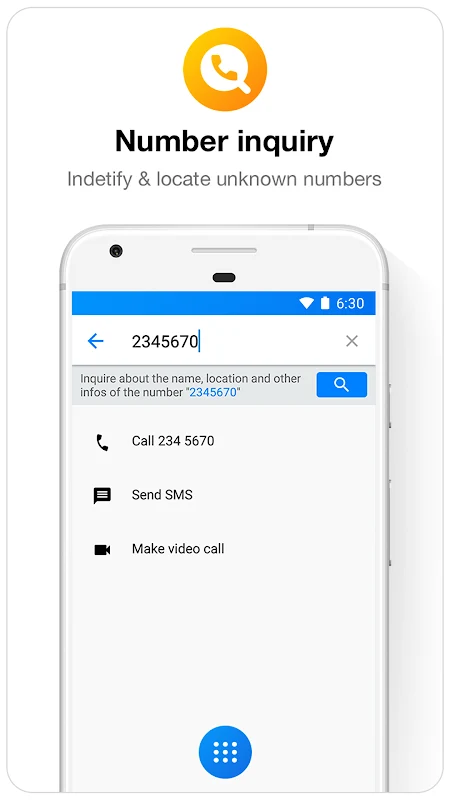
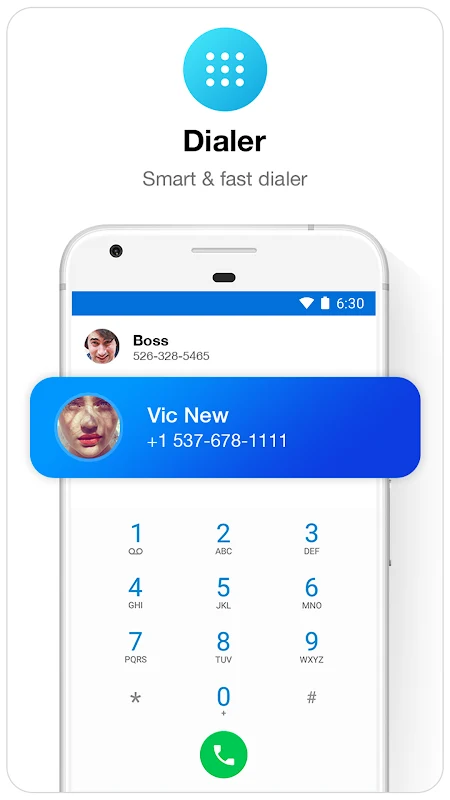
⭐ Use additional dialing and caller-management options listed in the source, including T9 dialing, number lookup, call-screen themes, and visual cues. The app is also described as supporting single- and dual-SIM phones.
Using the App
To block a number, choose it from your contact list or recent calls, or type it in yourself. The blacklist lets you decide which specific numbers to stop, while customizable call-management preferences provide another way to adjust how incoming calls are handled. Call history offers a place to check recent activity, and SMS filtering extends number management to text messages. The source also describes offline support for calls and SMS, though it does not explain which functions require a connection or how caller information is obtained.
Why It May Appeal
✅ Call and message controls are brought together, so a number can be managed for both calls and SMS rather than calls alone.
✅ Multiple ways to add blocked numbers—contacts, recent calls, or manual entry—make the setup flexible for familiar and unfamiliar callers.
✅ The call log, number lookup, and T9 dialing add practical phone-management tools beyond blocking.
Things to Consider
❎ The source notes that sending and receiving SMS may be unreliable.
❎ It also warns that tapping a number may start a call without a confirmation step, and that full-screen dialer advertisements may interrupt normal use.