

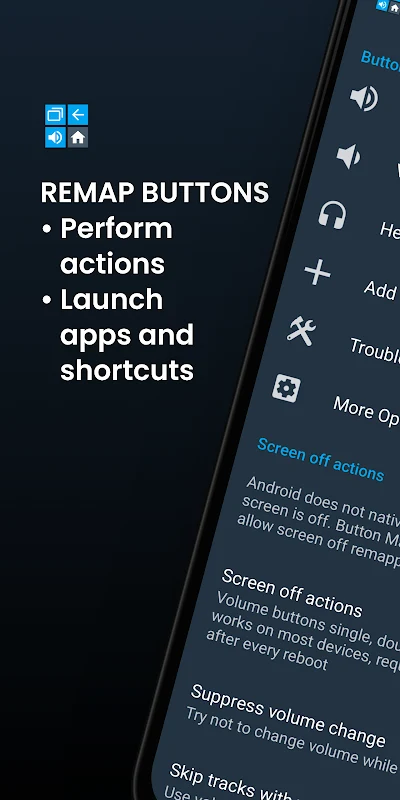
Button Mapper is an Android app for changing what supported hardware buttons do. It can assign apps, shortcuts, media controls, system toggles, and other actions to buttons on phones, tablets, Android TV devices, Google TV devices, gamepads, and some remote controls. Most of its functions work without root access, while certain advanced mappings may require ADB, Shizuku, or root permissions.
Which buttons and devices can Button Mapper handle?
The app is designed for physical or capacitive controls such as volume keys, home, back, recent-apps, and assist buttons. The source also identifies support for gamepads, TV remotes, and other peripheral devices running Android. Examples of compatible phone brands mentioned in the supplied information include Samsung, OnePlus, HTC, and Xiaomi, although the available controls can vary between devices.
Button Mapper is also described as working with Google TV and Android TV. On those platforms, users can configure supported remote buttons for app launches or other available actions. A device may expose only some of its buttons or may restrict particular keys, so the app's displayed options depend on the hardware and Android configuration.
What actions can be assigned to a button?
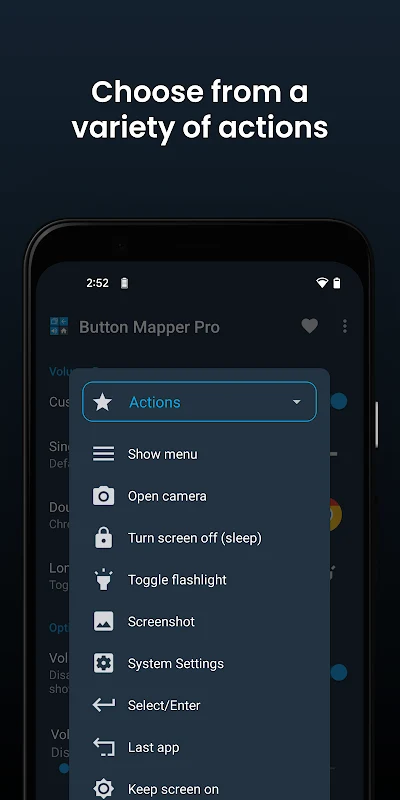
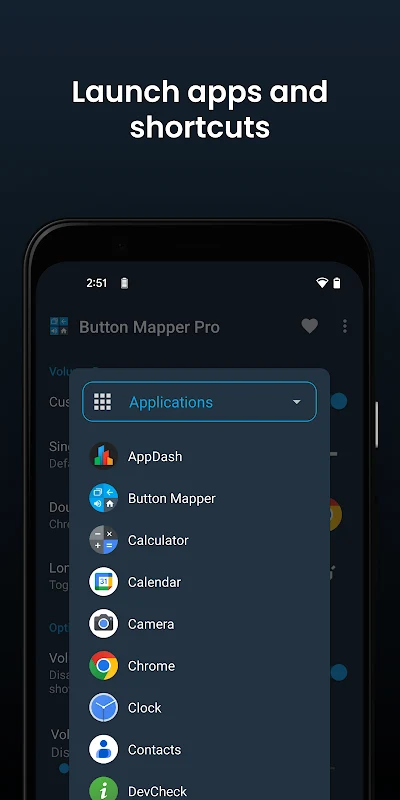
Supported assignments include launching an installed app, opening the camera, taking a screenshot, controlling media playback, activating the flashlight, and using other system toggles. The app can also associate buttons with shortcuts or custom actions. This makes it suitable for assigning a frequently used function to a physical key instead of opening it through the usual on-screen interface.
Media-related assignments can include play, pause, and skipping tracks. The supplied examples also describe using volume keys to open applications or productivity tools. These are possible mappings rather than a guarantee that every action will be available on every phone, remote, or controller.
Can different presses perform different actions?
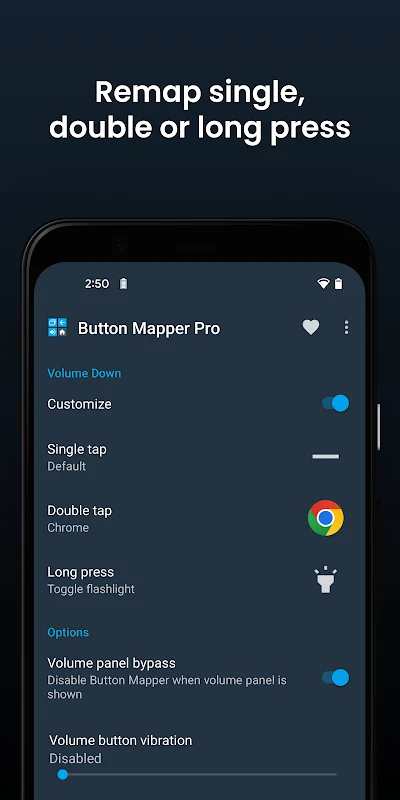
Button Mapper supports more than one press pattern for a supported button. A single press, double press, long press, or multiple-press pattern can be configured with its own action when the device and selected button allow it. This lets one physical control serve different purposes without changing the button itself.
The number of usable press patterns and the response of a mapping can depend on the button, Android version, device manufacturer, and permission method. A button may therefore support fewer options than another button on the same device. The app is described as presenting the buttons and configuration choices available on the user's device.
Does it work without root access?
Root is not required for most of the app's features. Some advanced functions may need additional permission through Android Debug Bridge or Shizuku, and rooted devices can expose further options, including certain mappings while the screen is off. Users who do not have root access can still use the main remapping functions that their device permits.
Permission requirements are relevant when a mapping affects protected buttons or system behavior. If a button does not respond as expected, the limitation may come from Android or the device rather than from the selected action. The supplied information does not define one universal permission setup for all supported hardware.
What is included in Button Mapper Pro?
The source describes Button Mapper Pro as the premium version with additional customization. It may provide access to more buttons, extra actions, double-tap and long-press assignments, and device-specific options. Themes and pocket detection are also identified as Pro features in the supplied material.
Pro availability does not remove hardware or Android restrictions. The functions that can actually be assigned still depend on the device, button, and permissions. The source also states that one purchase can be used on multiple devices, but it does not provide pricing or purchase terms.
What should users know about restricted buttons?
Some dedicated keys can behave differently or be restricted by a device. The supplied example is a Netflix button, which may not remap normally on certain hardware. The app's troubleshooting options include Alternate button handling and Use Scancodes as possible settings to try when a supported button is not detected or does not respond as expected.
Button Mapper is therefore most relevant to users who want to repurpose accessible hardware controls, remotes, or controllers and whose devices expose those controls to Android. Its main task is configurable button mapping, while the exact actions and available permissions remain device-dependent.