

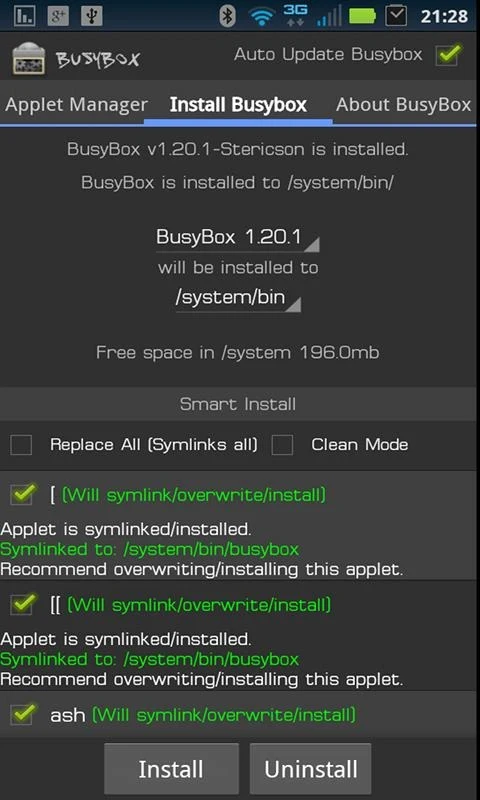
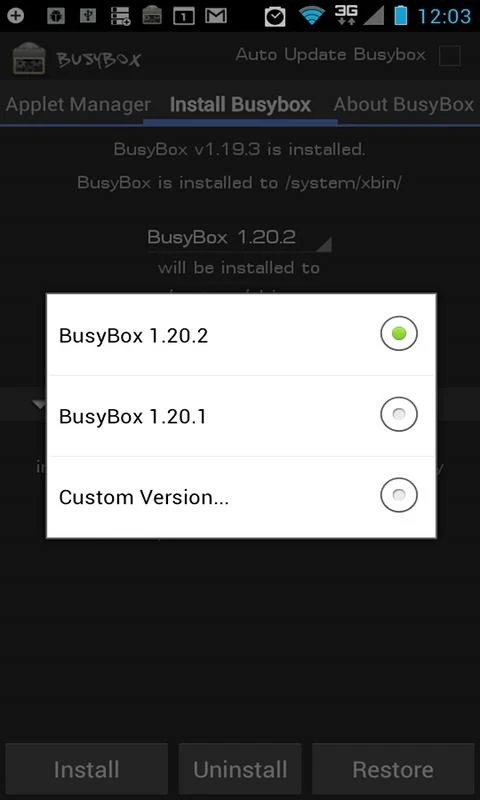
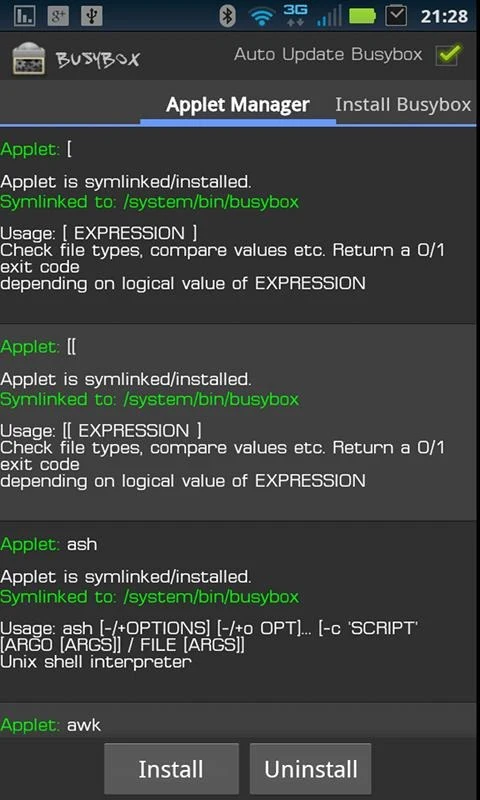
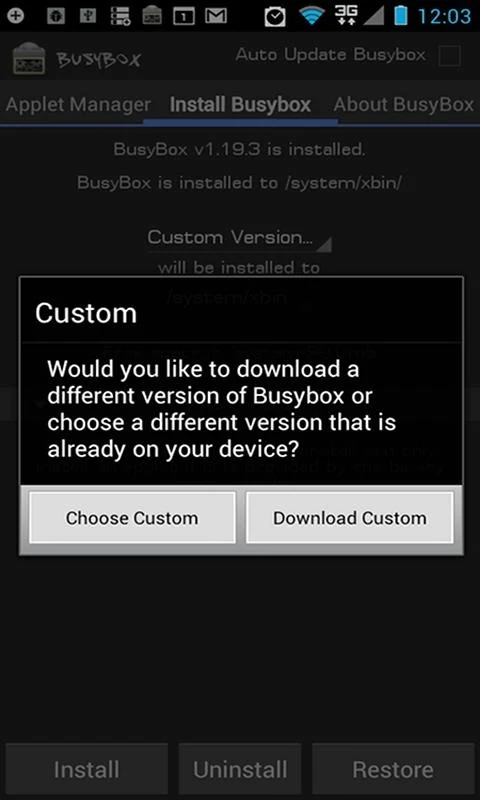
BusyBox is an Android application that serves as a Material Design front end for bringing a compact Unix toolkit to rooted devices. It addresses the need for efficient system and network task management by consolidating hundreds of familiar command-line tools into one small, modular executable. The app delivers an ad-free experience and supports running various shell scripts while allowing deployment of flashable zip files. Its universal installer can integrate binaries obtained from any source, and advanced smart install options let users select specific applets with a safety check to confirm nothing is missing. Frequent updates help maintain compatibility, and the design suits embedded or resource-limited environments.
What installation options does BusyBox provide?
Users can choose the Advanced Smart Install to pick individual applets or rely on the universal installer to add any BusyBox binary found online. A built-in safety check verifies that selected applets are present after installation, reducing the chance of incomplete setups.
Why does BusyBox require root access?
Root privileges are needed so the app can integrate its utilities into the Android system and manage linked applets. Without root, the core functions that place commands into the system path cannot be performed.
What can users accomplish with BusyBox applets?
The hundreds of included applets cover file manipulation, networking, and system tasks in a Unix-like style. Users can create, edit, and execute shell scripts, deploy flashable ZIP files, and handle recovery operations, all within a single compact executable rather than separate full-sized utilities.
Who is most likely to find BusyBox useful?
Anyone with root access who already works with command-line tools and needs a lightweight set of Unix commands on Android will find the modular design and script support practical. The app is less suited to those without experience in shell environments or who prefer full GNU utilities with more options.