
Overview
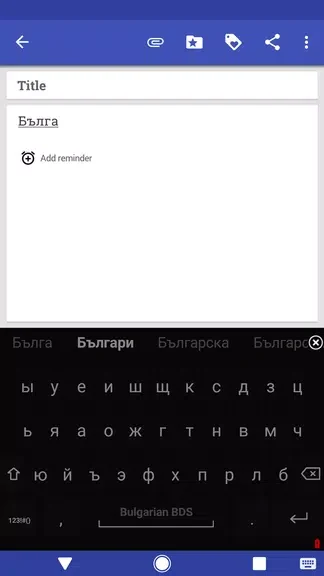
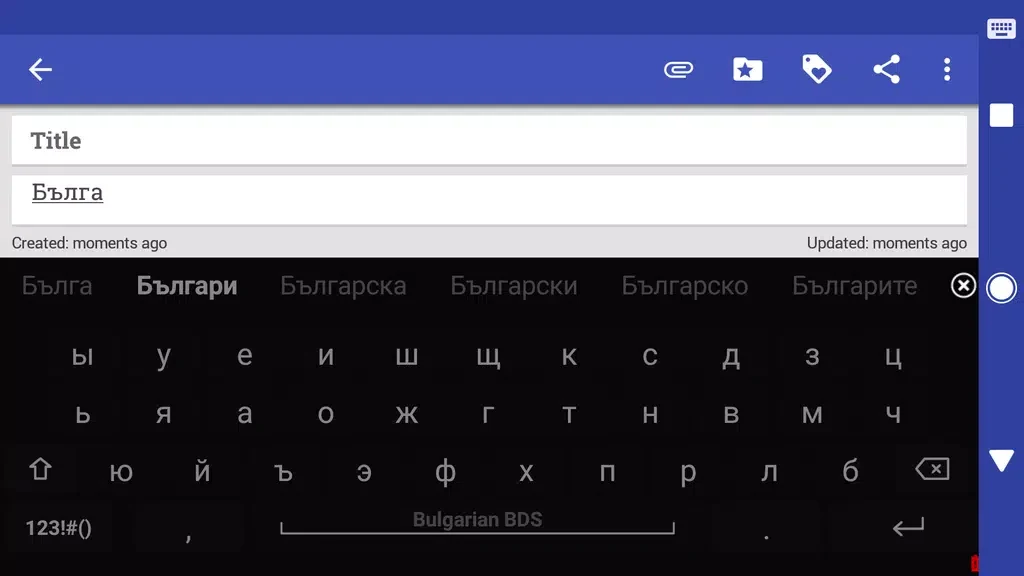
Bulgarian for AnySoftKeyboard adds Bulgarian typing support to the AnySoftKeyboard app through several keyboard layouts and a dedicated dictionary. Users can choose between BDS, BEKL, and Phonetic layouts according to their preferred typing style. The included Bulgarian dictionary supports autocorrect and word prediction, which can make Bulgarian text entry more practical. This is an expansion pack rather than a standalone keyboard, so AnySoftKeyboard must be installed first. After that, the Bulgarian options can be selected from the keyboard settings.
What You Can Do
⭐ Choose the BDS layout when it matches the Bulgarian keyboard arrangement you prefer.
⭐ Use the BEKL layout as another supported Bulgarian typing option within AnySoftKeyboard.
⭐ Select the Phonetic layout for a phonetic approach to entering Bulgarian text.
⭐ Use the Bulgarian dictionary to support autocorrect while typing messages and other text.
⭐ Benefit from Bulgarian word prediction provided through the dictionary integration.
Using the App
Install AnySoftKeyboard before adding this expansion pack. Once both are available, open the Settings->Keyboards menu in AnySoftKeyboard and select the Bulgarian layout you want to use. The same settings area lets you switch between BDS, BEKL, and Phonetic layouts, so the arrangement can be changed when your typing needs or preferences change.
Why It May Appeal
✅ It brings three distinct Bulgarian layouts together in one AnySoftKeyboard expansion.
✅ The included dictionary adds Bulgarian language support for autocorrect and word prediction instead of limiting the package to keyboard layouts alone.
✅ Layout selection is handled through AnySoftKeyboard's existing keyboard settings.
Things to Consider
❎ This package depends on AnySoftKeyboard and cannot be used as a standalone keyboard according to the supplied information.