

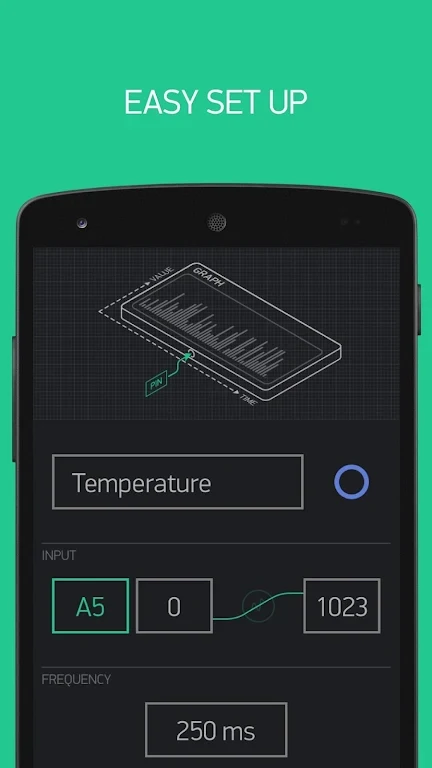
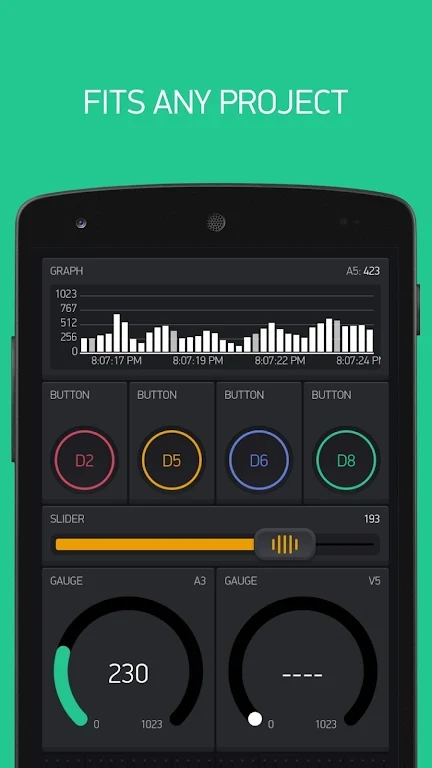
Blynk helps users create, connect, and manage IoT devices through customizable dashboards and a drag-and-drop interface. Its visual approach lets you assemble mobile IoT applications with widgets, electronic components, and platform features instead of writing the application interface from scratch. This can be useful for prototyping connected-device ideas, controlling hardware remotely, and presenting device information in a single mobile dashboard. The platform also includes tools for customizing an application's logo, colors, and user interface.
Build dashboards without writing the interface
The editor is designed around no-code dashboard creation. Users can select preset elements and arrange them to create an application for an IoT device, then use the resulting interface for device control and monitoring. The dashboard and the connected hardware work together, giving controls and device information a shared place rather than requiring separate interfaces for each function.
Connections for different hardware setups
Blynk supports several ways to connect hardware to its internet service. These include USB connections to a laptop or desktop computer, the W5100 Ethernet expansion board, Adafruit CC3000 Wi-Fi, the official Arduino Wi-Fi expansion board, and the ENC28J60. Bluetooth options listed by the source include the HC-05, HC-06, HC-08, and HM-10 modules. The available connection method therefore depends on the board and communication hardware used in the project.
Broad board support
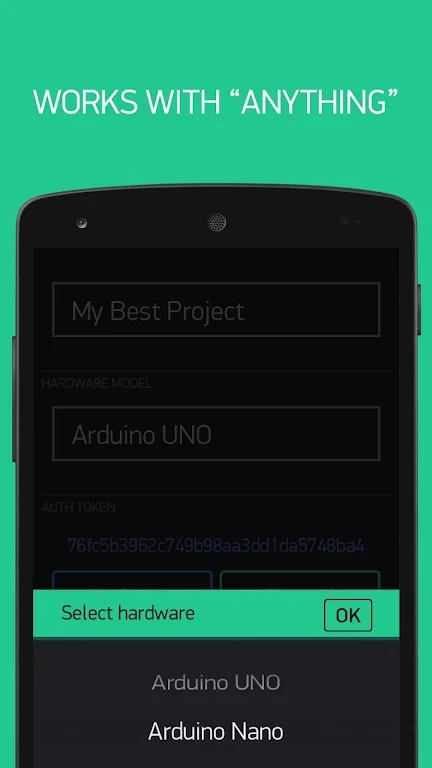
The supported hardware list includes ESP8266, ESP32, NodeMCU, Arduino Uno, Mega, Nano, Mini, YÚN in Bridge mode, Due, and 101. It also includes Raspberry Pi, Particle Core, Particle Photon, SparkFun Blynk Board, TinyDuino with CC3000, and Evil Wildfire with CC3000. This range makes the platform relevant to projects built around both common Arduino boards and other listed development platforms.
Branding and real-time control
Beyond basic controls, the platform provides real-time dashboards and device-control features intended to keep users connected to their hardware. Application creators can adjust branding elements such as the logo, colors, and interface, while choosing from dozens of preset elements and platform features. The source also describes IoT-specific backend functionality for building more advanced applications, although the exact backend tools are not detailed.
Who it may suit
Blynk is aimed at people developing connected-device projects who want a visual way to assemble a mobile interface. It can serve experiments using supported boards as well as connected products that need a branded control application. Because the source lists specific boards and connection methods, users should match their hardware and communication module to those supported options before planning a project.