
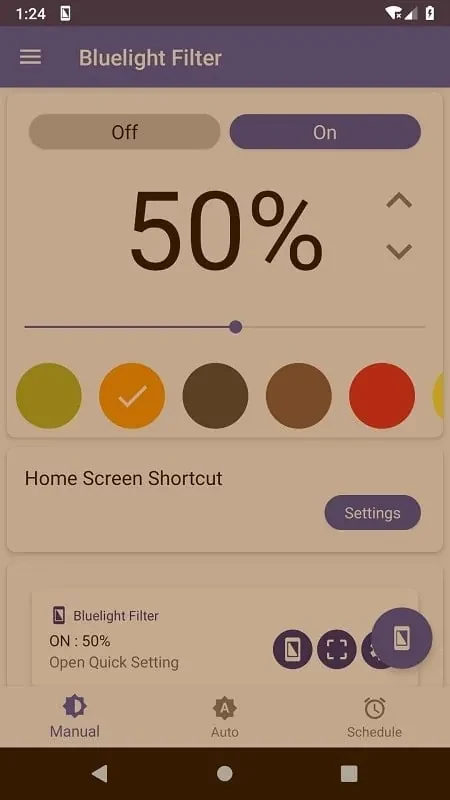
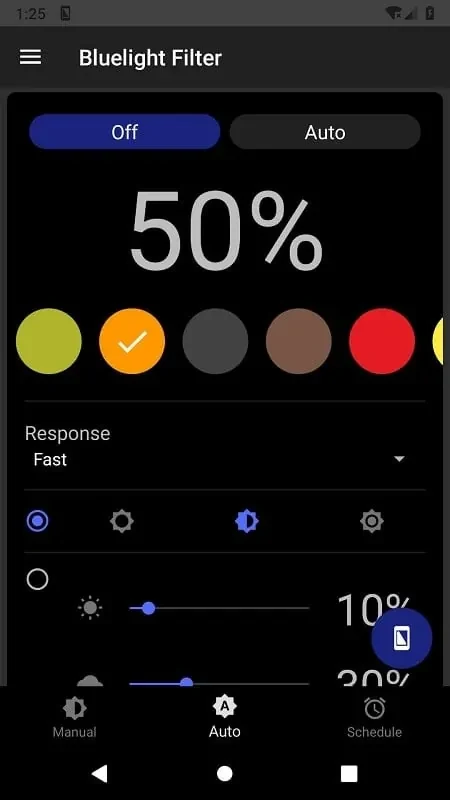
Bluelight Filter for Eye Care changes the color and intensity of your phone’s screen light. It is designed for people who spend long periods looking at a screen and want to reduce blue-light exposure as part of their screen-use routine. You can turn the filter on or off with a switch and adjust its color intensity to suit different environments. The app’s settings are intended for use both during the day and at night, with a warm tint offered as an alternative to the usual screen appearance.
How can you change the screen filter?
Use the on/off switch to apply or remove the filter, and adjust the color intensity to find a tint that feels comfortable. The source describes color customization for different environments, so you can experiment with the available settings rather than relying on a single fixed level.
When might the filter be useful?
The app is intended for screen use at different times of day. Its user tips particularly suggest using the filter at night and in low-light settings. They also suggest using it consistently as part of a routine, although the source does not describe an automatic schedule.
What does the app say about eye comfort?
Bluelight Filter for Eye Care is presented as a way to reduce exposure to blue light from the screen, with the aim of helping address eye strain and fatigue during prolonged use. These are the app’s stated aims; the source does not provide evidence of a medical effect or guarantee that discomfort will be prevented.
Who may find its controls relevant?
It may suit someone looking for a straightforward screen tint they can toggle manually and adjust themselves. The described functions focus on color and intensity control; the source does not specify other tools or automated features.