

Bluecoins v13.0.293 is a personal and household finance app for recording income, expenses, transfers, and other financial transactions. It combines categorized entries with budgets, charts, reports, account management, and tools for reviewing cash flow and net worth.
What financial information can be recorded?
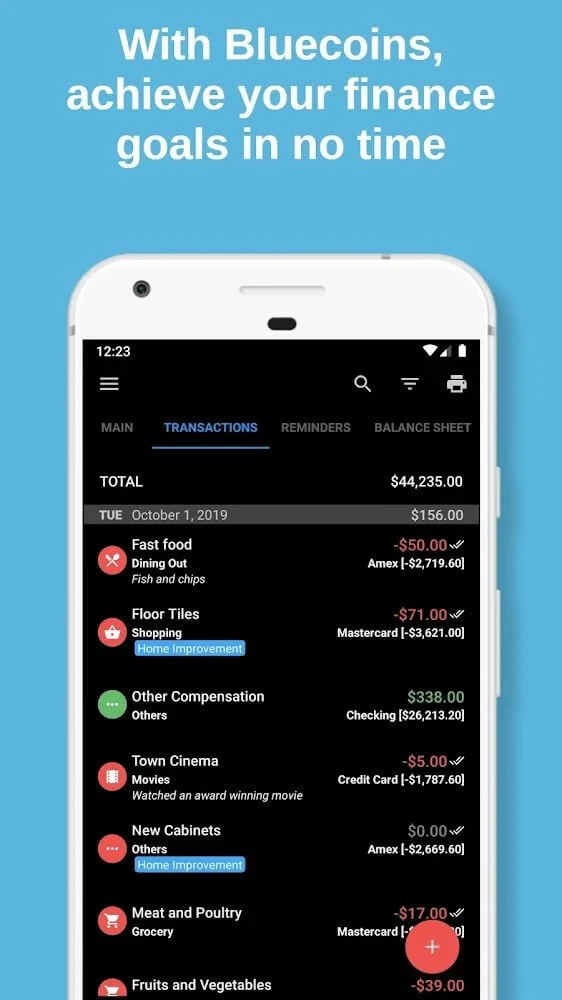
The app supports entries for both income and spending. Transactions can be assigned to categories such as living costs, travel, shopping, dining, transportation, and entertainment, while custom categories can be created for more specific budgeting needs. Text notes can also be attached to an individual amount to explain what the transaction was for.
Bluecoins supports different currencies, with the source specifically mentioning VND, USD, and Yuan. This makes the transaction records adaptable to users who need to organize amounts in more than one currency, although the supplied information does not describe the full currency list or any conversion process.
Can spending be reviewed over different periods?
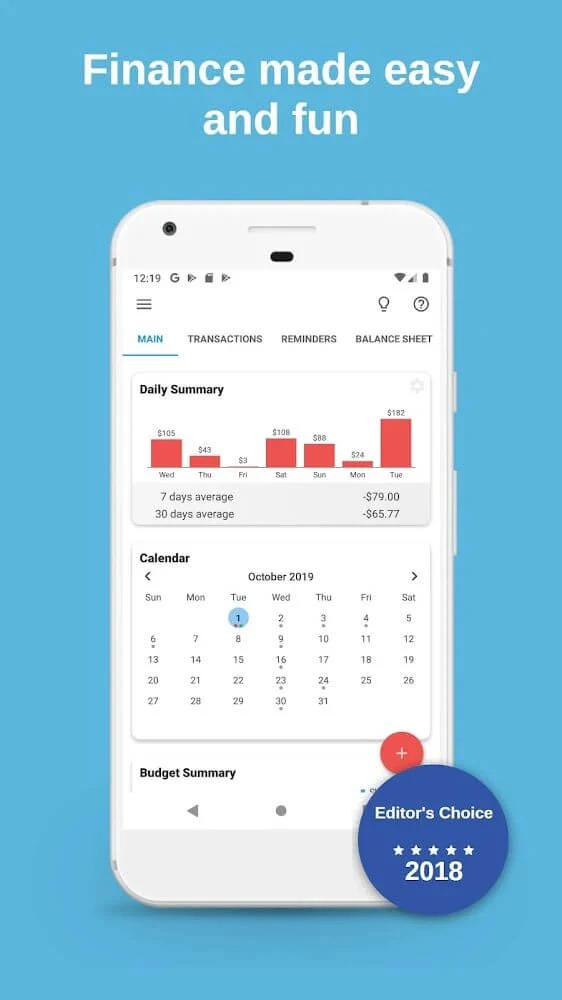
Income and expenses can be examined over several time ranges. Daily tracking can be used to review smaller recurring costs, while monthly or longer-term views can help organize rent, household costs, and other larger expenses. Budget views are described for weekly, monthly, quarterly, and yearly periods, and reports can be viewed by weekly, monthly, or yearly intervals.
These time-based records are intended to make spending patterns easier to inspect. The app can show how money is distributed across categories, helping users compare routine expenses with broader budget plans without relying only on a list of individual transactions.
What charts and financial analysis are available?
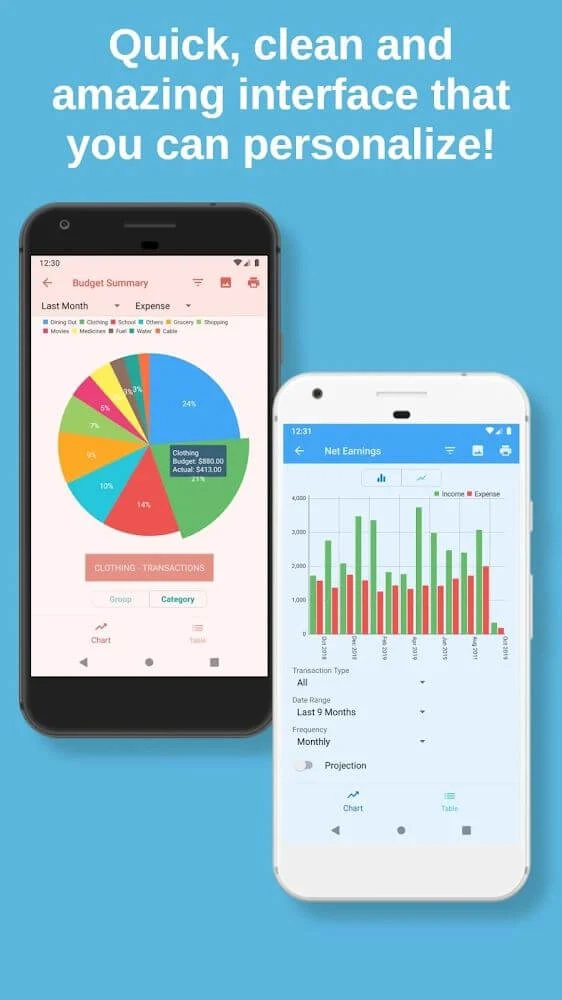
Bluecoins presents financial information through charts as well as numerical reports. The source refers to column and circular charts that show the distribution of expenditure across categories. This can help users identify which areas account for a larger share of their recorded spending and review patterns that may need attention.
Additional analysis includes cash flow and net worth tracking. Cash flow analysis provides a view of money moving into and out of the recorded accounts, while net worth tracking brings assets and liabilities into the same financial overview. These tools are relevant to users who want to examine more than individual purchases or income entries.
Can multiple accounts be managed together?
The app is designed to bring several financial accounts into one interface. The source lists cash transactions, wire transfers, credit card spending, and online transactions among the types of activity that can be recorded. It also describes creating another user or account area to separate and track different parties' finances.
This arrangement can suit personal finances, family budgeting, or small business records where more than one account or participant needs to be considered. The supplied information describes organizing these records in one app, but it does not establish that Bluecoins connects directly to banks to download transactions.
Which reports and export options are supported?
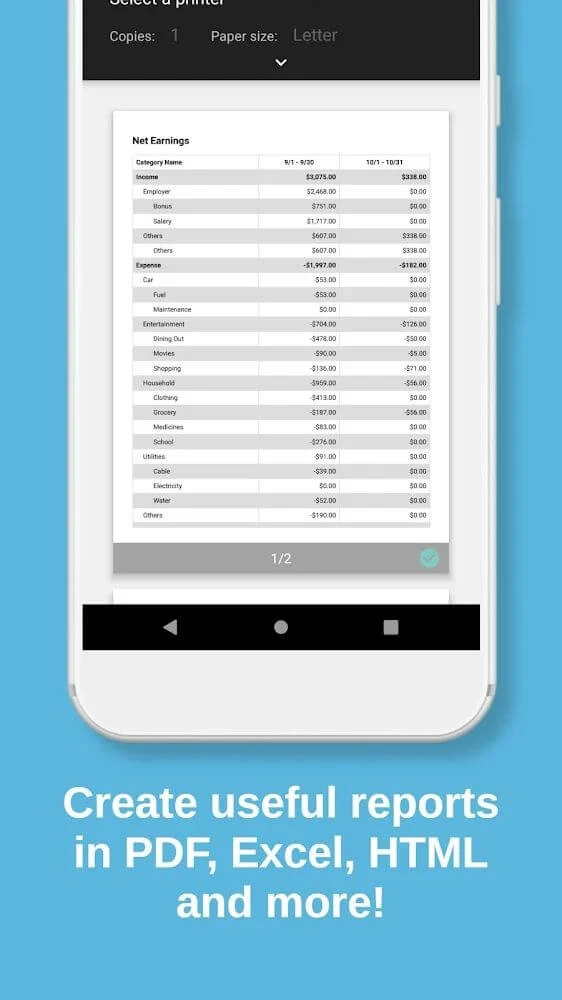
Bluecoins can produce financial reports containing selected items and categories. The source identifies PDF, Excel, and HTML as supported report formats, along with other formats that are not specified. Reports can be customized by choosing the information to include and adjusting the contents to match the intended financial review.
Information can also be saved as a high-quality PDF file or sent to a printer for a physical copy. These options may be useful when financial data needs to be archived, reviewed outside the app, or shared in a structured report, although the source does not define every available export setting.
Does the app support imports, reminders, and synchronization?
The documented features include importing financial data in QIF or CSV format and setting bill reminders. Import support can help bring existing records into the app, while reminders are intended for keeping track of scheduled payments. The source does not specify limits, supported date ranges, or the exact reminder notification behavior.
Data synchronization across multiple devices is also described. Google Drive and Dropbox are named as cloud services that can be used for synchronization or sharing, allowing family members or collaborators to access updated financial information on their own devices. The source does not state that Bluecoins provides a browser-based interface; its documented use is centered on the application.
What controls are available for the interface and private records?
The interface is described as minimalist and focused on efficient navigation through financial data. A dark theme is available for users who prefer that appearance. The app also lists password and fingerprint protection as controls for restricting access to financial information.
These controls are app features rather than a guarantee about overall data security. Users can also archive app information in accordance with the relevant Google policy, but the supplied material does not explain the archive process or provide further technical security details.