

Blue Connect Mobile NC provides access to Blue Cross NC health plan information and tools for reviewing benefits, tracking costs, and making healthcare decisions. The app brings together a digital member ID card, claims details, plan documents, care-search tools, and several ways to contact customer support.
Review plan information and claims
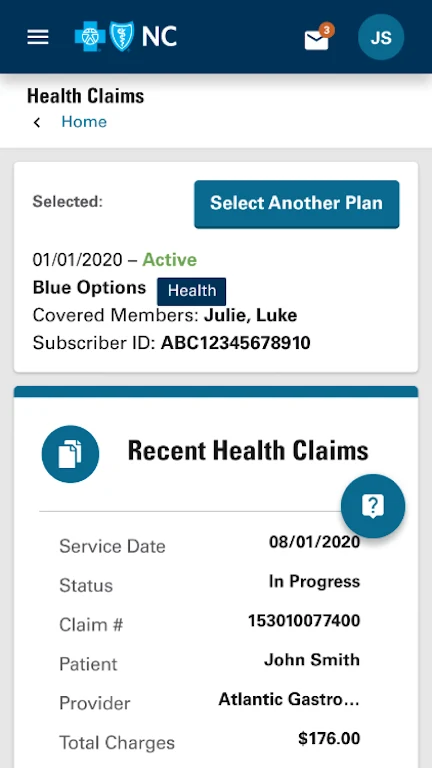
The app gives members a digital version of their member ID card, providing access to insurance information within the app instead of relying only on a physical card. Members can also review claims status and spending details. Claims information can show the progress of healthcare claims, including details related to reimbursements or payments, helping users follow their healthcare expenses through the app.
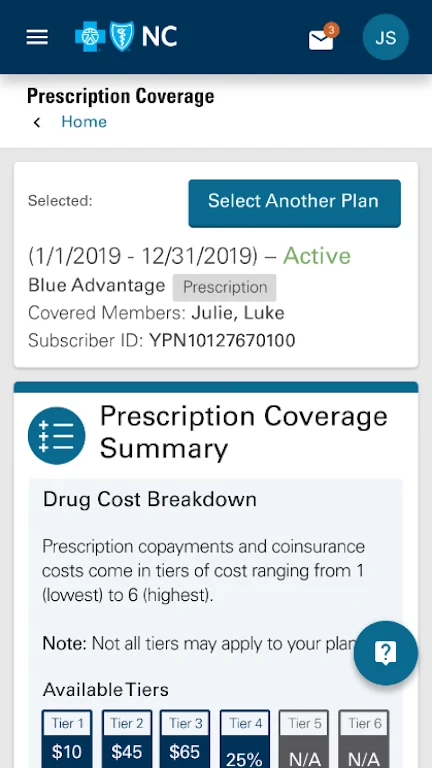
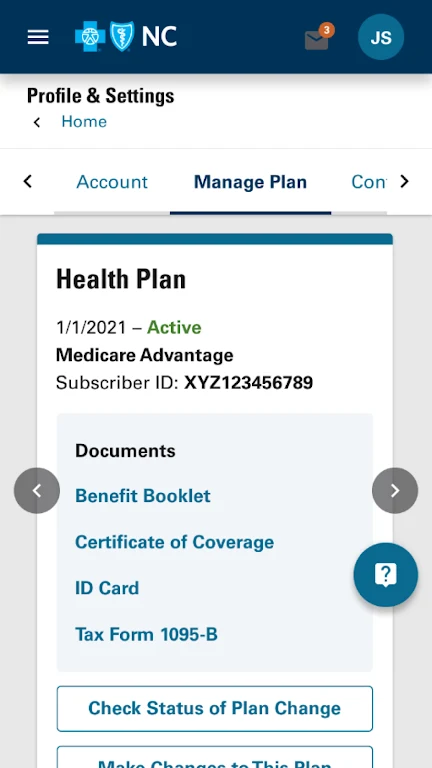
Digital documents are available alongside this account information. These include Explanation of Benefits documents, member letters, plan materials, and monthly invoices. Keeping these materials accessible in digital form allows members to refer to plan and billing information from the same place as their claims details.
Find care and compare procedure costs
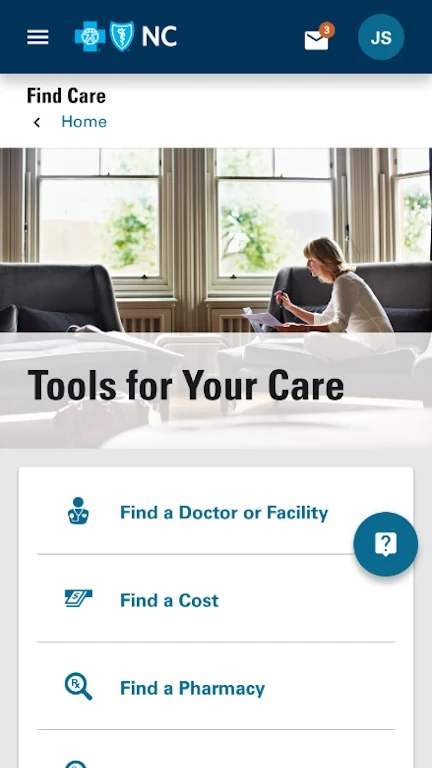
Blue Connect Mobile NC includes tools for locating and evaluating care options. A provider search helps members look for providers, while an urgent care finder supports searches for urgent care locations. The medical procedure cost estimator provides cost information for supported procedures, and the PCP selection tool helps members with choosing a primary care provider.
These tools are designed to support decisions about where to seek care, which provider to consider, and how to review procedure costs. The source describes them as options for making more informed and cost-conscious healthcare choices, but the available features may depend on the member's Blue Cross plan.
Access the account with device authentication
The app supports login through device-native Face Authentication and Fingerprint ID. Members who enable these options on their device can use the supported authentication method when accessing their health plan account, rather than relying only on manually entered login details.
Contact customer support
Several customer support options are available in the app. Members can use click-to-call, in-app messaging, or Live Chat to request assistance or ask questions about their health plan and benefits. The available support methods provide different ways to reach the plan's customer service resources from within the app.