


BlockSite Mod is an Android application for restricting access to selected websites and apps during defined periods. Its blocking tools can target individual destinations, groups of content, or websites containing specified words, giving users several ways to manage distracting online activity.
Custom and category blocking
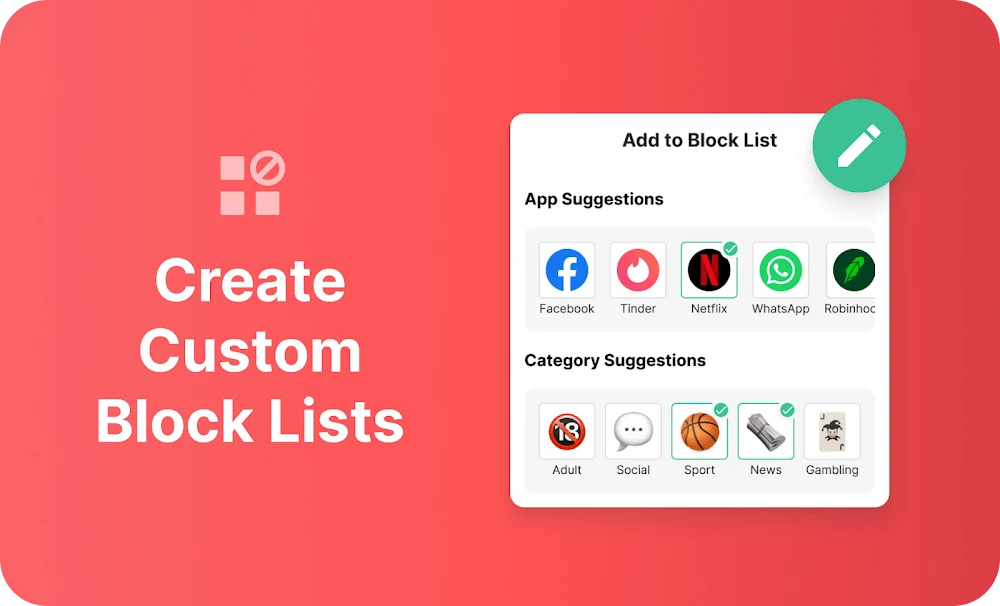
Users can create personalized block lists for specific apps and websites. Category Blocking provides broader controls by grouping destinations into areas such as adult content, social media, shopping, news, sports, and gambling. A category can be blocked as a group instead of adding each website or app separately.
Keyword Blocking, also described as Block by Words, filters websites that contain selected terms in their URLs. For example, the source describes using the word “social” to target sites with that term. This approach is intended for cases where blocking individual addresses would not cover all related destinations.
Schedules and focused sessions
Schedule Mode lets users define particular times and days when selected sites or apps should be unavailable. This can be used to apply different blocking periods around a daily routine rather than keeping the same restrictions active all the time.
Focus Mode is based on timed work intervals associated with the Pomodoro technique. Users can set periods for blocking websites and apps, followed by intervals when browsing is unrestricted. The source also states that sites can be temporarily unblocked for a chosen duration when access is needed.
Sync, insights, and redirects
Device Sync extends blocking options to other platforms, including a computer, so restrictions configured on one device can also be applied elsewhere. The source identifies Android devices and browser extensions for Chrome and Firefox among the supported ways to use the service.
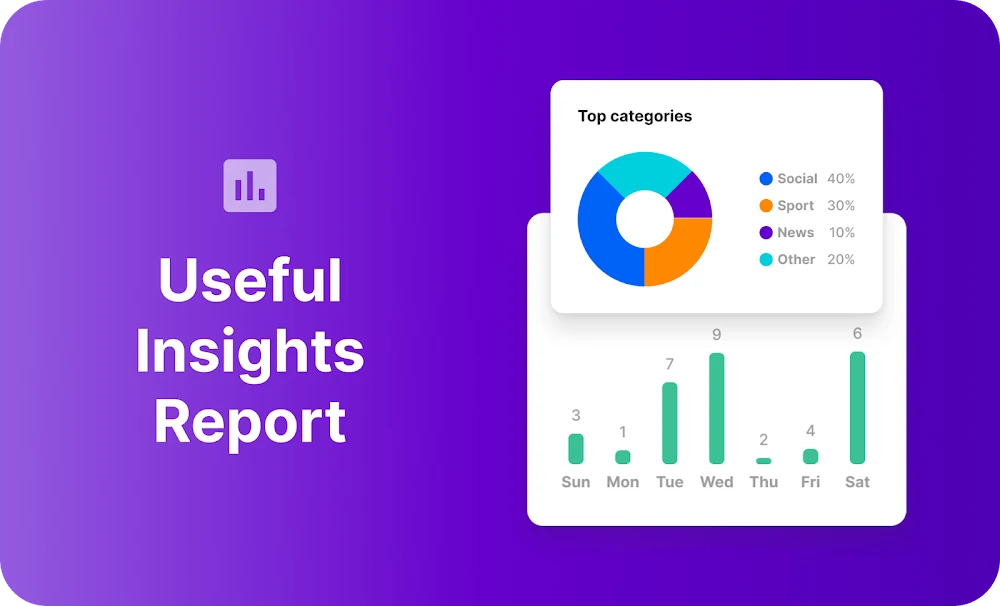
Insights presents information about online behavior, including where time is spent and how long is dedicated to each site. Redirect Mode provides an alternative destination when someone attempts to open a blocked app or website. The supplied example redirects an attempted visit to YouTube toward email, allowing the user to move to a different activity.
Blocking controls
BlockSite Mod is described as able to restrict ads, pop-ups, and spam-related content within a selected timeframe, alongside its website and app controls. The source also notes that blocking options and tools may receive additions over time, while the listed version is 2.9.8.9353. App removal follows the standard Android process: open the device settings, find the application in the app list, and select the uninstall option.