

Overview
Blackmagic Camera is a powerful photography and video recording tool designed to bring professional digital cinema camera controls and image processing to your smartphone. By turning your mobile device into a high-end camera, the application lets users access advanced settings such as frame rate, shutter angle, white balance, and ISO while recording video directly to cloud storage at resolutions up to 8K. Built-in image processing tools allow for vibrant color analysis and subtle tone adjustments, helping creators build compelling visual narratives with professional emotional impact.
What You Can Do
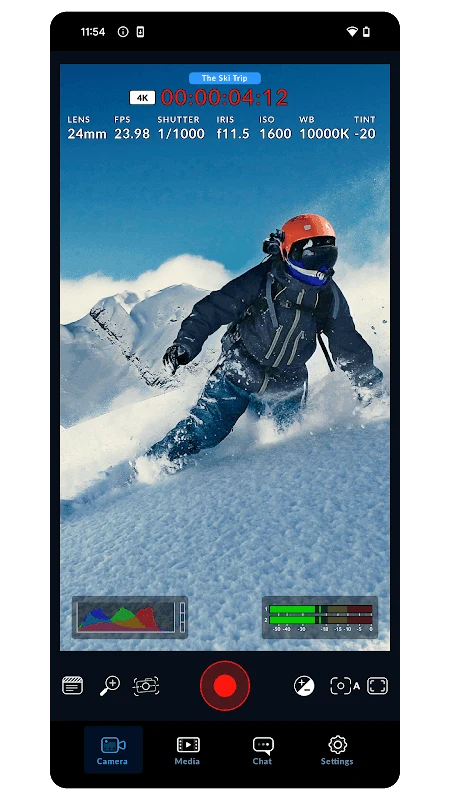
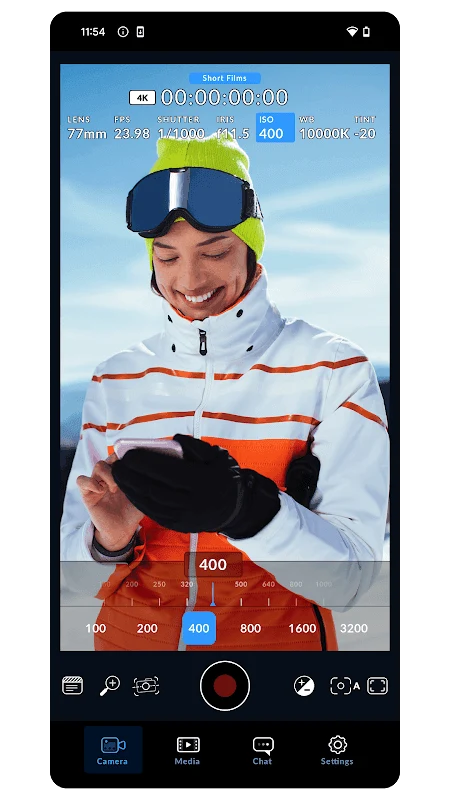
⭐ Access an interactive heads-up display (HUD) with professional controls for quick management of frame rate, shutter angle, ISO, and white balance. You can monitor exposure using histograms, zebra patterns, and false color, as well as check focus accuracy with focus assist and audio meters.
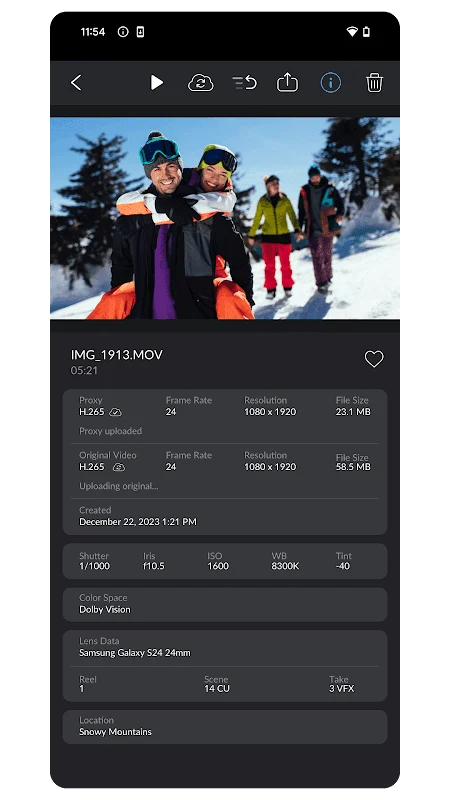
⭐ Connect directly to Blackmagic Cloud to enable seamless collaboration with editors using DaVinci Resolve. The app supports recording originals and HD proxies with auto-upload in the background, live proxy uploads, and in-app chat for fast communication during news or social coverage.
⭐ Set up remote multicam shoots and timecode sync by controlling multiple phones over Wi-Fi with a simple multiview interface. You can start and stop all connected devices simultaneously and lock timecode over Bluetooth with compatible boxes like Tentacle Sync for clean post-production alignment.
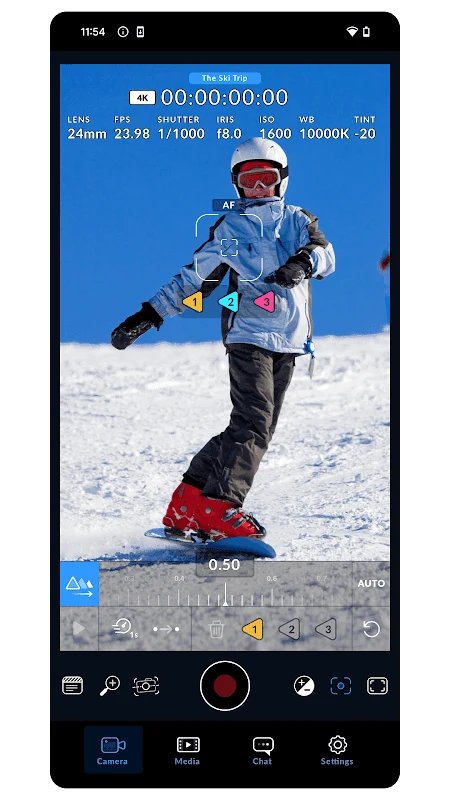
⭐ Record high-quality video in H.264 or H.265 formats, with full support for 3D LUT preview, log profiles, anamorphic de-squeeze, image stabilization, and rack focus options depending on your specific mobile hardware capabilities.
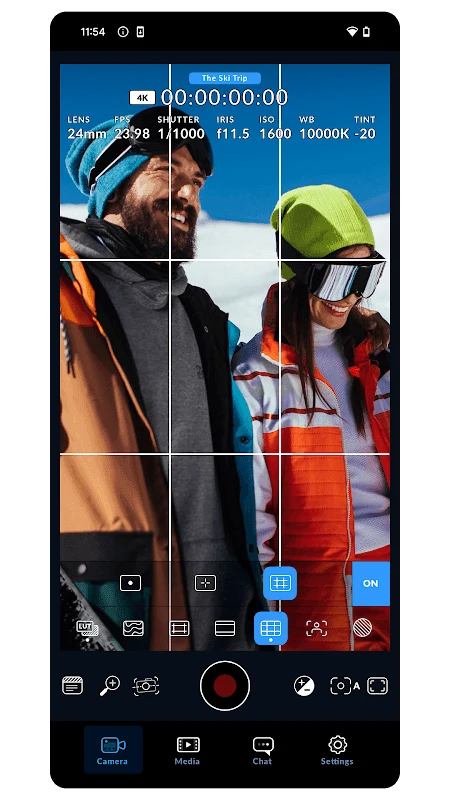
⭐ Manage media and framing using dedicated guides for horizontal and vertical video delivery formats, including 16:9, 9:16, 1:1, 4:5, and cinema ratios. The clip manager helps you review takes, choose files for upload, attach detailed metadata, and record directly into existing Resolve projects.
⭐ Utilize the integrated video editor to quickly trim your clips and create customized sequences without needing to switch to external applications, allowing you to export your final creations in your preferred format.
Using the App
The application provides an elegant and functional interface modeled after professional camera gear. Users can virtually assemble different lens styles to achieve accurate framing. Critical parameters like aperture, shutter speed, and frames per second are easily adjusted on the fly. External microphones and headphones are supported to ensure optimal audio capture and monitoring while recording.
Why It May Appeal
✅ Delivers professional-grade manual cinema controls to mobile filmmakers, bridging the gap between smartphones and dedicated broadcast equipment.
✅ Streamlines post-production workflows through automatic background proxy uploads to the cloud and integrated timecode synchronization for multi-camera shoots.
Things to Consider
❎ Feature availability can vary significantly depending on your specific mobile device model and hardware limitations.
❎ Network connections may experience instability or fading depending on the distance from access points during cloud syncing.
Version History and Updates
Version 3.4.1 introduces support for Dolby Vision on compatible hardware alongside general stability and performance enhancements.