

Black Theme is a theme app for Android phones that gives users a way to create a coordinated dark appearance across the home screen, lock screen, wallpapers, and app icons. Its main task is visual customization: you can choose from high-definition black-themed designs, apply matching icons, and adjust the launcher theme through a short activation process. The app also includes icon masking, dynamic calendar icon support, touch gestures, and 3D transition effects. A material-style control panel is provided for quick theme application, while the lock screen controls can change the look of password and pattern locks. Black Theme requires a separate custom launcher and does not provide system-level Android dark mode.
What parts of the phone can Black Theme customize?
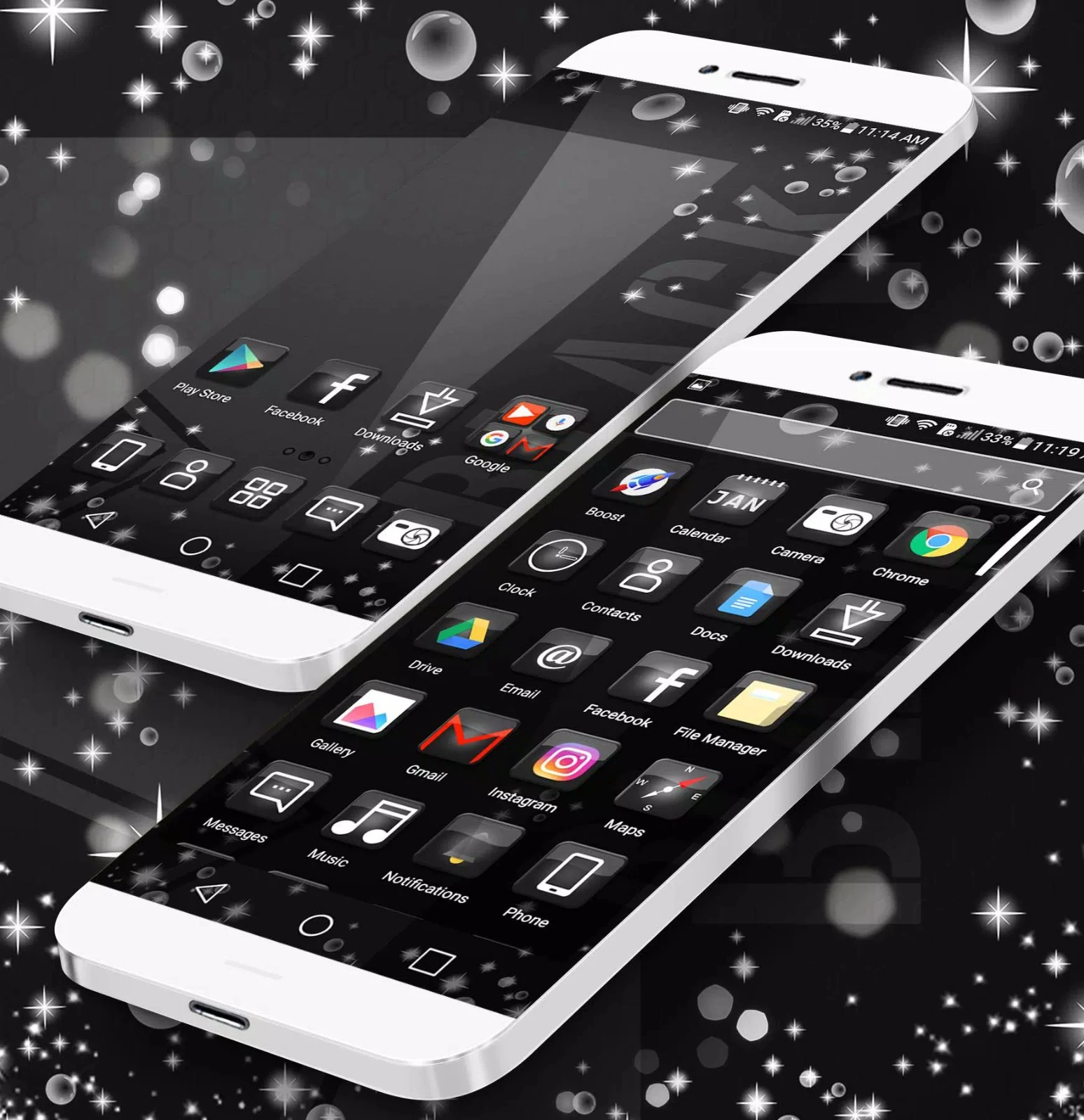
The app changes more than the phone wallpaper. Its themes can be applied to the home screen and lock screen, and they include black icons designed for many popular apps, social apps, and system apps. This allows the main elements of the launcher experience to share a dark visual style.
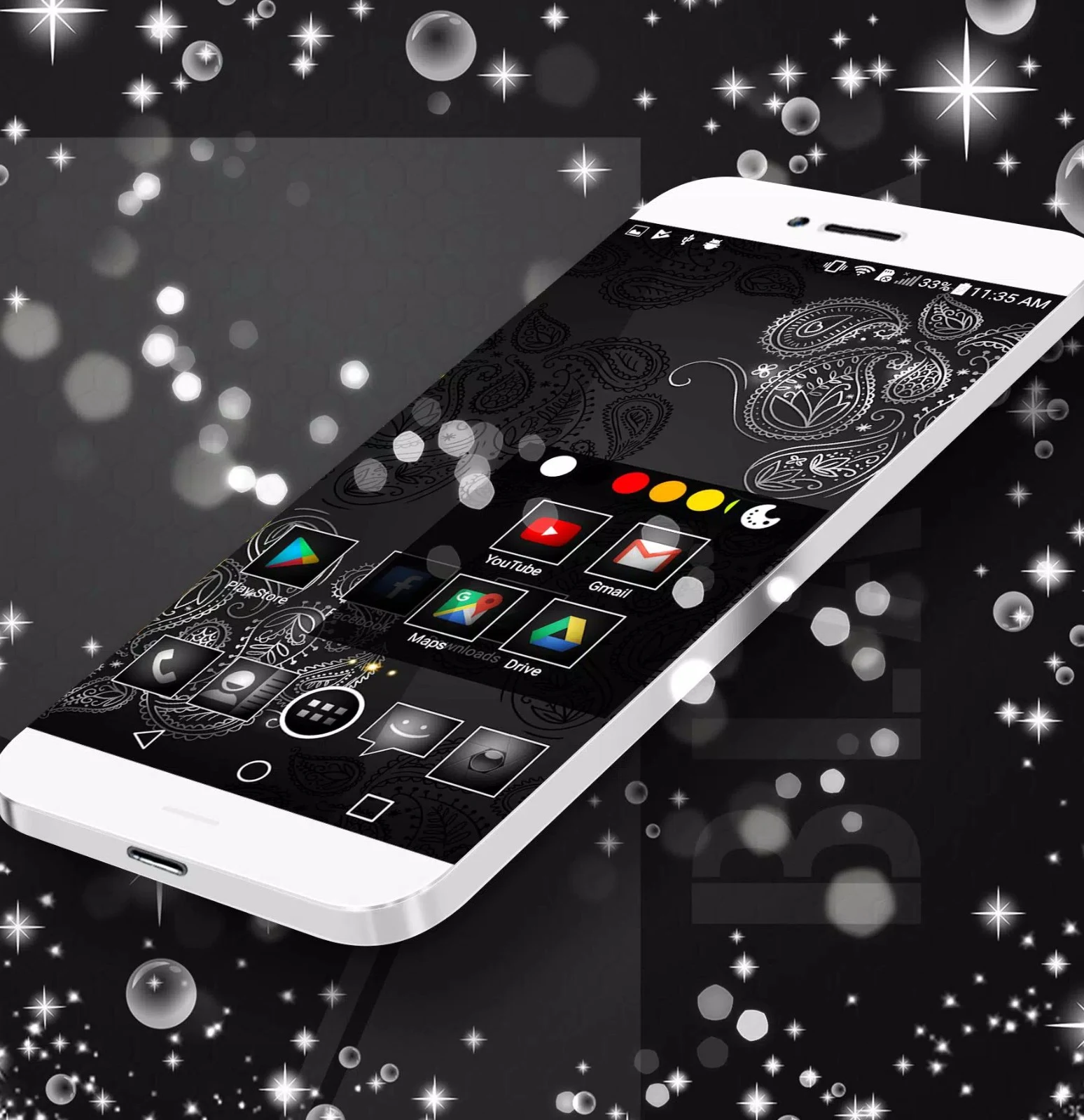
Lock screen customization includes themed decoration and a quick control panel for changing the appearance of password and pattern locks. The available designs combine dark wallpapers with matching icons for a more consistent look.
What launcher features are included?
Black Theme includes icon masking, which makes icons without a dedicated theme appear closer to the selected design. It also supports dynamic calendar icons. The launcher themes can add 3D transition effects, stylish wallpapers, and various touch gestures.
A material-style control panel provides a quick way to apply the theme. These functions are intended for launcher-level personalization rather than changing Android's system-wide dark mode.
How do you activate a theme?
After downloading Black Theme Launcher, open the app and swipe to begin activation. Follow the short installation steps shown on the screen, customize the launcher theme to your preference, and set it as the activated theme on the Android device.
The app is described as straightforward to use, but it requires a separate custom launcher. It is therefore suited to users who are comfortable applying a launcher-based theme rather than looking for a system-level appearance setting.
What types of designs are available?
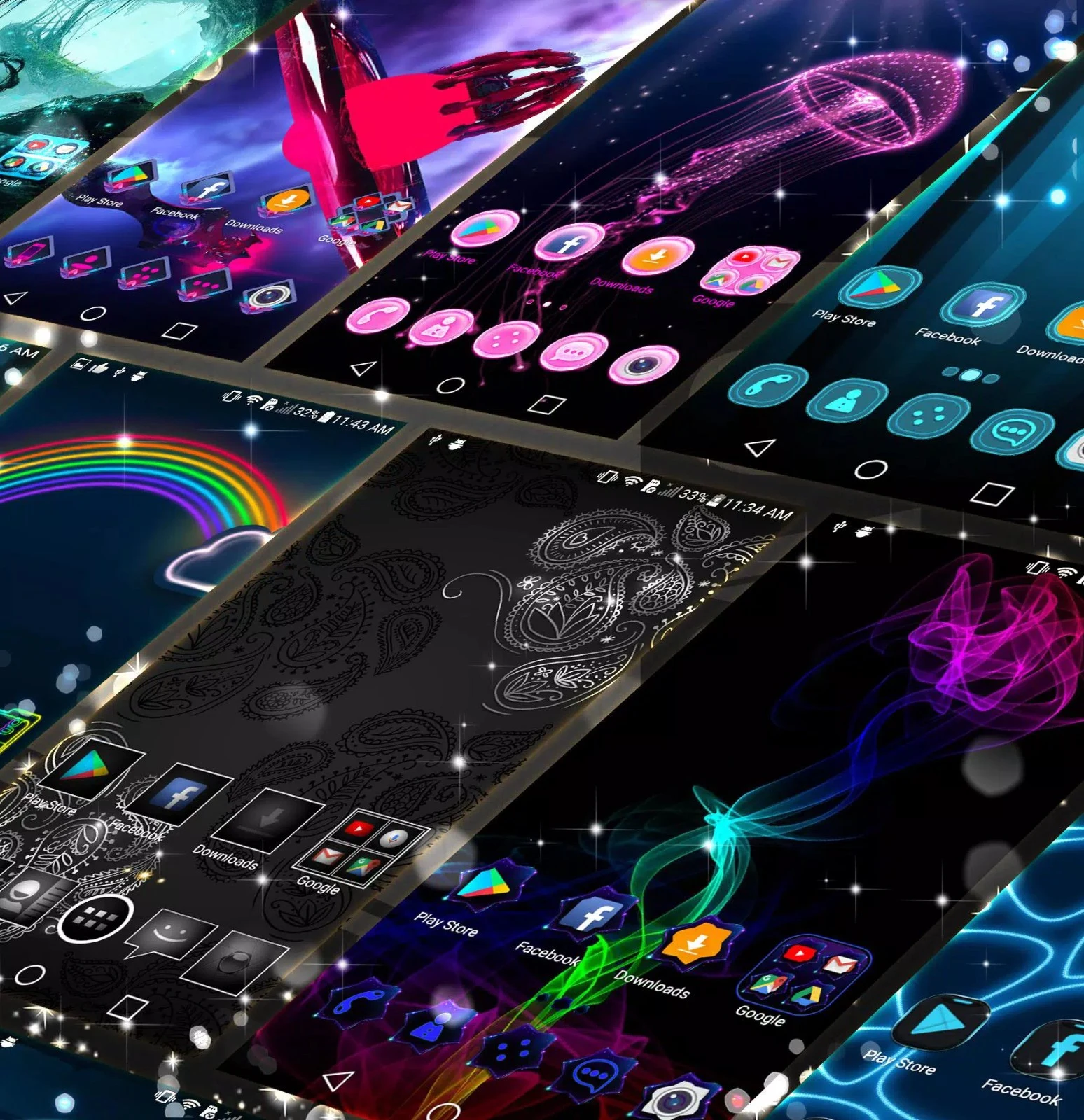
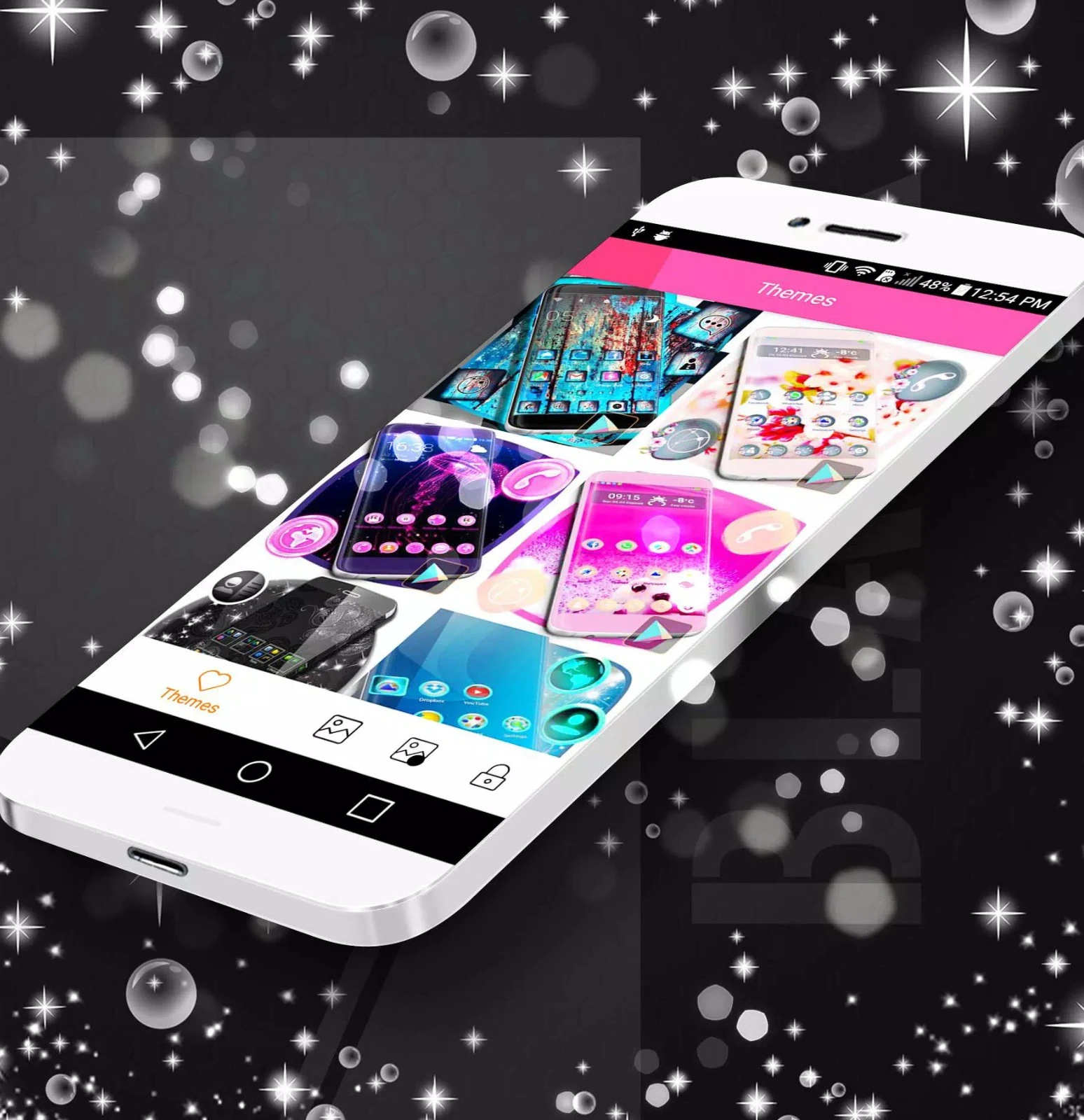
The collection includes high-definition themes, wallpapers, and app icons, with new designs described as being updated daily. The app also provides special designs for occasions such as Christmas and Valentine's Day, giving users seasonal alternatives alongside the regular black-themed options.
Black Theme may be useful for Android users who want dark wallpapers, coordinated icons, lock screen styling, and launcher animations in one visual package. It is available for devices running Android 6.0 or later, while users seeking Android's built-in dark mode should note that this app does not offer system-level dark mode.