

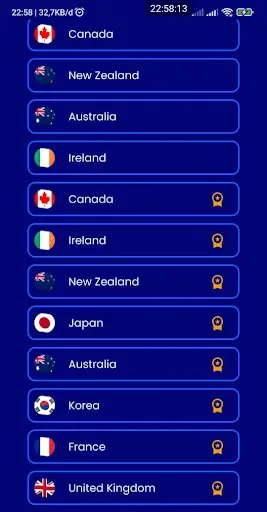
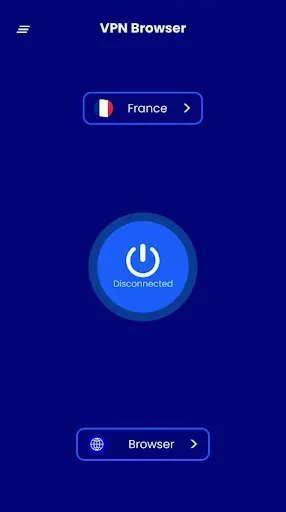

BF Browser & VPN Lite combines web browsing with a VPN service, giving users one app for opening websites and connecting through a VPN. The app description presents a simple starting process: open the app and wait for the VPN connection. It also identifies encrypted internet traffic as part of the VPN feature, without specifying connection locations or other service details.
Browsing and VPN connection
The browser is intended for everyday web use, including reading articles, visiting social media, and viewing videos. The VPN is a separate part of that browsing setup, described as a way to encrypt internet traffic. The source highlights public Wi-Fi as a context in which a user may choose to enable the VPN, but does not provide technical details about its network or connection options.
Ad-blocking controls
An integrated ad blocker is included to block unwanted advertisements such as pop-ups and banners. Its settings allow users to choose which types of ads to block. This gives the user a way to adjust the blocking preference rather than relying only on a single fixed setting. The description does not specify the available ad categories or how individual websites may be affected.
Shortcuts and interface
Speed dial provides one-click access to favorite websites. Users can add frequently visited sites to this feature, so saved destinations are available from the browser without having to locate them through a menu each time. The app description also mentions organized menus, shortcuts, and an interface designed to make navigation straightforward.
Using the features together
In practice, the described tools cover several parts of a browsing session: the browser opens web content, the VPN can be enabled for the connection, ad-blocking preferences can be adjusted in settings, and speed dial keeps selected websites readily accessible. These are the functions documented for BF Browser & VPN Lite; the source does not explain further VPN configuration, browser privacy controls, or additional customization options.