

Benime Mod is a whiteboard animation app for creating presentation and promotional videos. It brings templates, visual editing, text styling, music, and voice recording together so users can assemble video content and prepare it for sharing.
Templates and visual content
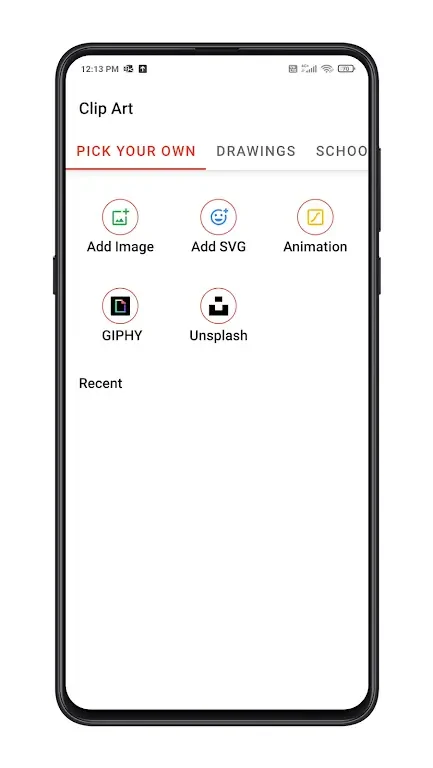
Users can start by choosing a video type or template, including options suited to product promotion. Images or video materials can be added and arranged in the desired order. Built-in resources support animated content, while dynamic slideshow effects provide another way to present material. These options let a project combine visuals with explanatory text or narration.
Editing text, color, and sound
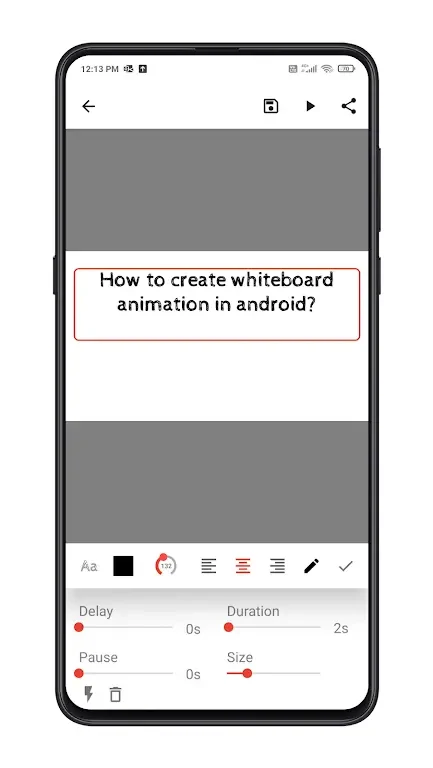
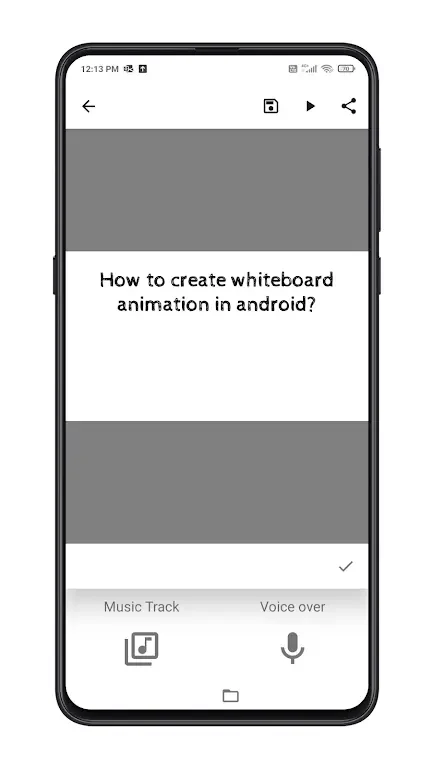
The editing tools allow changes to text style, size, and color. Image adjustments include controls for color, brightness, and saturation. For audio, users can select background music or record a voiceover to accompany the video. The app also lists text-to-speech among its features, allowing text to be used as spoken content. Together, these controls cover visual presentation and sound without requiring the project to rely on a single format of explanation.
From draft to exported video
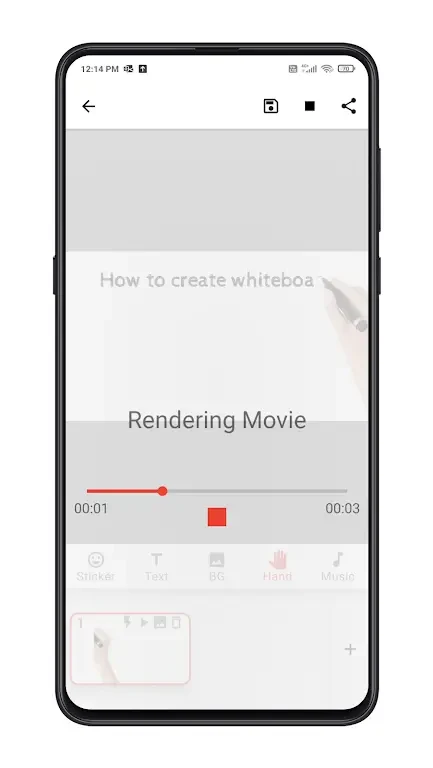
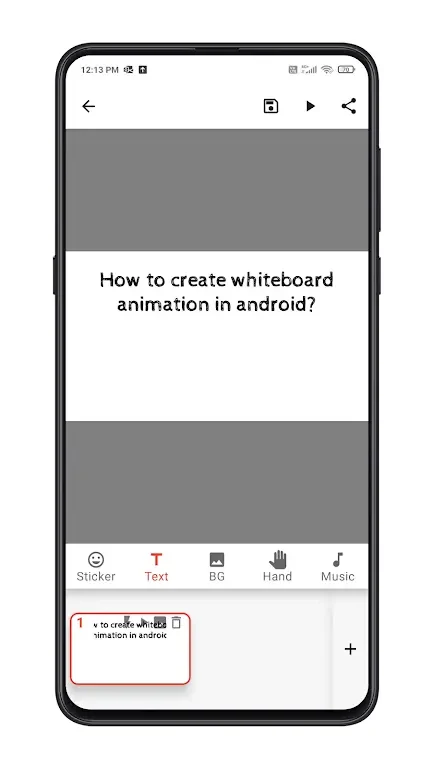
A typical project begins with a template or video type, followed by adding and ordering images or video materials. Users then edit the content with text, color adjustments, music, or recorded narration. The app provides a preview step for checking the result and making further changes before export. Completed projects can be exported as MP4 files; the source describes support for 1080-pixel high-definition output. The exported video can also be shared.
Projects for different purposes
Benime Mod is presented for creating personalized visual videos, including presentations and product promotions. Templates offer starting points for different kinds of content, while the editing and audio tools allow users to adapt each project. This makes the app's functions relevant both to assembling a short promotional piece and to preparing a visual explanation with narration or music.