

BeautyPlus Video is a video and photo editor for shaping visual content with templates, AI-assisted edits, and creative effects. It can be useful when you want to turn photos into a video, adjust a clip’s background, or add finishing touches such as music, text, and filters.
When a background or object needs changing
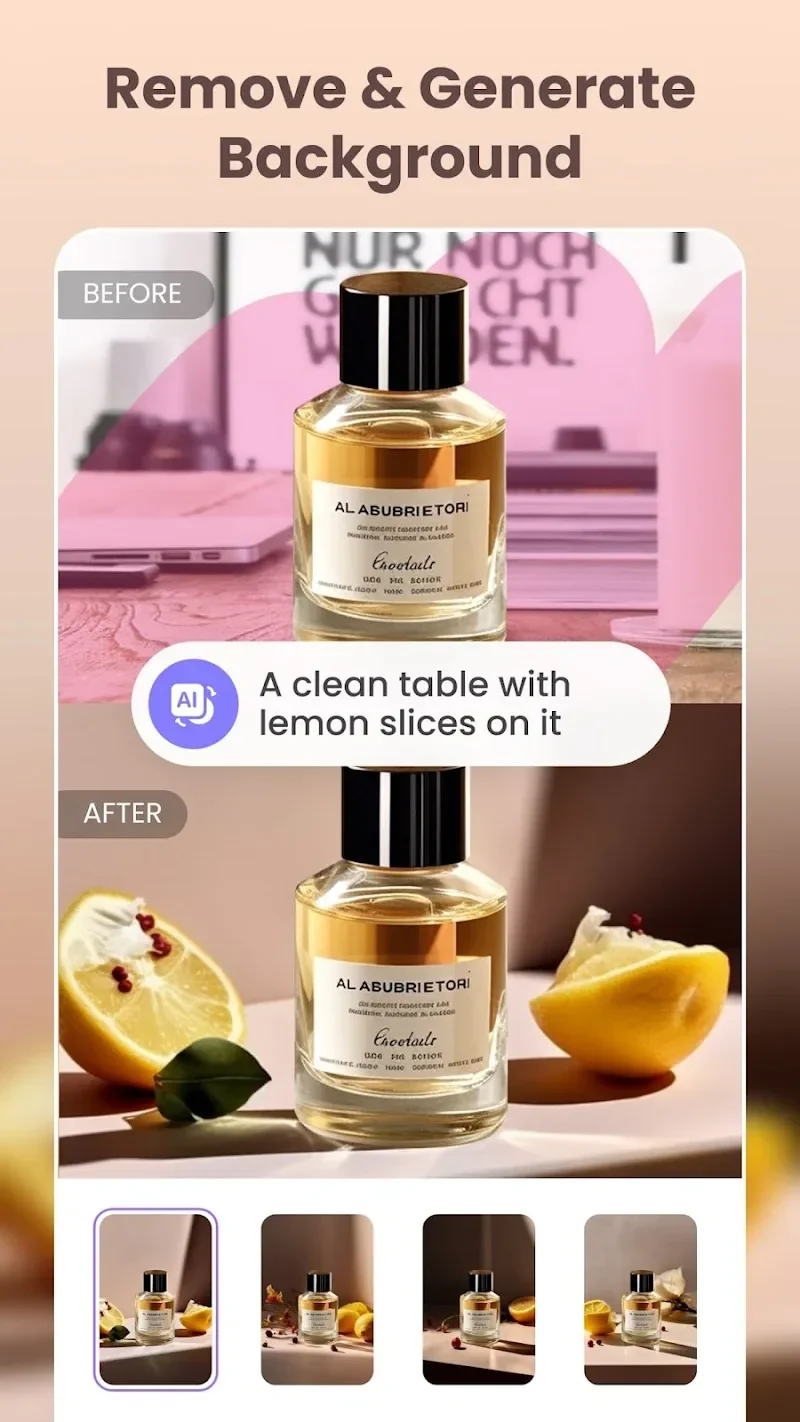
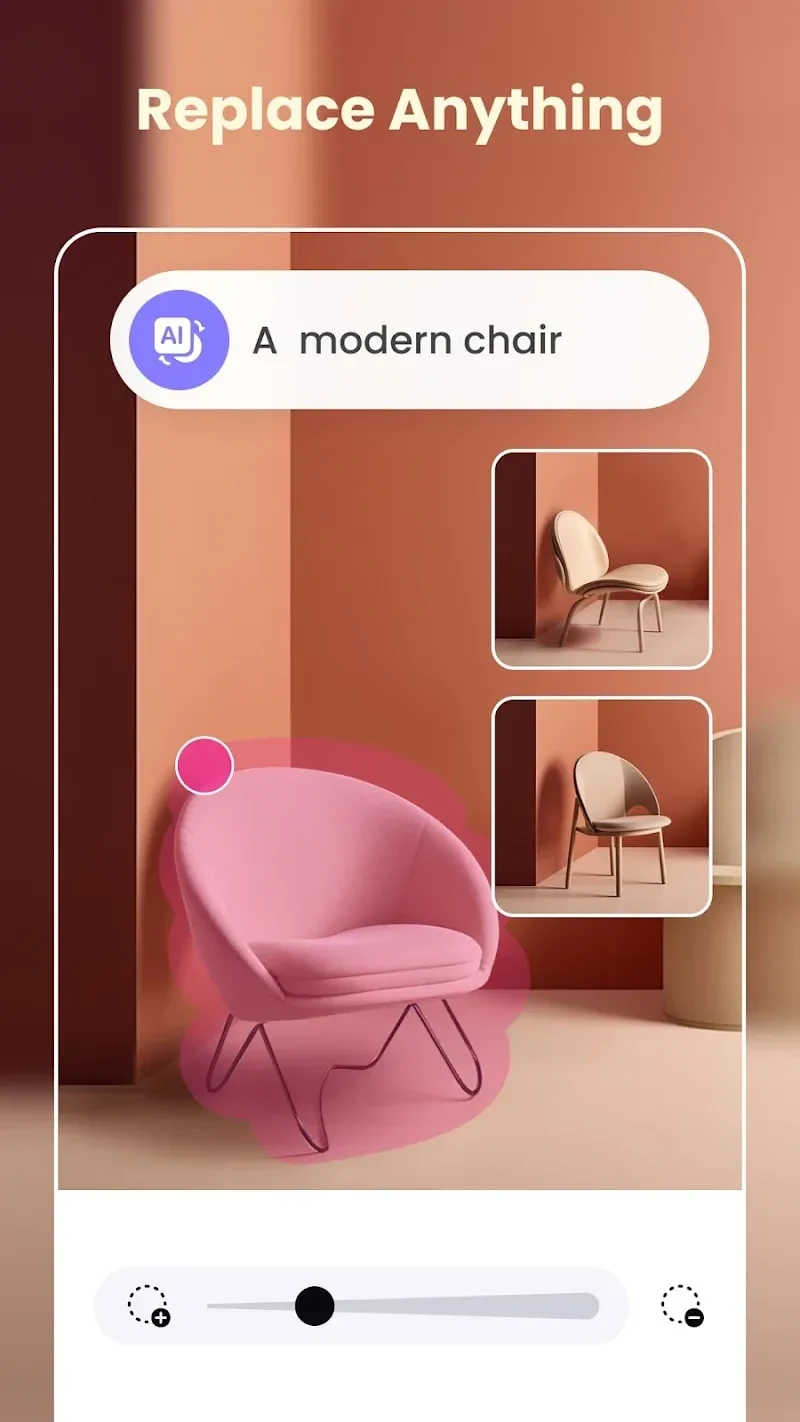
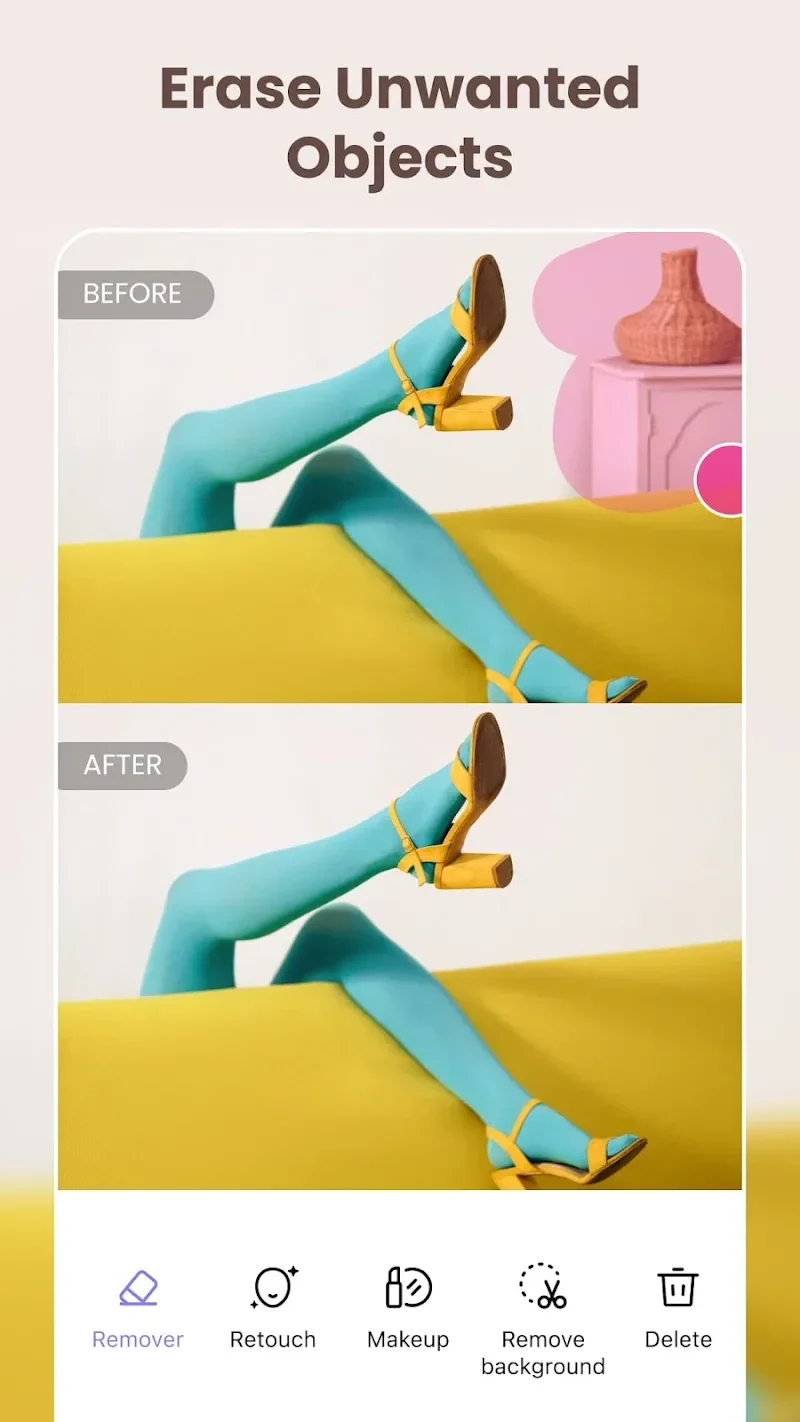
For uploaded photos and videos, the app provides a tool to remove the background. Its AI background generator creates an image background from a written description, while element replacement lets you swap objects in content. A separate object-removal tool is intended for unwanted items in photos. These options address different editing tasks: changing the setting, replacing an element, or cleaning up an image.
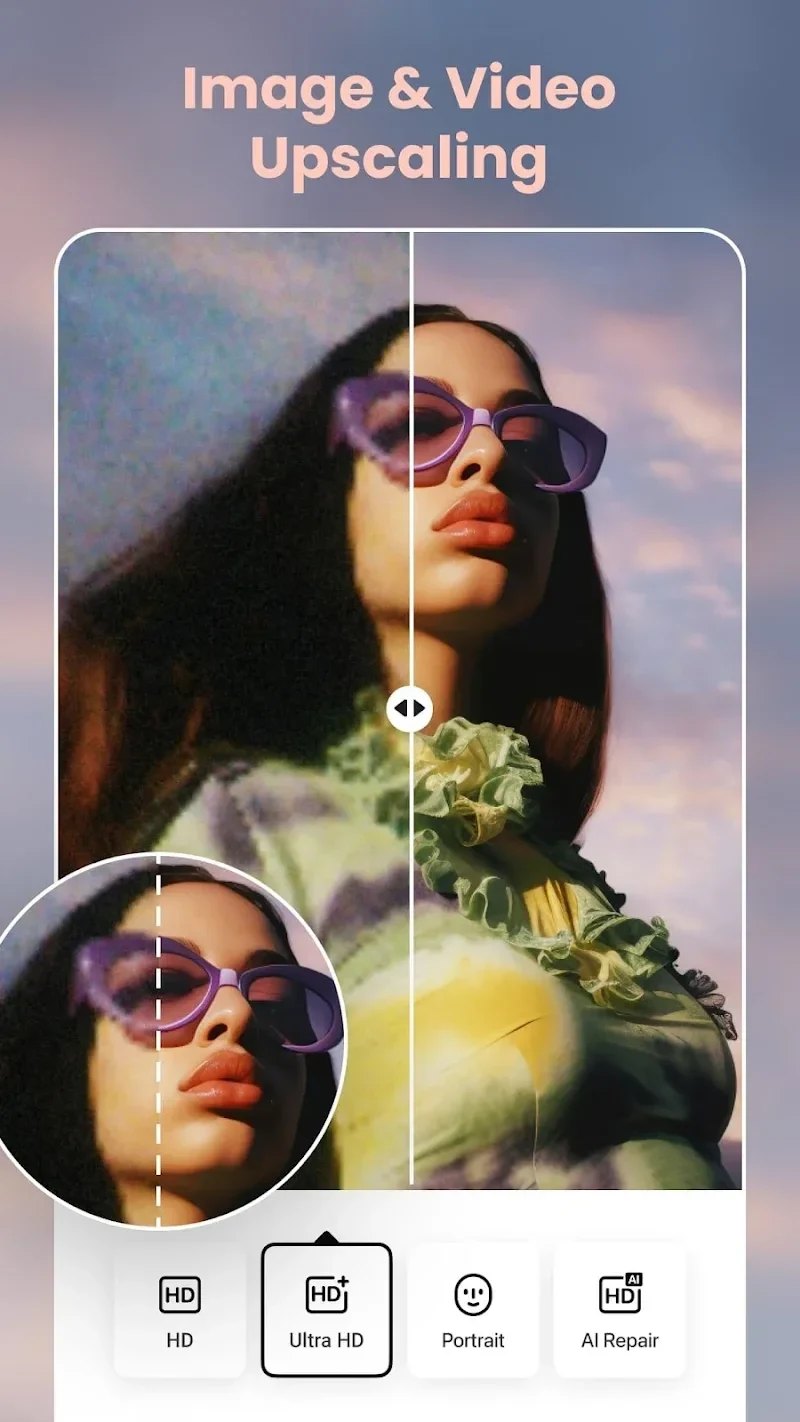
For footage that appears low in resolution, the video upscaling tool is described as a way to upgrade it to higher-quality visuals. The source does not specify supported resolutions or the results to expect for a particular clip.
When making a video from photos
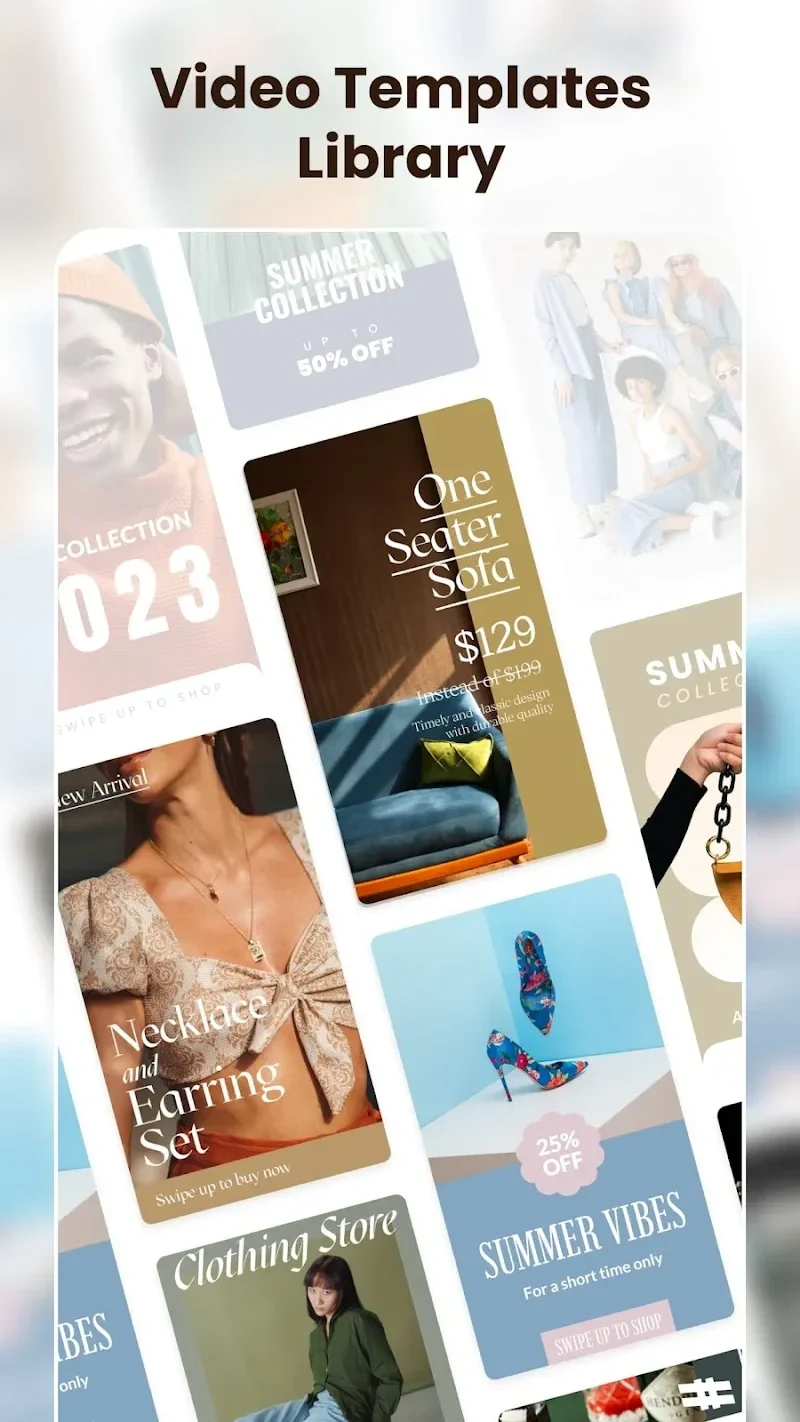
The template library supports a simple photo-to-video workflow: add photos and choose a template to create a video. The description also says images can be placed in the editor and a template selected, with music available as an additional video element. Captions and other text can be added using the AI Writer, which is intended to generate text for photos and videos.
When refining photos and selfies
BeautyPlus Video also includes photo-editing options. Filters range from soft to vibrant styles, and the filter effect can be previewed when selecting an image. For selfies, the listed makeup tools can adjust makeup and change skin tone, hair color, and eye color. Other described portrait tools include blemish removal, teeth whitening, and AI-powered automatic beautification.
When adding visual details
Stickers, including AR stickers, provide another way to decorate photos. The description lists thousands of stickers across different themes, along with text options in various fonts. It also refers to more than 30 editing tools, bringing these additions together with the app’s filters and photo adjustments.
When preparing content to share
The app is presented as a way to create videos and share them on social media platforms. Its description also mentions exporting finished work to compatible video platforms, without naming specific services. Accessing camera, photo, and storage content may involve permission requests, as these are the device resources identified for the editing tools.