
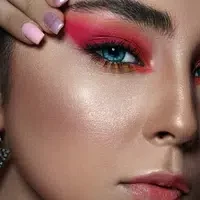
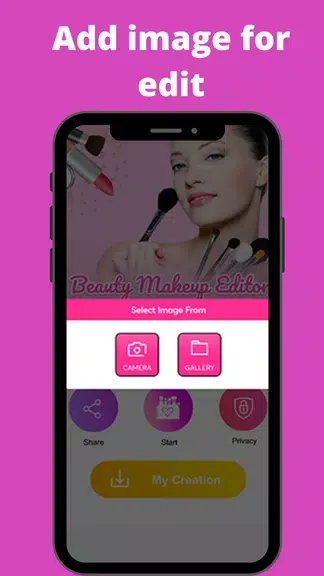
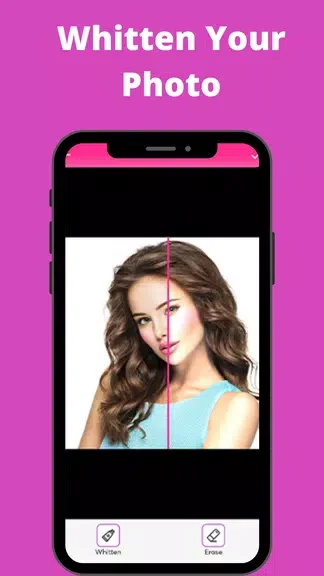
Beauty makeup Photo Editor is an Android app that lets users enhance selfies by applying makeup effects such as lip color, eyeshadow, blush, eyebrow shaping, and hair color changes. The main task it addresses is transforming ordinary photos into polished beauty images through skin correction and creative filters, with the clearest supported benefit being the ability to experiment with looks and achieve a flawless appearance in just a few taps.
How can users correct skin imperfections in their photos?
The app provides skin-perfecting tools that include acne removal and teeth whitening. These functions allow quick fixes to common photo issues so that the overall complexion appears smoother and more even without additional editing steps.
What makeup and style options does the app offer for customization?
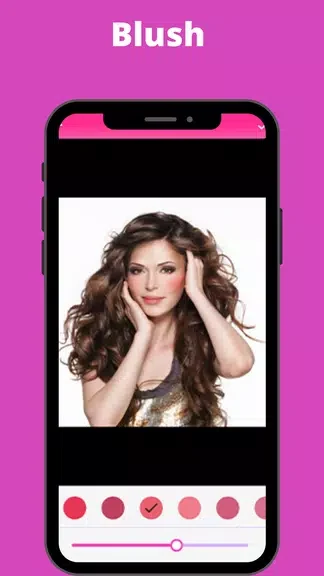
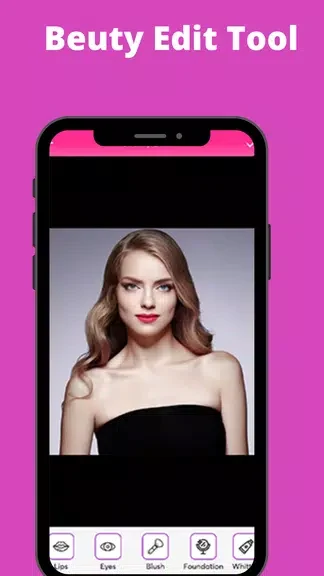
Users can select from face makeup, eye makeup, lip color, blush, and eyebrow shaping tools. They can also change hair color and add accessories such as eyeglasses filters, enabling them to try natural or bold styles and combine elements to create a personal look.
Which filters are available and how do they affect images?
A range of filters is included for adding artistic touches. Options support vintage or modern styles, letting users adjust the mood and color tone of selfies after makeup and skin edits are applied.
Who benefits most from using Beauty makeup Photo Editor?
The app suits makeup enthusiasts and selfie lovers who want to experiment with different styles and refine their photos. It supports free trial of looks through its listed features, making it practical for anyone seeking simple photo adjustments in the Tools category.