


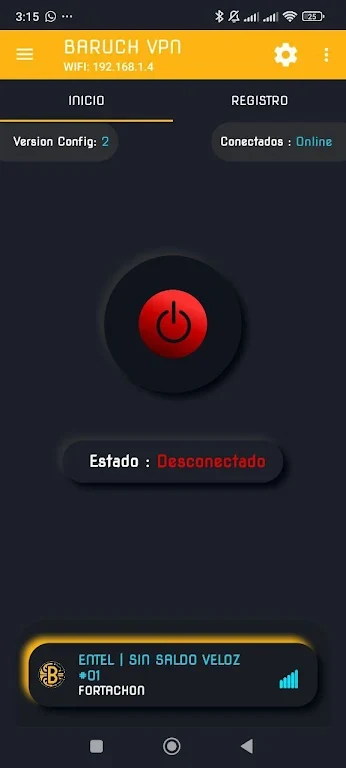
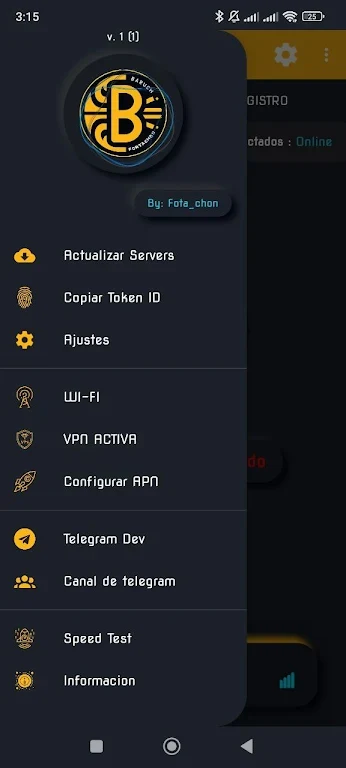
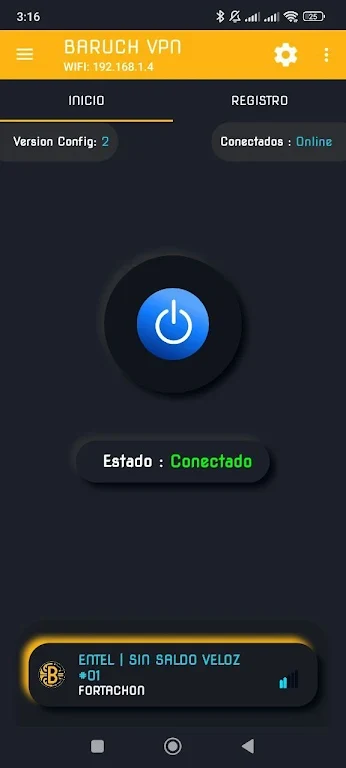
BARUCH VPN is an Android VPN and proxy app designed to help users browse through a protected connection, access blocked websites, stream videos and movies, and use public Wi-Fi with added privacy features. The service is presented as free with unlimited bandwidth and a selection of high-speed servers. Its clearest convenience is one-touch connectivity, which avoids complicated setup. The source also states that registration and login are not required and that no user data is stored, while the app encrypts internet traffic and masks the user’s IP address.
How does BARUCH VPN connect you to a server?
The app provides a wide range of servers in different locations and is designed around simple, one-touch connection. Users can select a server and connect without creating an account or signing in. Trying different locations may help users find a server that suits their browsing needs, including situations where one location provides better access to region-restricted content.
The source describes the available servers as high-speed options intended to support browsing and streaming. Actual results can depend on the selected server and the user’s connection, so the app’s location choices are most useful for adjusting the connection to personal needs.
What online activities does the app support?
BARUCH VPN is presented for accessing blocked websites, watching videos and movies, browsing, and downloading large files. Its unlimited-bandwidth description means the service is intended to avoid a stated data quota while users carry out these activities, including streaming HD video.
Can you choose which apps use the VPN?
Yes. BARUCH VPN includes an option to select specific apps that use the VPN. This lets users direct VPN protection toward chosen applications rather than treating every app identically, which can help them prioritize the apps they consider most sensitive.
Which privacy and connection settings are available?
The source says BARUCH VPN encrypts internet traffic and masks the IP address, with the aim of protecting sensitive data and supporting safer use of public Wi-Fi. It also states that no user data is stored and that registration is not required.
Additional settings listed in the source include automatic reconnect, a kill switch, and split tunneling. These options can be enabled or adjusted according to the user’s preferences, although the source does not explain the detailed behavior of each setting. Overall, the app may suit Android users looking for a straightforward VPN connection, flexible server selection, app-specific VPN use, and unlimited-bandwidth browsing without an account.