
B612 is a photography app for capturing and editing photos and videos with filters, beauty tools, and creative effects. Its camera applies filters and makeup effects as you shoot, while editing tools let you adjust images afterward or create animated content.
What can the camera apply while you take a photo?
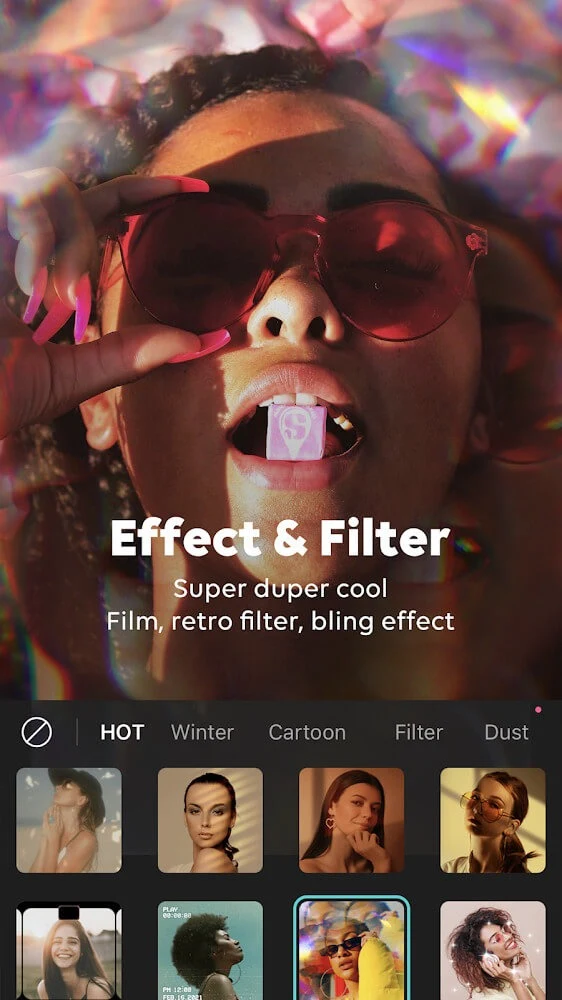
The camera offers real-time filters, beauty effects, and AR makeup, so these can be previewed while capturing an image rather than added only afterward. The listed effects include playful additions such as animal features and sparkling eyes. The app also describes recommendations for beauty and special effects based on facial shape and weather conditions, as well as adjustments that consider facial features, lighting, color tone, and composition.
For different shooting situations, B612 lists high-resolution and night-scene modes. These sit alongside the live effects, giving users several camera options to consider before taking a shot. The source does not specify technical settings or performance requirements for these modes.
What can you change when editing a photo?
For more detailed adjustments, the editing tools include controls for color curves, colors, and tones. These provide options beyond applying a preset filter, while retouching and beauty tools can change the image’s appearance. The app also includes fashion-oriented and humorous effects. These editing choices can be used to shape a photo’s look, but the available source does not describe exact adjustment ranges or name individual editing controls beyond those listed.
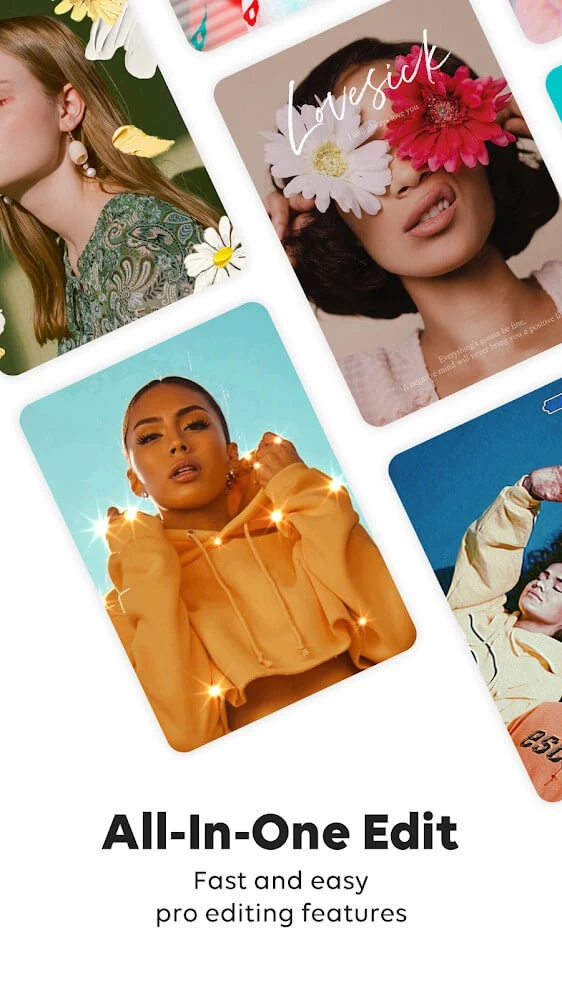
B612 also offers stickers and text templates for decorating images. The described themes include occasions such as birthdays, Christmas, and Halloween, with colorful effects. Its sticker store is presented as having a large selection of templates. These additions are separate from the camera’s live beauty and AR effects, and provide further ways to customize a finished image.
Can you make or share your own filters?
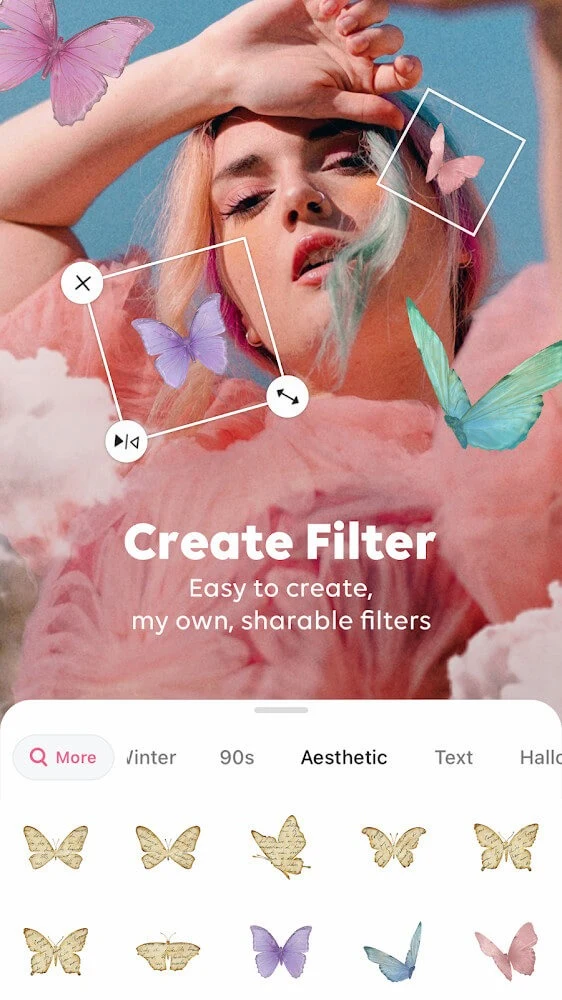
The app supports creating custom filters by layering or combining built-in ones. Users can save filters they create for later use and share them with friends. This makes the filter tools relevant not only for applying ready-made looks, but also for keeping and passing along personalized combinations. The source does not specify how shared filters are distributed or what privacy controls are available, so those details should not be assumed.
Does B612 support video and GIF creation?
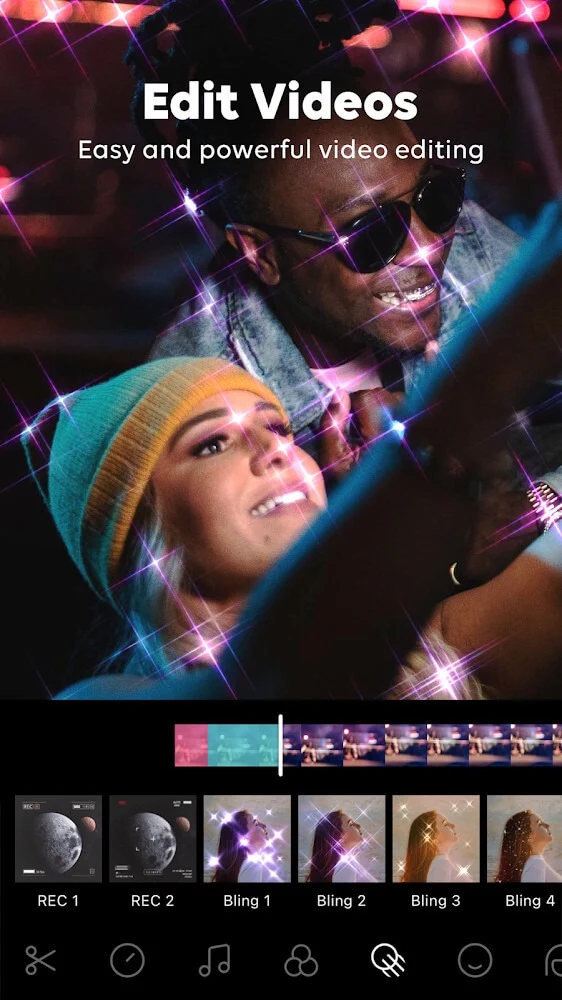
Yes. B612 describes tools for turning images into animations and editing video clips with effects. Its camera and effects can also be used in video mode, according to the supplied information. These features make the app suitable for creating short visual content as well as still photographs, though the source does not provide limits on clip length or output formats.
For video sound, the description lists a library of more than 500 songs and an option to pull audio from other videos. It also mentions customizing and saving personal sounds. These audio options are presented as part of the creative tools, but no details are given about supported audio formats or usage rights.
How do the tools fit together?
B612 is described as combining capture, editing, enhancement, decoration, and export for photos and videos in one interface. In practical terms, the listed functions cover several stages of creating an image or clip: applying effects during capture, making adjustments, adding stickers or text, and producing animated or video content. The source describes the interface as accessible, but does not give setup instructions or explain every screen and control.
The filter and AR-effect collection is described as receiving regular additions, including video filters and trend-oriented effects. No particular update schedule is specified. A pro account is mentioned in connection with access to additional functions such as film color, but the supplied information does not state its price or detail the full difference between account options.
What kinds of projects are covered?
The supported tools span selfies and other photos, edited portraits, images decorated with themed text or stickers, GIFs, and effect-based video clips. Users who mainly want live camera filters can use those during capture, while those looking for more control can use the listed color and tone adjustments. Custom-filter creation and audio options provide additional ways to personalize content. The source does not establish a minimum Android version or give device-specific compatibility details.