

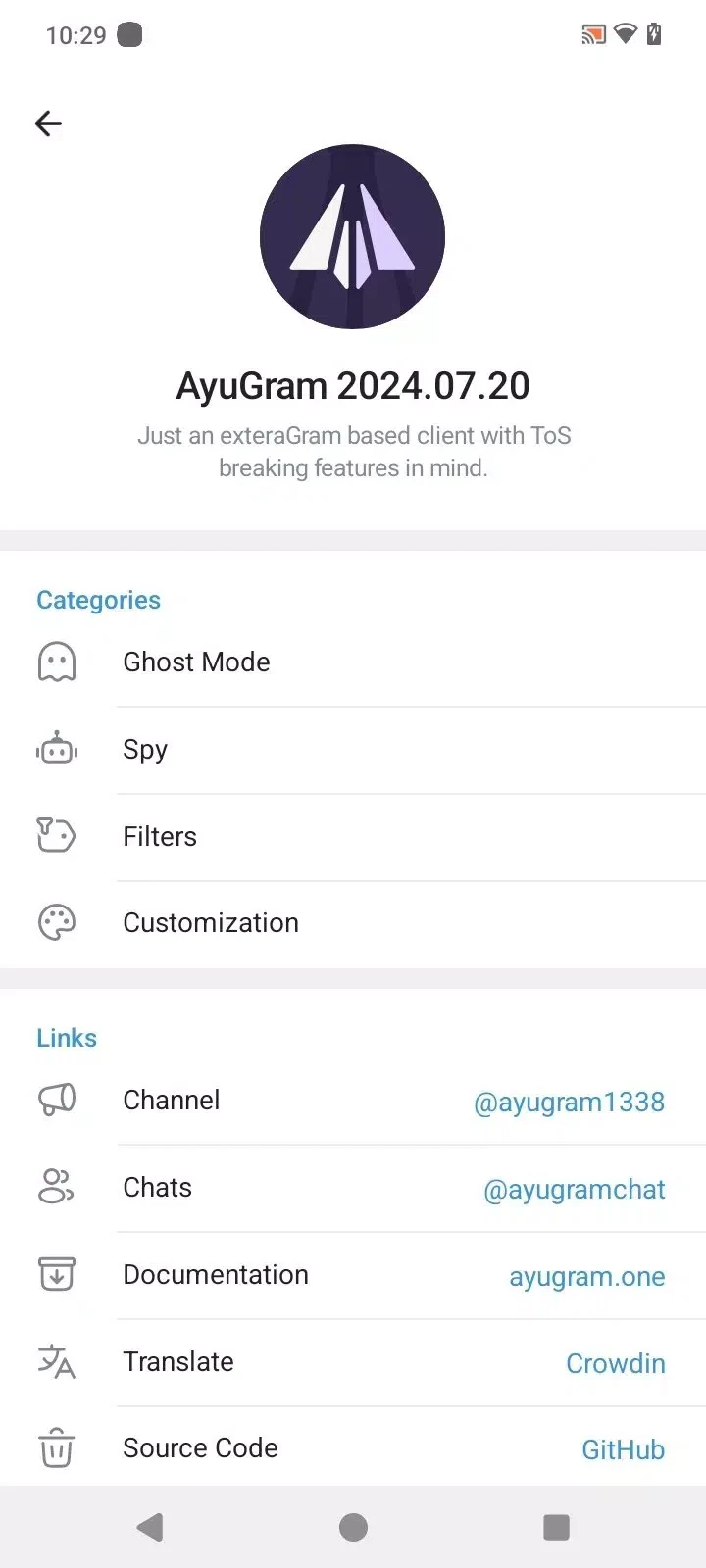

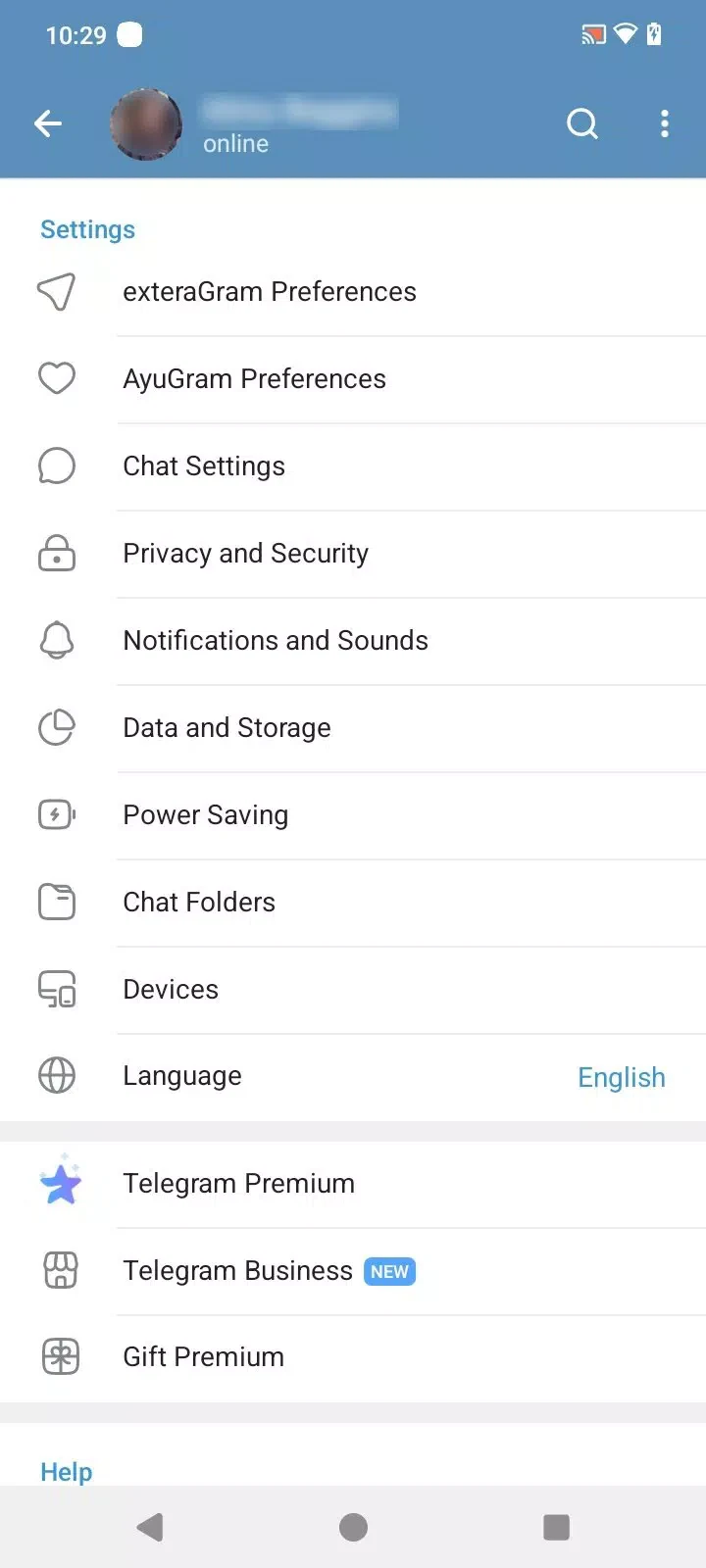
AyuGram is a Telegram client, and its most concretely described function is preserving message history. According to the supplied material, it keeps chats, messages, pictures, and videos available over time, so that conversations are not lost when temporary data is cleared. The other tools in the app, including filters, screenshot options, and privacy controls, are documented as supporting that core purpose and shaping how a user reads and manages conversations.
Keeping chat history after the cache is cleared
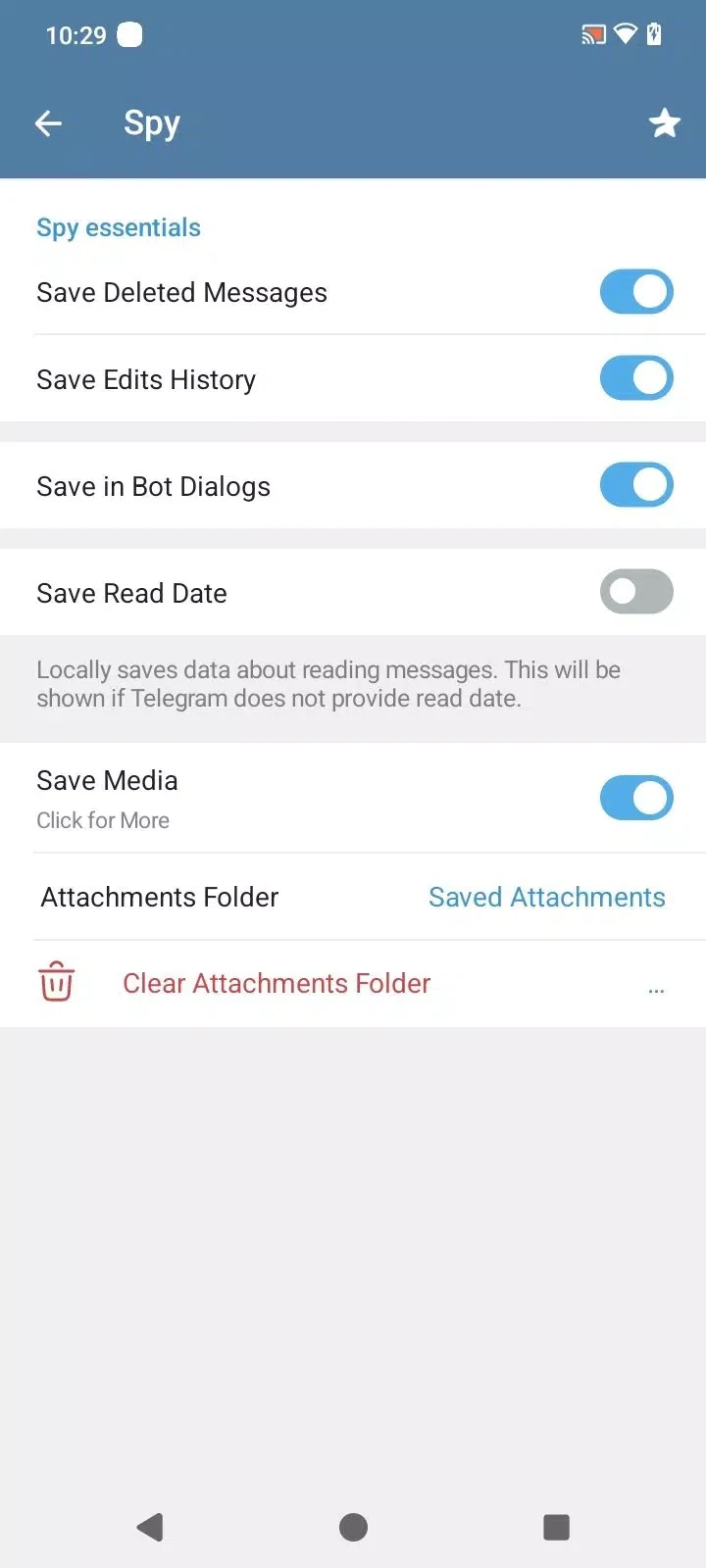
The source describes message history preservation as the main difference from many Telegram modifications that store messages only temporarily. Under this design, chats stay intact even after the app cache is cleared, which the source presents as protection against losing important conversations or media. The material also states that history is not removed unless the user deletes it manually. This makes the feature relevant for people who want dependable access to earlier conversations without relying only on Telegram cloud storage.
The description adds that saved messages, pictures, and videos can be located by entering keywords. The supplied text does not explain how the search is organized, how results are ranked, or how much history can be stored, so those details should not be assumed. What the source does establish is the combination of persistent storage and keyword-based retrieval for remembered content.
Filtering what appears in conversations
Message filters are the most detailed supporting tool in the source. They are described as a way to hide unwanted messages or advertisements in chats and channels. Filters can be applied globally or to individual chats, and they can use simple keywords or regular expressions. The source gives examples such as blocking messages from blocked users, hiding messages that contain particular tags or buttons, and blurring filtered messages within dialogs.
Used alongside saved history, filters let a user decide which content remains visible while reviewing conversations. The source frames this as a way to keep chats focused, but it does not describe how filtered content is stored or whether it can be restored in the interface.
Screenshots in secret chats
The supplied material states that AyuGram allows screenshots within secret chats, a function it says is typically restricted in the official Telegram client. The source also says this capability does not notify the other participant. Because this is a claim made by the source rather than an independently verified behavior, users should treat it as a documented description of the app rather than a guaranteed outcome. The description separately mentions automatic screenshots of liked content, but it does not explain how that process works.
Privacy controls for online status and activity
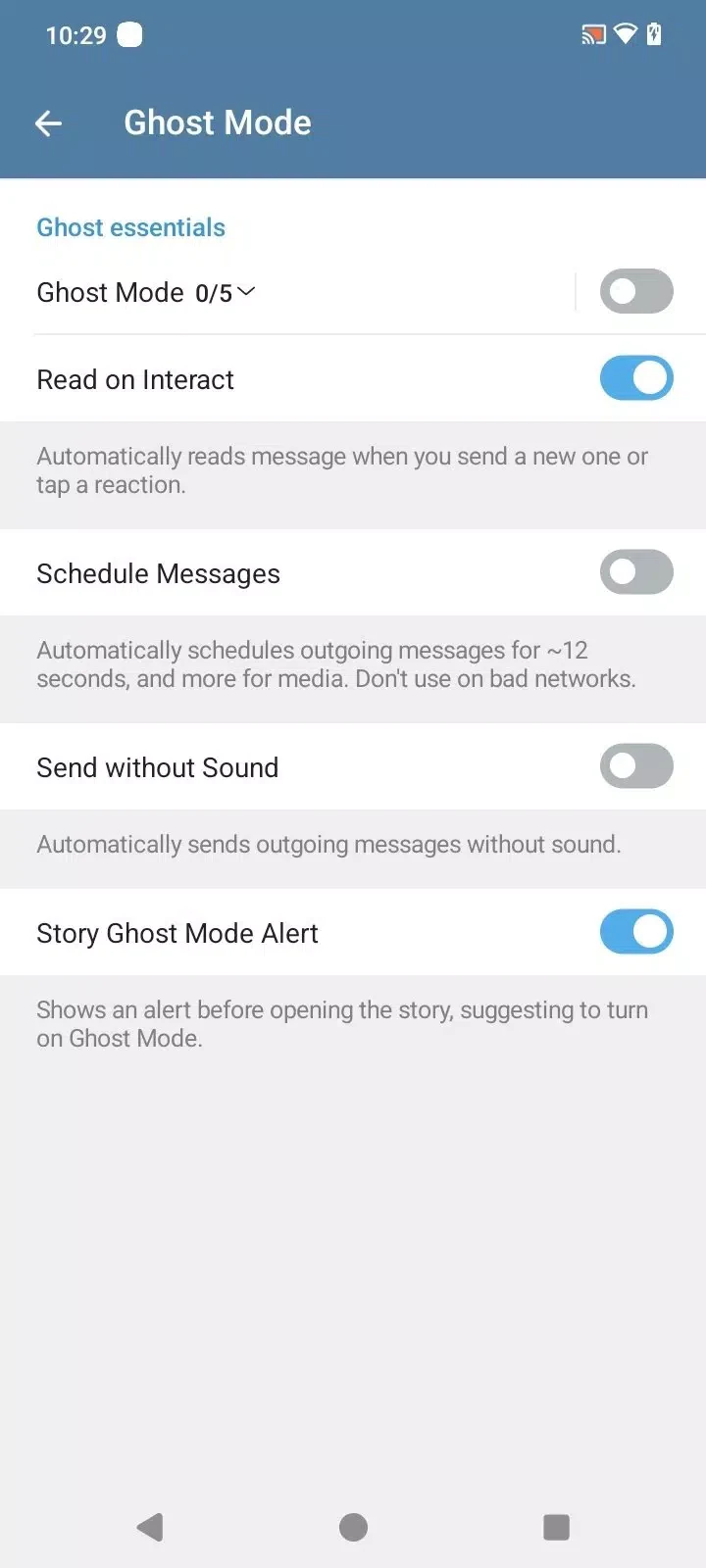
Ghost Mode is presented as the app's main presence control. It is described as a way to hide online status so that a user can read messages without the sender seeing that they are online. Custom privacy settings are listed as controls over who can see online status, last seen information, and profile pictures. Spy Mode is described as adding another privacy layer by limiting visibility and interaction on Telegram, but the source states that specific details are part of the broader privacy controls and does not explain them. For that reason, this section does not claim more about how Spy Mode operates than the source provides.
Appearance and interface options
The supporting interface options include themes and colors, font and layout adjustments, custom folders for organizing chats by category, quick access to chats, groups, and settings, and multi-language support. These are presented as ways to personalize the app rather than as core functions of history preservation. The source also highlights end-to-end encryption and says the app protects chat history and account information, but it does not provide detailed technical documentation for those claims, so they are best read as the developer's stated aims.