




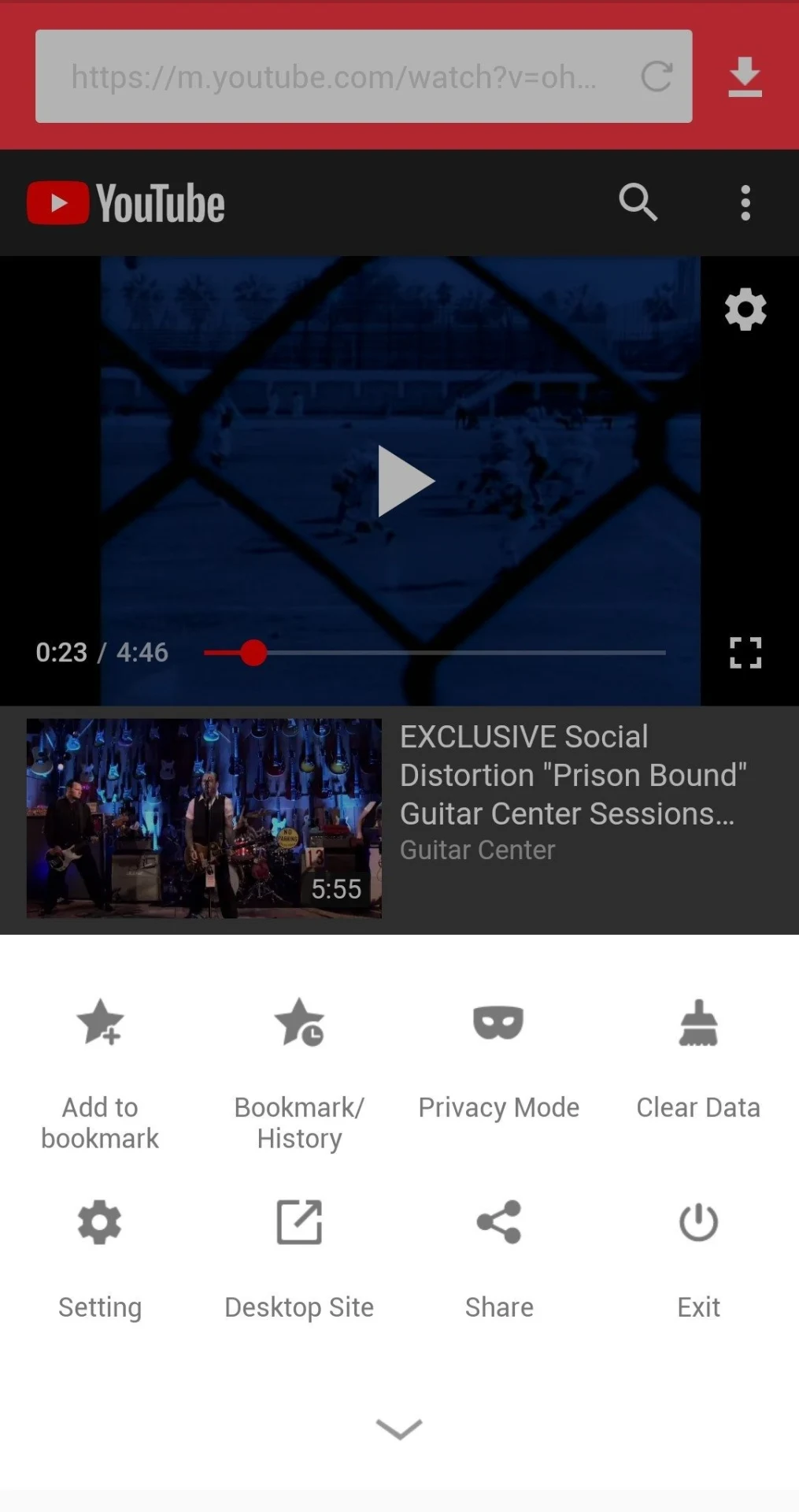
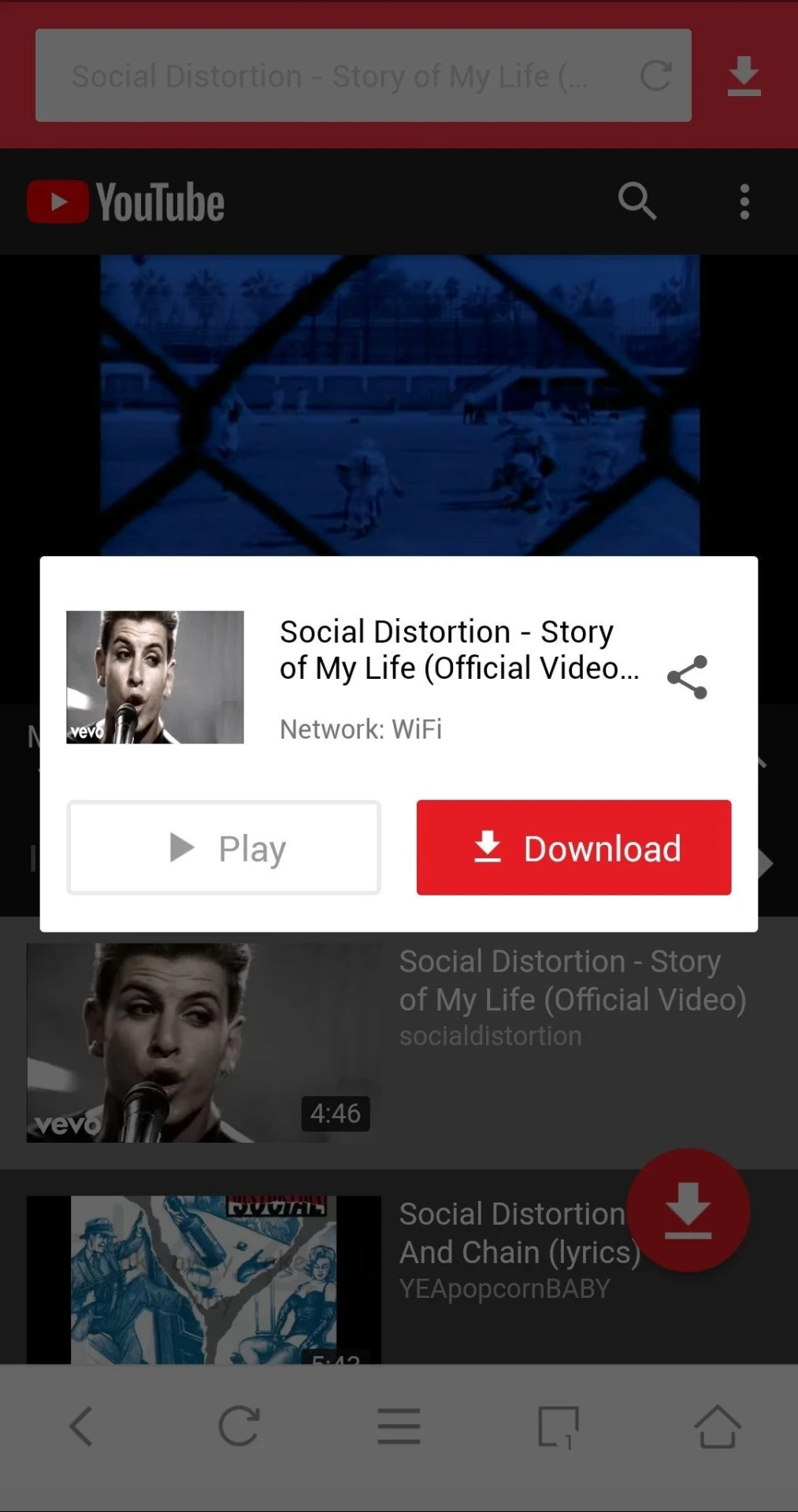
AyaTube helps users save videos or audio from media websites to their device, so downloaded content can be played without an internet connection. The app lets users browse streaming sites, search for an artist or song, or select a category or video before choosing to play or download it. For a download, users can select the video resolution or choose audio only, which can help conserve phone storage when video is not needed. Background downloading lets a transfer continue while the user does other things in the app or on the device.
Finding and saving media
Browsing and search lead into playback or downloading in the same app. The source lists YouTube, Facebook, Instagram, Vimeo, and Twitter among the platforms AyaTube can download videos from, and notes that Facebook and Instagram videos are supported. Users can save a full video or download only its audio, depending on what they want to keep.
Choosing quality and organizing downloads
Video resolution can be adjusted before downloading. Lower quality may use less storage, while the source cautions that high-quality videos can take up significant space. Users can also create their own playlists, giving them a way to organize saved media for later listening or viewing.
Playback and background use
A built-in player can parse and play various file formats, according to the description. AyaTube also supports background downloads, so users do not have to keep the app in the foreground while a file is being saved. Together, these features cover browsing, downloading, organizing, and playing media within the app.
Channel tools
The source says AyaTube can be used to manage a channel in a way similar to the YouTube app. It presents this alongside media browsing and downloading, although it does not detail which channel-management tasks are available.