

Aurora Store is an Android app store for finding, downloading, and managing applications, games, and modules. Its built-in search and categorized catalog are designed to help users locate both popular titles and more niche software. Store pages can include descriptions, screenshots, user reviews, and update history so that users can inspect an app before installing it.
Browsing apps and games
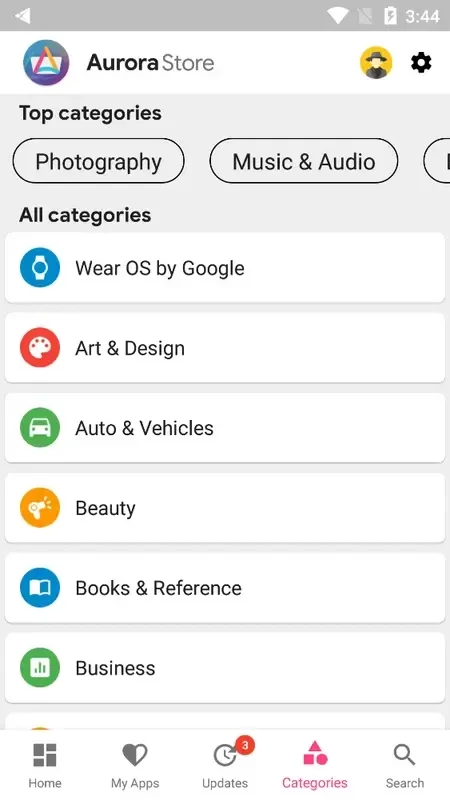
The store organizes its catalog into different categories and subcategories. This gives users several ways to explore the available content: they can search for a particular title, open a category, or browse sections focused on popular apps. The source description also mentions trending lists and top charts for areas such as games, commerce, and lifestyle.
Each listing can provide more context than the app name alone. Descriptions, screenshots, reviews, and update information help users compare the available details before choosing an installation. The catalog is described as covering a wide selection of apps and games, including both commonly used software and less prominent titles.
Finding previous app versions
Aurora Store includes a function for searching for and downloading earlier versions of apps and games. This can be useful when a user is looking for a particular release rather than the newest version. The source specifically identifies compatibility with a device and preference for a stable earlier release as reasons someone might use this option, without identifying a universal version-selection rule for every listing.
Managing installed applications
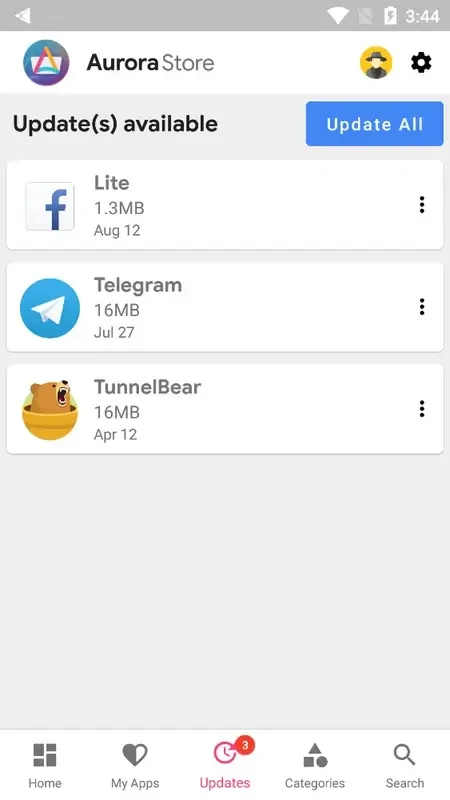
In addition to serving as a catalog, Aurora Store can be used to manage apps that are already installed on the device. Its update area lists applications with available updates, allowing users to select an app and install its newer version from the store. This brings discovery, installation, and update checking together in one interface.
The source also describes automatic update support and settings for controlling update notifications. Users may be able to adjust how often notifications appear and when they want to receive them. These controls are intended for keeping track of changes to frequently used applications without checking every listing individually.
Sign-in and privacy options
A Google account is not presented as a requirement for using the store. The supplied information says that users can choose between a Google account and an anonymous account when signing in. This gives the account choice a distinct place in the setup and use of the store.
The app is described as privacy-focused and as operating without requiring Google account login. The source also states that it contains no trackers and that user data is protected through encryption, while security scans are said to confirm that files are free from adware and malware. These are source-provided descriptions of the app and its files, not an independent security assessment.
Interface and download handling
Aurora Store is presented with a clean, simple interface intended to make browsing and downloading straightforward. Its listed package size is under 6 MB, so the store itself is described as lightweight. The source also claims fast download speeds and minimal buffering, although actual download performance can depend on the network and other conditions.
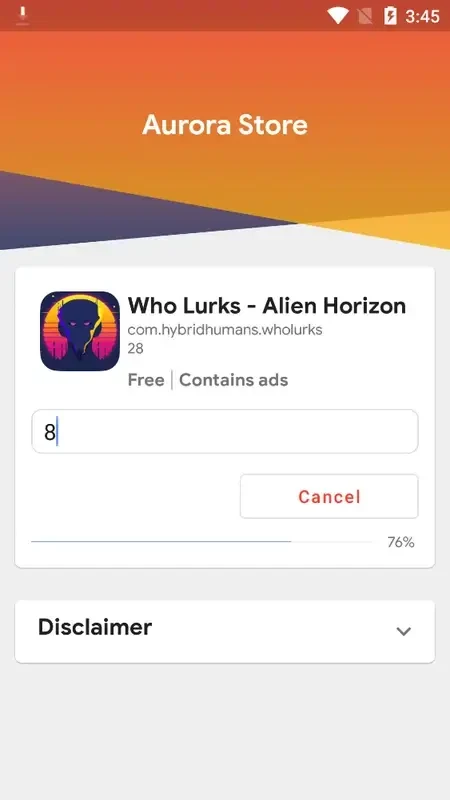
Installation follows a familiar app-store pattern: choose an application from the catalog and use the install control. The supplied FAQ says that users who have used other app stores should not need to learn a different basic installation or removal process. The same material states that the store can be installed on Android TV, though it does not provide a detailed device compatibility list.
Catalog maintenance and continuing additions
The store is described as receiving more apps and modules over time, with update history shown on supported listings. This helps users see whether a title has received changes and provides additional context when choosing between available releases. Together with category browsing, search, previous-version access, and installed-app management, these functions make Aurora Store a tool for both discovering software and maintaining applications already on a device.