

Overview
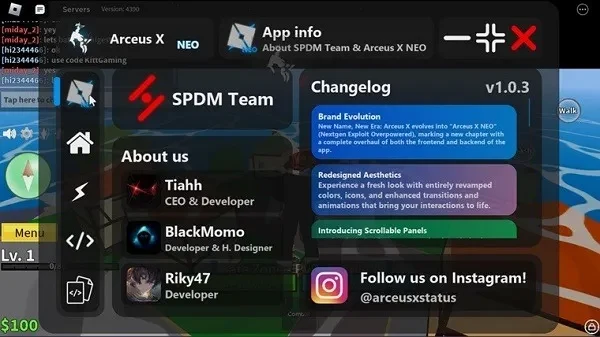
Arceus X is an application for Roblox players who want to use custom scripts and gameplay modification tools from a mobile device. Its main interface combines a script center with a customizable floating menu, allowing users to access controls while playing rather than switching repeatedly between screens. The app supports LuaU scripts and lists compatibility with Android, iOS, and PC environments. Setup includes obtaining a key, completing a three-step verification process, and reopening the application before using its Roblox-related tools. The available options include movement changes, object manipulation, and other script-based adjustments.
What You Can Do
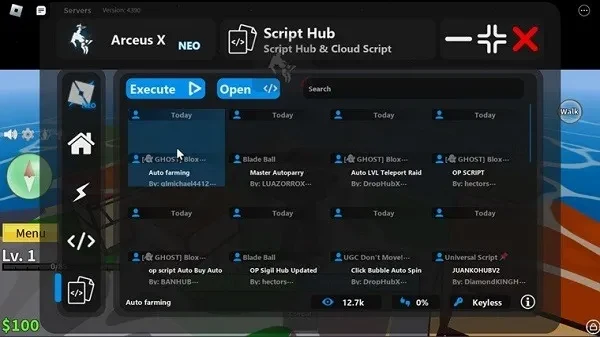
⭐ The Script Center provides a collection of custom scripts that can be selected for use with a Roblox game. This gives players a central place to find and manage script-based modifications.
⭐ LuaU Script Support lets users run LuaU scripts directly on a mobile device. This is intended for players who want to use Roblox scripting tools without relying exclusively on a computer.
⭐ The customizable floating menu stays available during gameplay for navigation and quick script execution. Its in-game placement is designed to make controls easier to reach while Roblox is open.
⭐ Infinite Jump changes the usual jumping behavior, allowing a character to continue jumping beyond the standard in-game limit.
⭐ Super Speed provides a movement-related gameplay adjustment for users who want to alter how quickly their character travels.
⭐ Btools are included for manipulating objects within supported game situations, adding an interactive building or editing element to the available tools.
Using the App
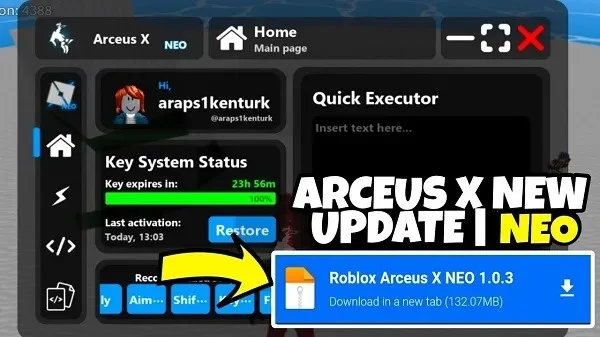
The documented setup begins with installing the Arceus X APK and opening the application. Users then select “Get Key” to start the verification process and complete three verification steps. After that process is finished, the app is reopened so its Roblox scripting tools can be deployed. During gameplay, the floating menu provides access to the Script Center, LuaU execution, and the listed modification controls. The source presents the app as cross-platform, but the download described here is the Android APK.
Why It May Appeal
✅ It brings several Roblox-oriented tools into one interface instead of separating script access, movement options, and object controls across different utilities.
✅ The floating menu is intended for quick access during play, while LuaU support gives experienced users a way to work with a commonly used Roblox scripting format.
✅ Cross-platform support is listed for Android, iOS, and PC, which may be useful for players who use Roblox on more than one type of device.
Things to Consider
❎ The verification process can be lengthy because it requires a key request and three separate steps before deployment.
❎ The source reports occasional glitches and stability problems, including crashes on older devices.
❎ Regular updates may be needed to maintain a smooth experience, so behavior can depend on the current Roblox and device environment.