

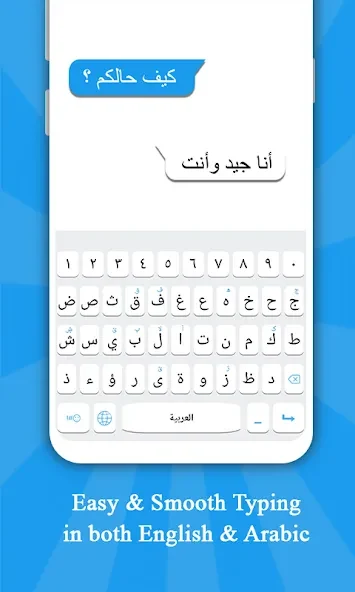
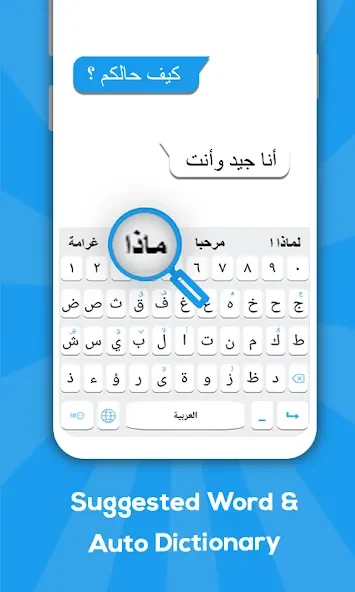


Arabic Keyboard is a system keyboard tool designed for Arabic speakers that supports seamless switching between Arabic and English input. It addresses the daily task of digital communication by allowing users to write messages, emails, and social media posts efficiently. The application provides offline voice-to-text functionality in both languages, making it practical for dictating text without an active internet connection. With a clean and intuitive design, the tool helps users get up and running quickly while offering features like word suggestions, auto-correction, and a built-in dictionary to streamline writing.
How do you set up and configure the keyboard?
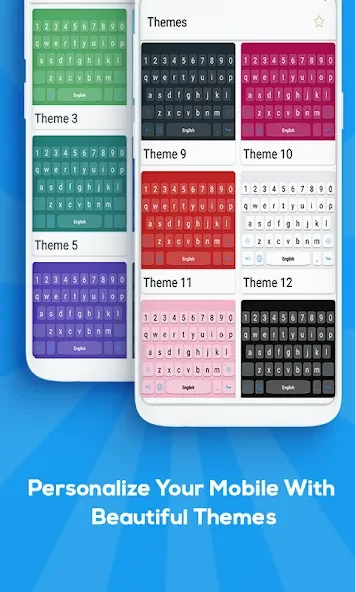
Getting started involves a simple setup process directly within the application. After installation, users need to click to enable the keyboard and select it as an active input method option on their device. Once enabled, input methods can be managed between Arabic Keyboard and the device default keyboard. From the settings menu, users can turn different features on or off and access the theme activity to select from more than 15 available themes. Visual preferences can be adjusted by choosing a design where alphabets are clearly visible, with options to switch whenever desired.
What customization and typing features are available?
The keyboard provides extensive personalization options beyond standard text entry. Users can choose from beautiful themes or set their own custom background images to suit their preferences. Key styles, fonts, and keypress sound effects can also be configured. For expressive messaging, the tool includes a rich collection of over 1,000 emojis, stickers, and symbols for every mood, alongside dictionary support, auto-correction, and word suggestions to assist with daily typing tasks.
Who can benefit most from using this tool?
The application is particularly useful for individuals who frequently communicate in both Arabic and English and want a single, integrated input solution. Learners and students may find it helpful for handling homework or practicing their writing, while everyday users looking for a straightforward keyboard with visual customization, offline dictation, and simple language switching will also find it well-suited to their needs.