

Overview
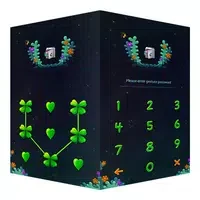
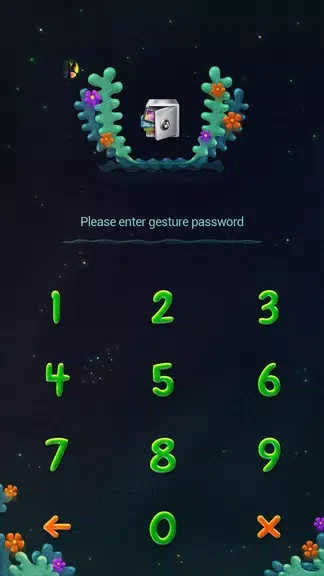
AppLock Theme Lucky Clover combines a decorative four-leaf clover style with tools for locking selected apps and files. It is intended for users who want a more personalized privacy screen rather than a plain locking interface. The theme uses clover imagery associated with hope, faith, love, and luck, while its settings let users choose designs and wallpapers for the lock screen. The app also supports a personalized lucky clover pattern for securing important apps and files. Its simple layout is designed to make selecting apps and adjusting the available security settings straightforward.
What You Can Do
⭐ Choose a lucky clover theme to give the lock screen a distinctive visual appearance.
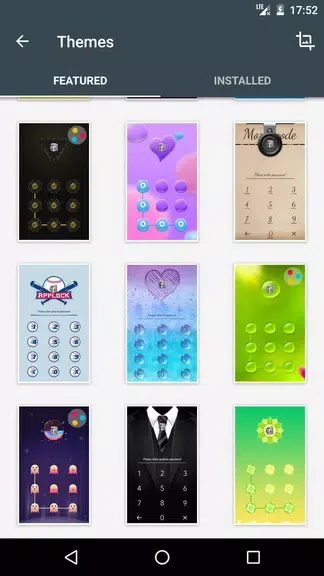
⭐ Personalize the screen with different clover designs and wallpapers, allowing the presentation to better suit your preferences.
⭐ Set up app locking for important apps and files with a personalized lucky clover pattern.
⭐ Use the app as a themed privacy layer for content such as personal files, photos, and apps.
⭐ Explore the available security settings and adjust them to support the way you want to protect selected content.
Using the App
The basic workflow is centered on choosing a clover design, selecting the apps or files to lock, and setting a personalized pattern. You can try different designs and wallpapers before settling on the appearance you prefer. The user interface is described as simple and intuitive, so the main controls are intended to be easy to navigate. After selecting the content to protect, the security settings provide a place to review and customize the available locking options.
Why It May Appeal
✅ It combines a decorative wallpaper and lock-screen theme with app-locking functionality instead of treating appearance and privacy as separate choices.
✅ Multiple clover designs give users more visual choice than a single fixed theme.
✅ The straightforward layout may suit people who prefer a simple setup process for selecting protected apps and adjusting settings.
Things to Consider
❎ The supplied information does not specify the exact security methods, supported Android versions, or whether every type of file can be locked, so compatibility and protection details should be checked on the app's listing or device.
Developer
AppLock Theme Lucky Clover is listed with the developer name AppLock@DoMobile.