

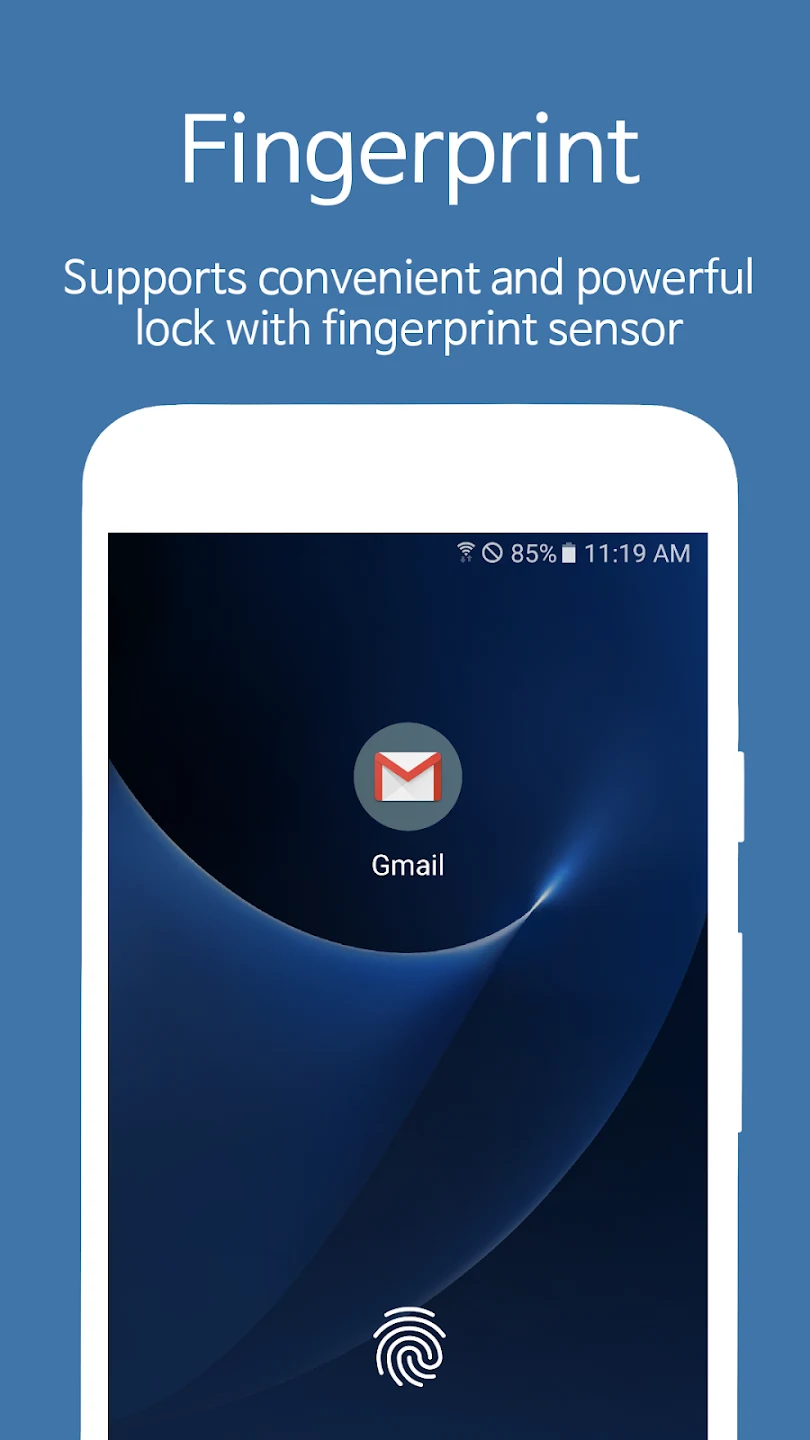
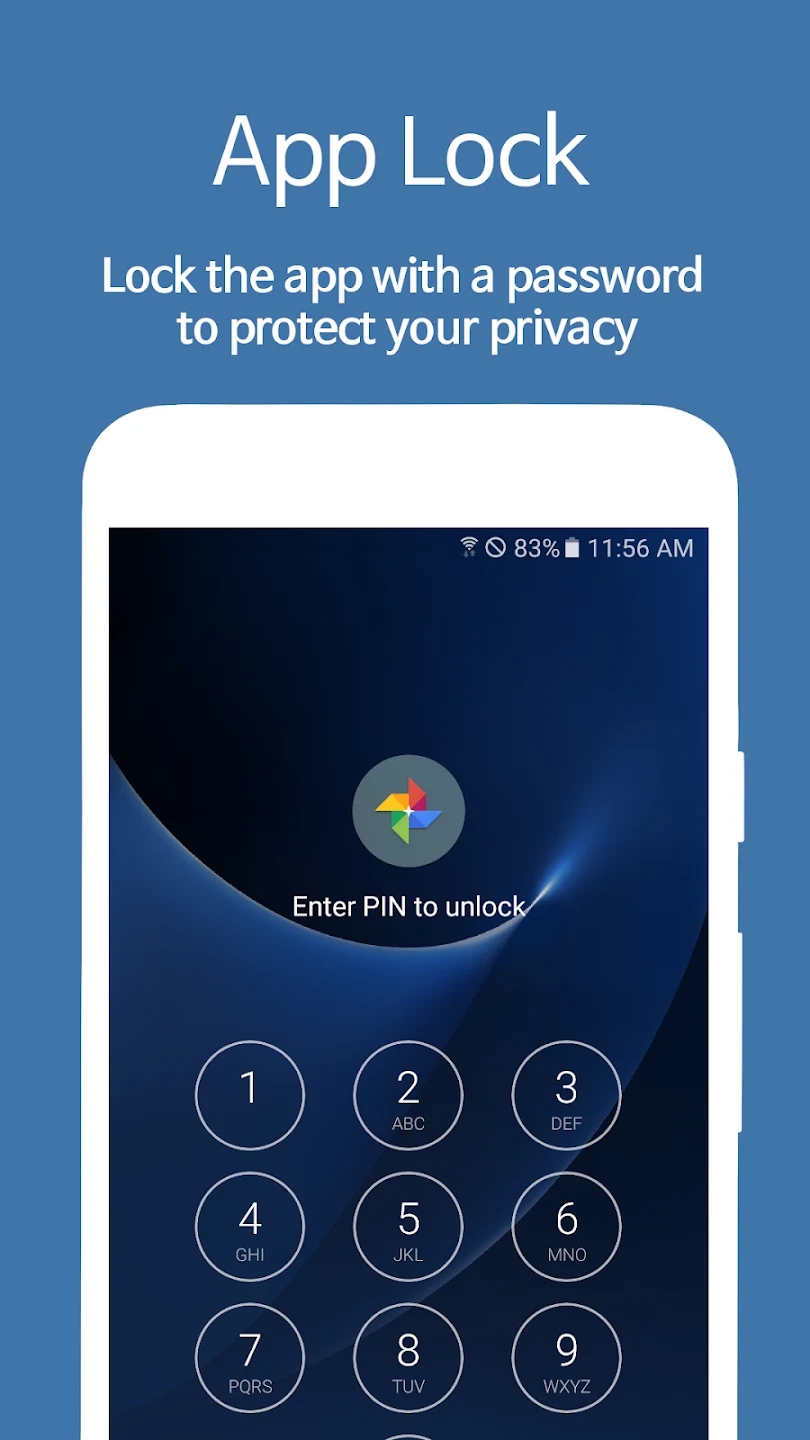
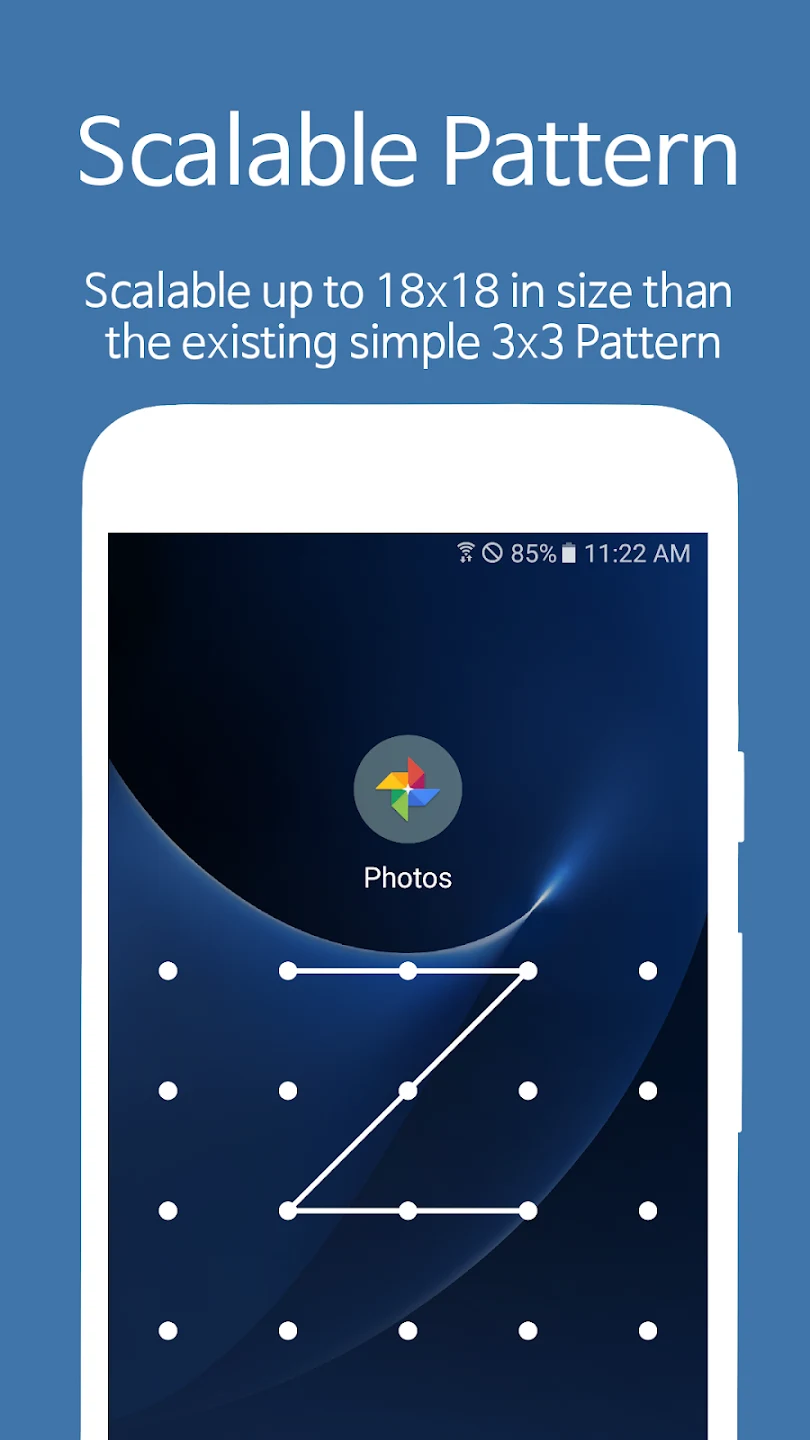
AppLock Fingerprint lets you put an additional access check in front of selected apps, such as messaging services, photo galleries, or file managers. This can be useful when you want to restrict access to particular parts of your phone without applying the same lock to every app. Depending on the device, access can be controlled with a password, fingerprint, or face recognition. The app also includes tools for managing notifications and lock behavior, so its controls extend beyond the moment someone opens a protected app.
Choose apps and respond to access attempts
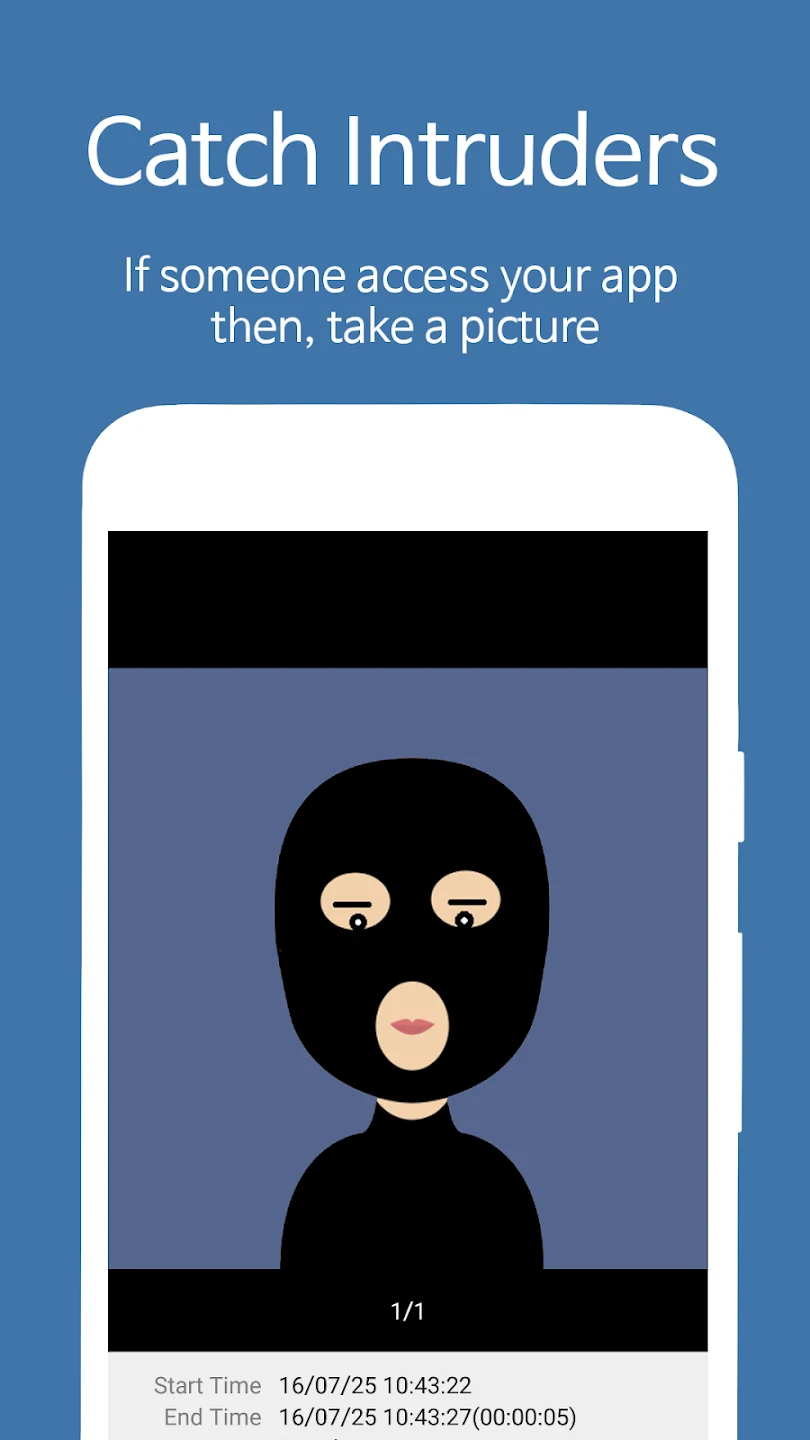
The app-locking feature can be applied to individual apps, including examples such as SMS, Messenger, WhatsApp, Snapchat, and LINE. AppLock Fingerprint can also lock messages and the home screen. For attempted access, the source describes an intruder feature that can capture a photo or video and send it to the user's email. A fake error window is another option: it can make a locked app appear to show an error rather than revealing that an app lock is in place. These tools address different situations, from restricting access to a particular app to making the restriction less apparent.
Control notifications and screen behavior
Locking an app does not have to be the only control applied to it. The notification-lock option blocks messages from locked apps in the top notification bar, which can help keep their notifications from appearing there. A separate screen-lock feature prevents the display from turning off while certain apps are running; the description gives internet use, e-books, and games as examples. These settings serve different purposes: one concerns what appears in notifications, while the other affects whether the screen stays on during app use.
Set when a lock applies
Smart Lock allows users to set a specific time for locking or to have apps unlock automatically when the phone connects to a chosen Wi-Fi network or Bluetooth device. This makes access rules adjustable to a schedule or connection rather than requiring the same lock state in every situation. The app also provides an option to hide selected apps from the phone's desktop so they can instead be accessed through the AppLock interface. Fingerprint and face-recognition locking are available only when the device supports those methods.
Manage settings and recovery
AppLock Fingerprint describes protections for its own settings, which lock access after the app has been opened, and says this is intended to help prevent unauthorized changes or removal. It also offers an option to delete app data after a set number of failed login attempts. These are consequential settings, so users should understand their effect before enabling them. Passwords and unlock methods can be changed in the app's settings, while a security-email recovery option is provided for users who forget a password. Together, the management and recovery options let users configure access rules while providing a stated route back into locked apps.