
AppBlock Mod is a productivity app for Android that the listing describes as a way to reduce app distractions, so you can concentrate on work and manage your device use. The listing refers to the app as AppBlock throughout its text, and the features below are described as the listing presents them.
Keeping focus during planned work periods
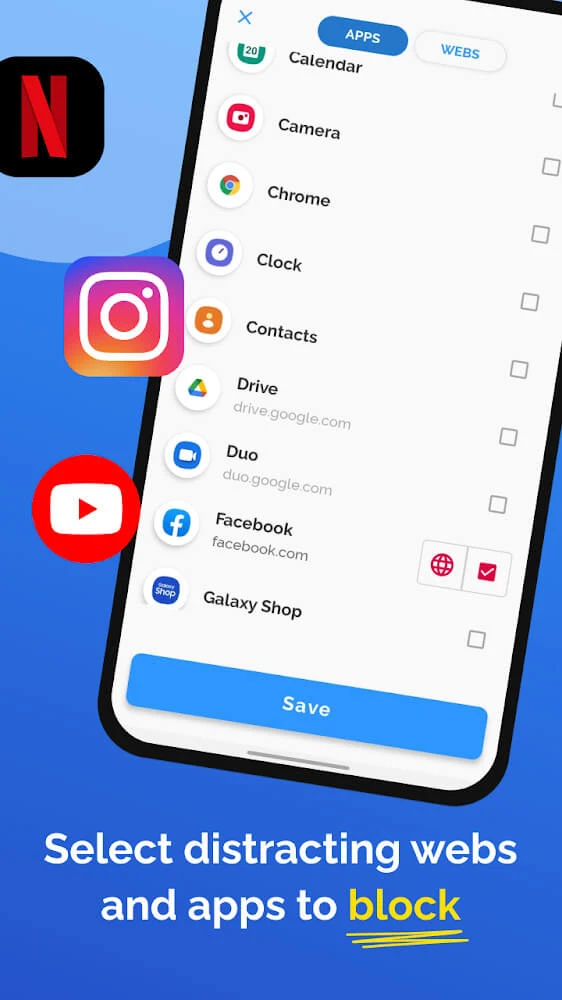
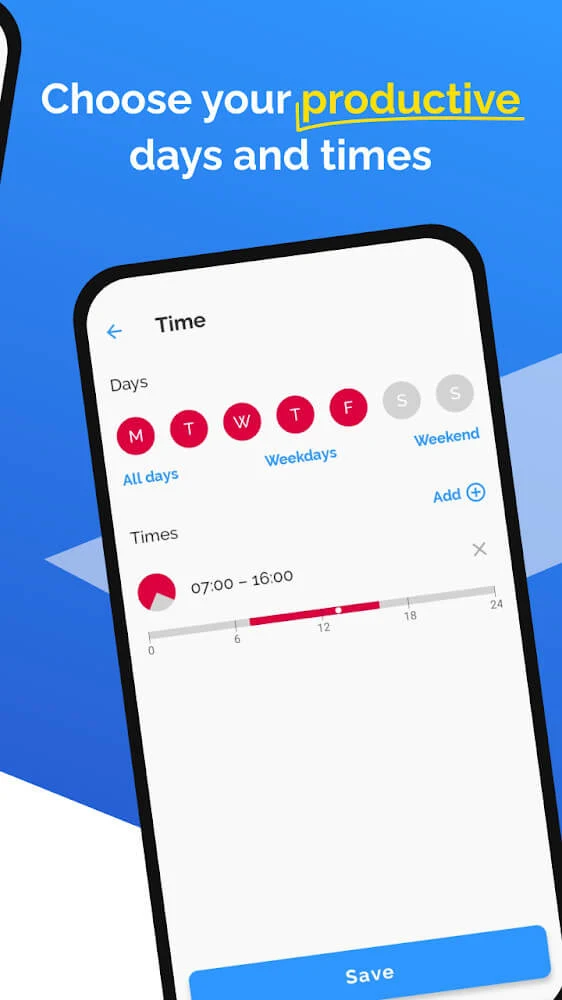
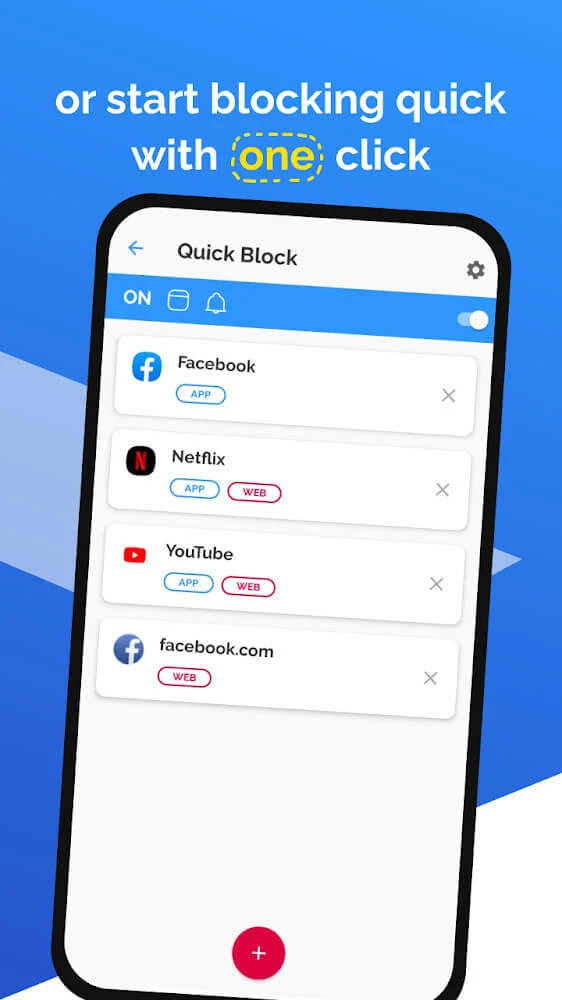
When you need to avoid distractions for a set period, the main function is automatic blocking. You choose which apps you want to block, and the listing says the app will block those apps and websites at the times you set in advance, without requiring manual action each time. According to the listing, this lets you focus on your tasks and improve efficiency.
If you have many apps to manage, the listing describes bulk app management. You can group apps together and block the group at once, which the listing presents as a way to save setup time. Once you activate a block, the listing states that you cannot access the blocked app until the period you set has ended. The user feedback in the listing also mentions that a strict mode can allow deactivation during a timed block, and one reviewer asked for that option to be removed. The listing itself does not describe the strict mode in detail, so its exact behavior should be checked in the app.
Limiting daily time in an app
Instead of a complete block, you can set a daily usage limit. The listing says you can choose how many hours a day you want to use an app, or set a cutoff time, such as a time to stop using apps and go to bed. When you reach the limit you set, the app locks the application automatically. The listing presents this as a way to manage leisure and work time every day, and it notes that you need to define a specific and reasonable time for the limit to work well.
Triggering focus mode by location or Wi-Fi network
The listing describes two context-based options. The first is location-triggered productivity mode, which can activate focus mode for different locations so that you do not have to configure blocked apps and websites each time you arrive somewhere new. The second is network-aware blocking, which the listing says can detect Wi-Fi networks and use them as a context for blocking. The listing does not explain how these triggers are configured, which networks or places are supported, or how precisely they operate, so those details are not established by the source.
Reviewing usage statistics and goals
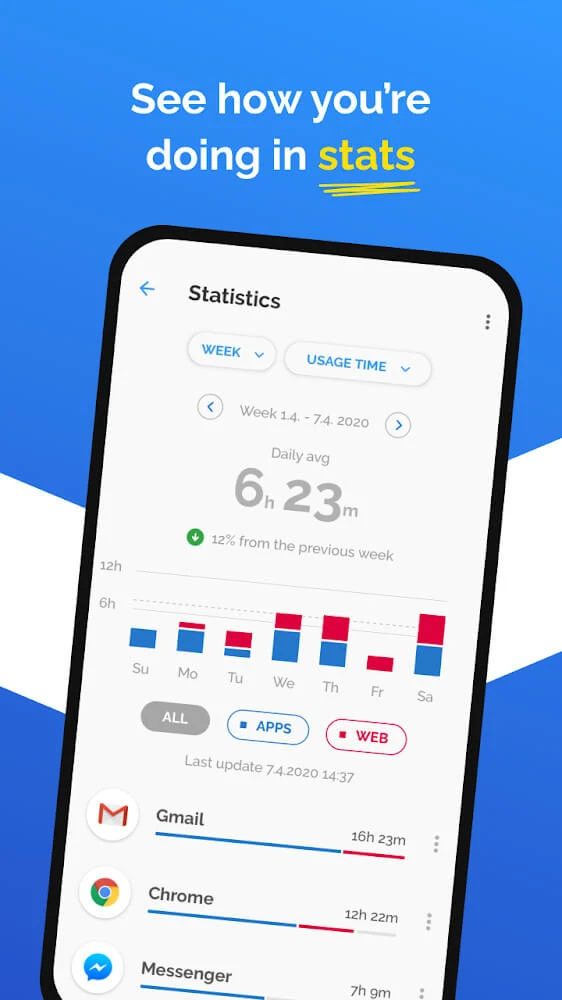
Usage statistics are presented as a major part of the app. The listing says AppBlock Mod provides a statistics table organized by day, week, and quarter, which can help you track and analyze how you spend time on your mobile device. The listing suggests that these figures can help you adjust your app usage plan and make more informed decisions about productivity.
The listing also describes a personal goal tracker. By comparing time in the statistics table with your goals, you can see whether your plan is on target. The example given is comparing reading time with time spent on video, social networks, or other activities. The listing mentions that the feature can track goals such as a daily walking goal, but it does not describe how those goals are entered or measured.
Filtering interruptions on a shared or family device
The listing says the app can be used to block spam messages, advertisements, and pop-ups, which it describes as creating a cleaner environment for you or your children. It also suggests that reducing these interruptions can leave more time for activities together. The listing does not provide technical details about how each type of interruption is detected or blocked, so those specifics are not covered here.
Pricing, privacy, and platform notes
The listing's FAQ states that AppBlock offers a free version with basic features and that a premium version is also available with additional advanced features. Several user reviews mention the cost of the premium version, and one asks for it to be made cheaper or removed. The listing does not give prices, so any pricing details should be confirmed in the app store before installation.
The listing's FAQ also states that AppBlock respects user privacy, does not collect personal data, and stores all configurations locally on the device. This is the developer's statement in the listing and has not been independently verified here. The FAQ also says AppBlock is primarily available for Android, and that similar features may be available on iOS through other apps.
Listing details and user feedback
The listing shows version 7.9.1 and places the app in the Productivity category. The user reviews are mixed. Some reviewers praise the app as helpful, particularly for younger users with short attention spans. One reviewer reports that the app malfunctioned after an update and that it later worked again after about a day, adding that customer service was responsive. These reviews are individual accounts included in the listing and are not a broader measure of performance.