
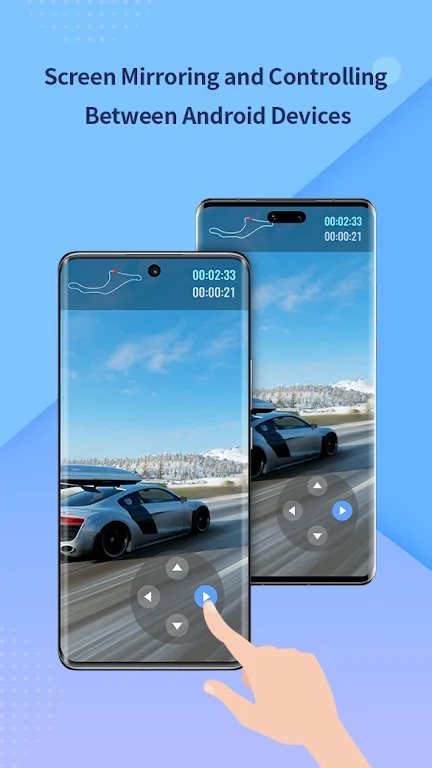
Cross-Device Casting and Audio Synchronization
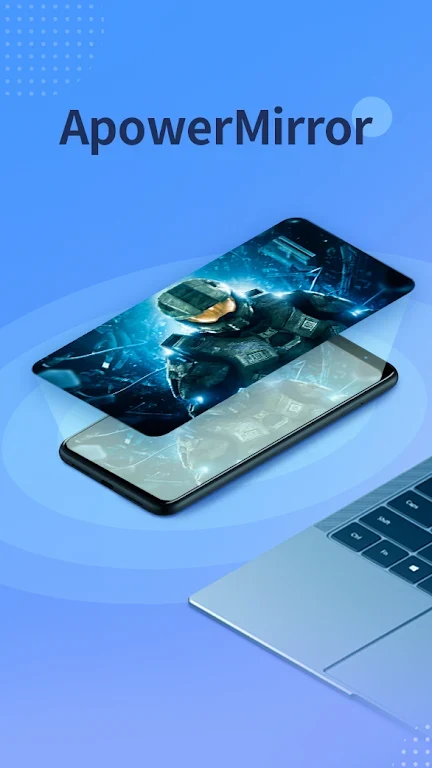
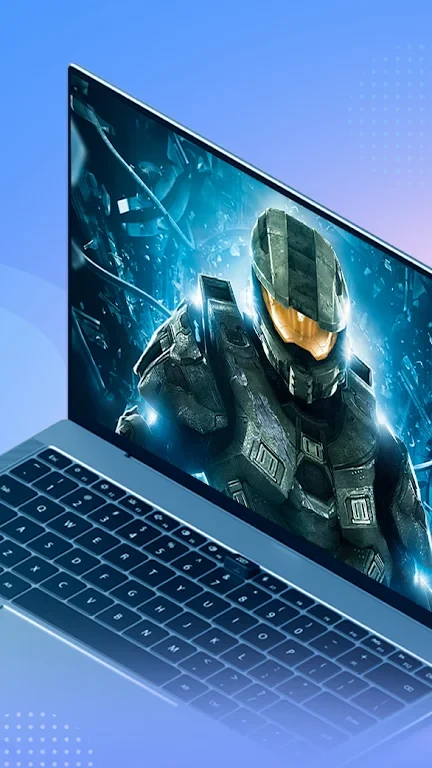
ApowerMirror enables you to project your Android device screen onto a PC, Mac, smart TV, or another Android device while maintaining synchronized audio and video. This capability allows users to share video content, applications, meeting materials, and mobile games in a full-screen format without requiring an auxiliary cable for sound transmission. The software supports casting between different networks, which facilitates remote collaboration and content sharing across distinct locations.
Remote Control Functionality
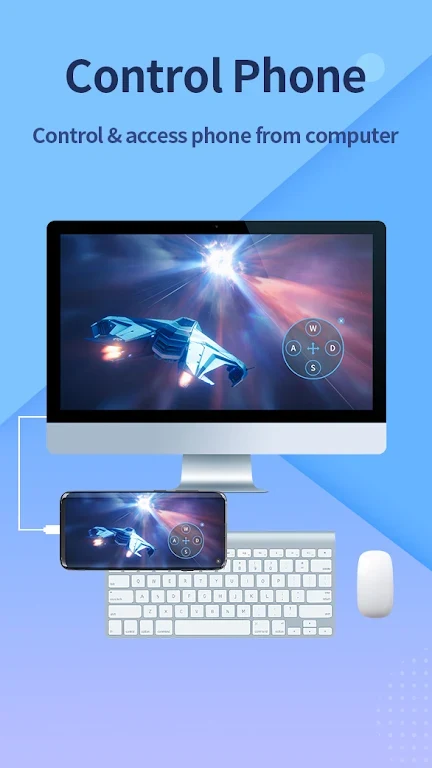
Beyond simple visual duplication, the application permits you to control your Android device directly from a connected computer running Windows or macOS. This functionality lets you manage mobile files and interact with phone applications using your computer's input devices, streamlining tasks that benefit from a physical keyboard and mouse interface.
Smart TV Compatibility
The platform extends its display capabilities to a wide array of smart television models operating on the Android OS. Users can cast content to supported brands such as Sony, LG, and Xiaomi MI TVs, making it practical for living room presentations, media playback, and group viewing sessions.
Multitasking and Environment Versatility
The system accommodates up to four devices mirroring simultaneously without operational delay, supporting multitasking scenarios or collaborative group environments. It adapts to diverse use cases ranging from professional business presentations and online instruction to casual entertainment and personal media sharing.