

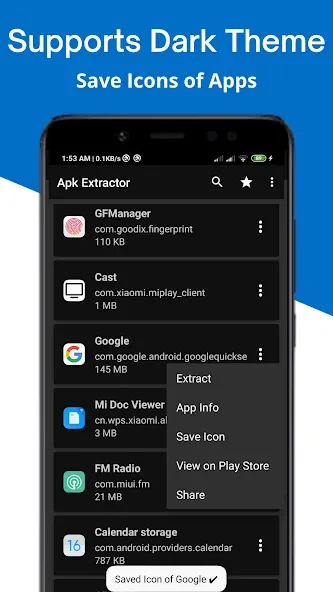
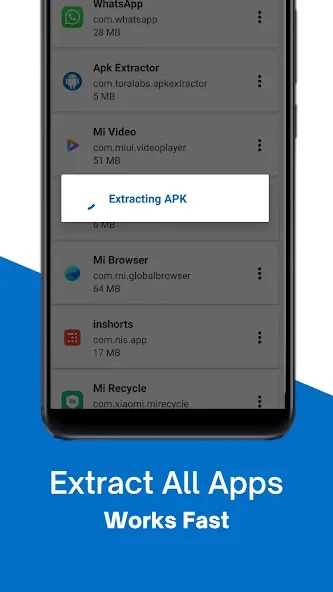
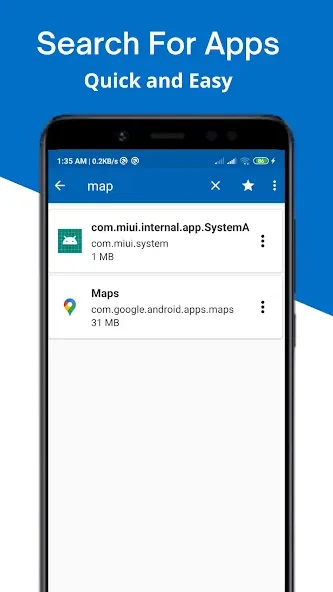
APK Extractor helps you save the installation package of an app already on your device, so you can keep APK files separately from the installed apps. It can extract packages from almost all applications, including system apps, without requiring root access. A search option helps locate an app in the list, and you can choose an SD card as the destination. These functions are useful when you need to organize or retain package files, while the option to extract several apps at once can reduce repeated steps.
Find apps and choose what to extract
Open the app to view installed applications, then use search to find a particular entry. For a single package, select its app in the list. The source also describes a long-press action on an item for extracting multiple or all APKs, making bulk selection available alongside individual extraction.
Save packages to a chosen location
By default, extracted files are saved in /sdcard/ExtractedApks/. The destination can be set to an SD card, allowing the package files to be stored there directly. File names use the app name, package name, version name, and version code, which helps distinguish saved APKs from one another.
Package inspection and learning
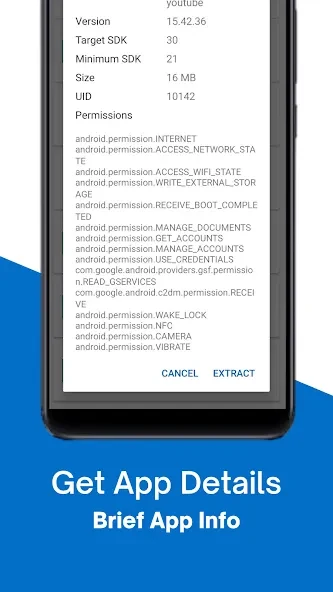
The supplied description also identifies security analysis and APK decompilation as uses of the app. It presents analysis as a way to review behavior and permissions or check for malware, and describes decompilation as a means of studying implementation details, investigating issues, or attempting to recover source code for an app you own. These activities are framed for educational and informational purposes; decompiled material should be handled with respect for software licenses and copyright.
What an APK contains
An APK, or Android Package Kit, is the file format used to distribute and install Android applications. The source describes it as an archive containing compiled code, resources, assets, certificates, and the Android manifest. It also outlines decompilation as extracting DEX files, converting bytecode into readable source, and decoding binary XML resources. The app description does not provide further detail about how these analysis steps are presented in its interface.