

Antivirus Cleaner BSafe VPN is an Android tool for scanning applications for reported threats, connecting through a VPN, and managing installed apps. Its documented functions combine antivirus checks, virus-database updates, VPN server selection, and controls for removing apps or clearing cached files.
What can the antivirus feature check?
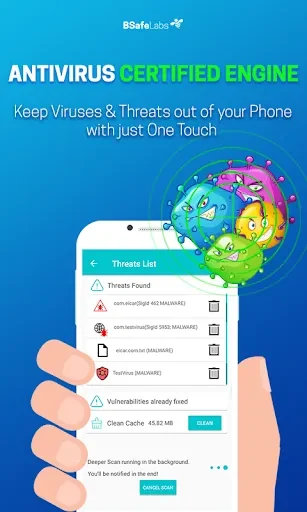
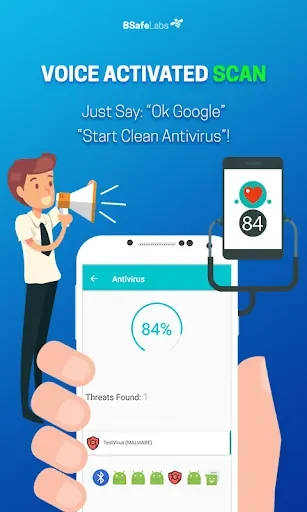
The antivirus component is described as scanning applications for suspicious hidden files, trojans, malware, and other harmful virus infections. The app also provides an option to update its virus database from the main menu, so the detection database can be refreshed as new threat information becomes available. These are the source-described scanning and update functions; the material does not provide independent test results or detection rates.
How does the VPN function work?
The VPN feature masks the device's IP address and offers a list of servers from which to choose. The source states that changing the virtual location can provide access to geographically restricted websites. It describes connecting through the VPN menu and shows that the active connection can be checked through a key symbol at the top of the screen or through the device notification panel.
What controls are available while using the VPN?
Users can connect to a selected server and disconnect from the VPN through the app or the notification panel. The supplied guidance also says to disable battery optimization for Antivirus Cleaner BSafe VPN when maintaining a stable VPN connection is important. This describes a documented setup consideration rather than a guarantee of connection quality.
Can it help manage installed applications?
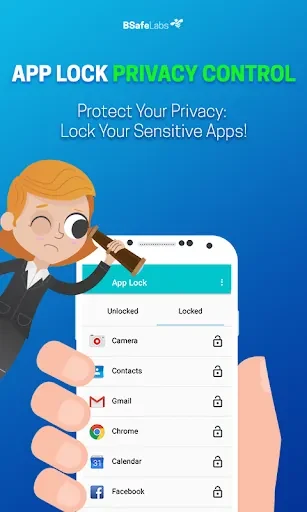
The included app manager is intended for reviewing and managing installed applications. Its listed controls include uninstalling unwanted apps and clearing unnecessary cache files, giving the app a separate device-maintenance function alongside scanning and VPN access.
Is the interface intended for quick access?
The source describes the interface as user-friendly and says the main features can be started with one click. That indicates the app is organized around direct access to scanning and VPN controls, while the more specific options cover database updates, server selection, connection status, and application management.