

Overview
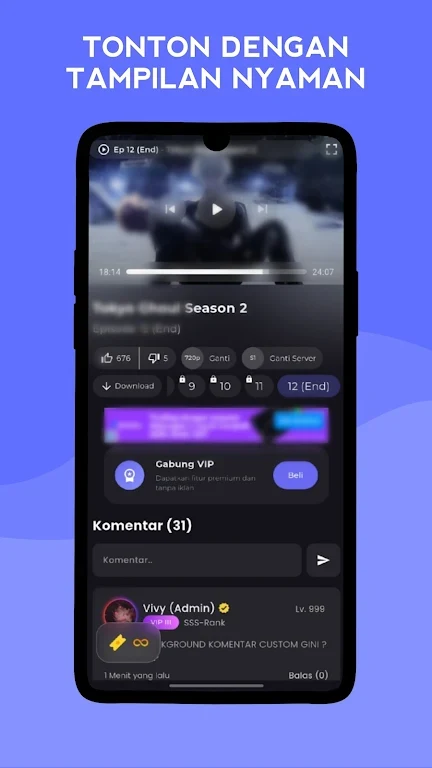
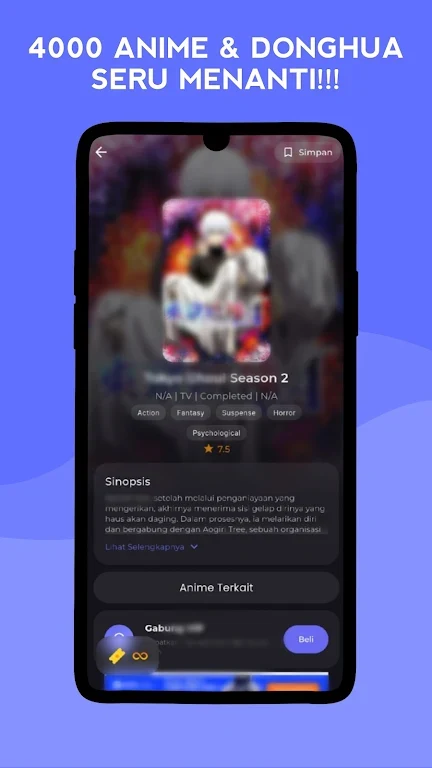
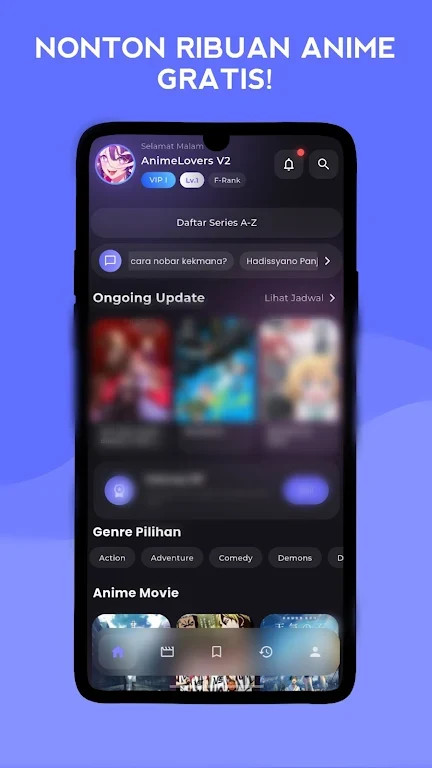
AnimeLovers V3 is an anime streaming app for watching series with Indonesian subtitles through a clean, straightforward interface. Users can browse popular or newly added titles, search by name or category, and select individual episodes from an episode page. Playback includes several resolution choices, speed adjustment, and a cinematic video mode. When a network connection is unreliable, supported episodes can be downloaded for offline viewing. The app also records viewing history, making it easier to return to the same series and continue from the previous viewing position instead of searching through episodes again.
What You Can Do
⭐ Browse popular and newly added anime from the main screen, then use search or categories to locate a specific title.
⭐ Watch episodes with Indonesian subtitles and choose an available quality such as 360p, 480p, 720p, 1080p, or 4K.
⭐ Download anime from an episode page for offline viewing when you expect an unstable network connection.
⭐ Adjust the viewing speed and use cinematic video playback mode to change the way episodes are presented.
⭐ Use Subscribe, Favorite, Pin, and Add to Playlist to keep track of updates, save titles, pin episodes, and arrange selected episodes.
⭐ Leave likes or dislikes and participate in comments where those options are available.
Using the App
After opening AnimeLovers V3 and granting any required permissions, browse the main screen or locate a title with search and category tools. Open the episode page, select an episode, and choose the preferred quality before playback. For offline access, use the Download Anime option on that page, then return to saved content through Viewing History. The history feature also helps restore your place in a series. Playlist and pinning tools provide separate ways to organize episodes, while Subscribe and Favorite help keep selected anime easier to find.
Why It May Appeal
✅ The combination of streaming and episode downloads gives viewers an option for watching when their connection is not consistent.
✅ Viewing history reduces the effort needed to resume a series, while playlist tools provide more control over saved episodes.
✅ Multiple resolution settings and playback-speed controls allow viewers to adjust playback to their available connection and preferences.
Things to Consider
❎ The app requires Android 7.0 or later according to the supplied requirements, so devices running an earlier version may need an older release.
❎ Downloading episodes and managing cache requires additional storage beyond the installation package. The supplied information lists a 25.5 MB package and recommends reserving another 100–500 MB for updates and cache management.
❎ Installation from an APK may require enabling the Android setting for unknown sources, depending on the device and Android version.