
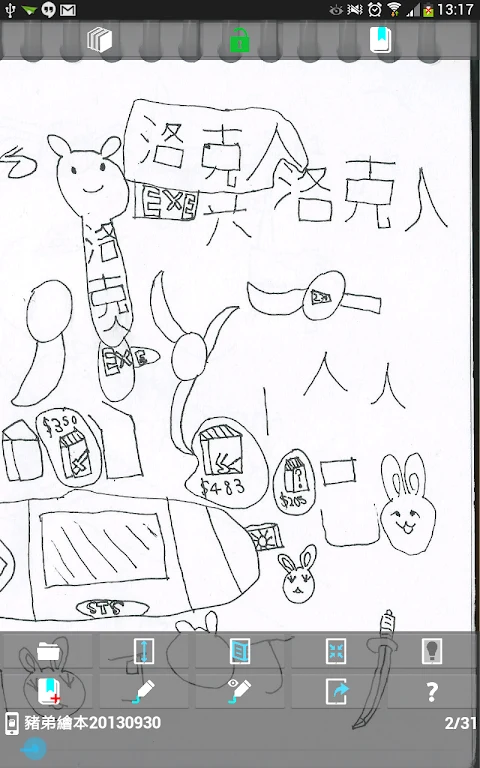
An Reader - comic viewer brings comic reading and collection management together for people who need to open different image or archive files in one Android app. It supports JPG, PNG, and GIF images as well as ZIP, CBZ, RAR, and CBR archives, giving readers several supported ways to access comic material.
Reading comics in supported formats
When a collection contains both individual pages and compressed comic archives, the app can open the listed image and archive formats. High-resolution image support is also available for high-level devices, providing a documented option for viewing comics that use larger images.
Keeping a collection organized
The built-in bookcase provides a place to organize a comic collection. Each book can have up to five bookmarks, which gives readers several marked positions to return to within the same book. The app also includes options to lock and share books, while its password can be changed unlimited times according to the supplied feature description.
Protecting private books
Private mode is intended for books that should not be openly accessible. It lets users lock private books, adding a separate privacy control to the collection and reading tools.
Drawing and sharing images
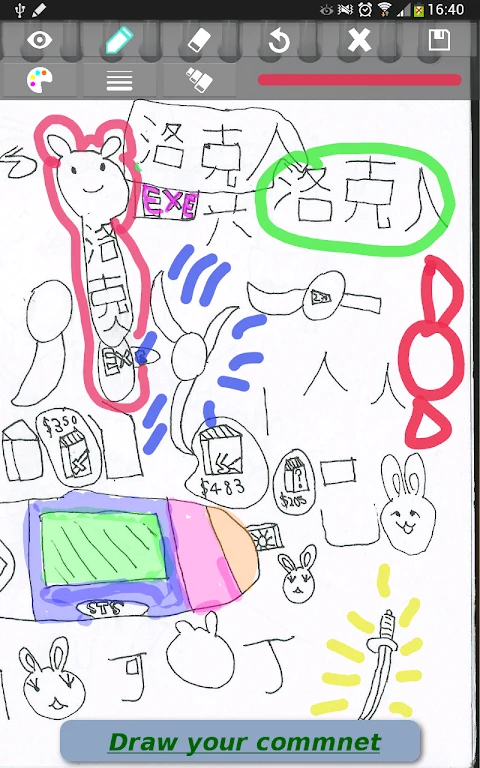
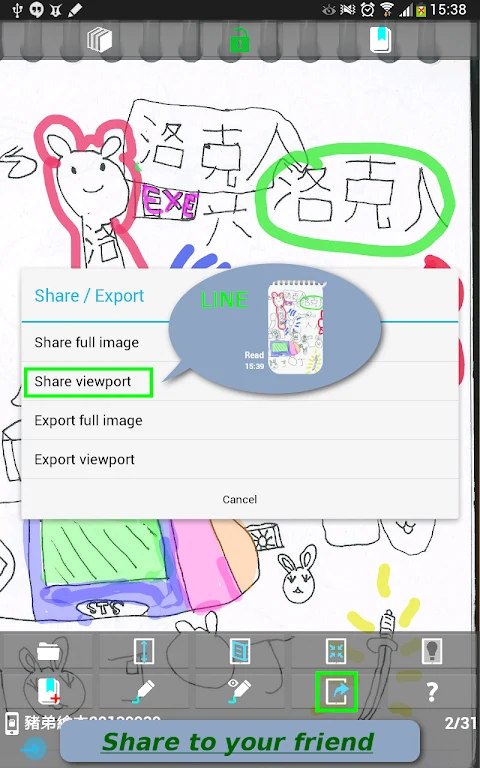
For users who want to add marks or create an image from comic content, An Reader - comic viewer includes drawing tools. Images can be shared through Line, Hangouts, or email, connecting the drawing function with the listed sharing destinations.
Accessing files through Windows share
The app supports Windows share through CIFS. This provides a documented way to work with files available through that type of network share, alongside the app's support for local image and comic archive formats.
Additional features
More features can be unlocked by purchasing the app directly from the Help dialog. The supplied information does not specify which additional features are included in that purchase.