


Optimizing Storage and System Performance
All-In-One Toolbox is a utility application built specifically for Android 4.0.3 and higher devices, offering a robust collection of tools designed to streamline daily device maintenance. Over time, mobile devices accumulate residual data, browsing history, and uninstalled APK packages that occupy valuable storage space and slow down system processes. This application serves as a centralized solution for clearing out unnecessary files, managing internal storage and external SD cards, and terminating background processes that cause lag. By consolidating dozens of utilities into a single interface, it helps users reclaim memory and maintain device responsiveness without navigating multiple separate menus.
Storage Cleanup and File Management
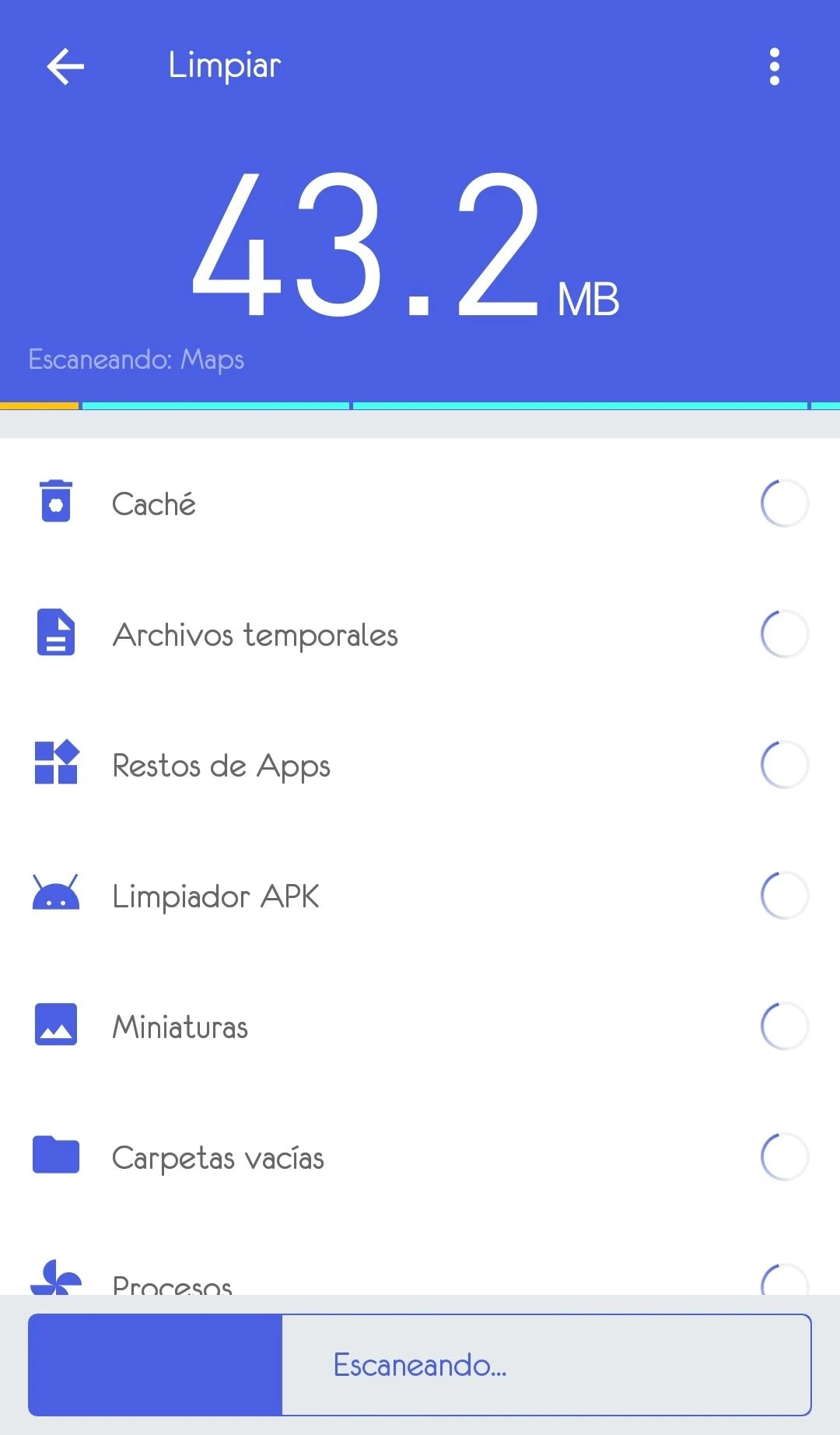
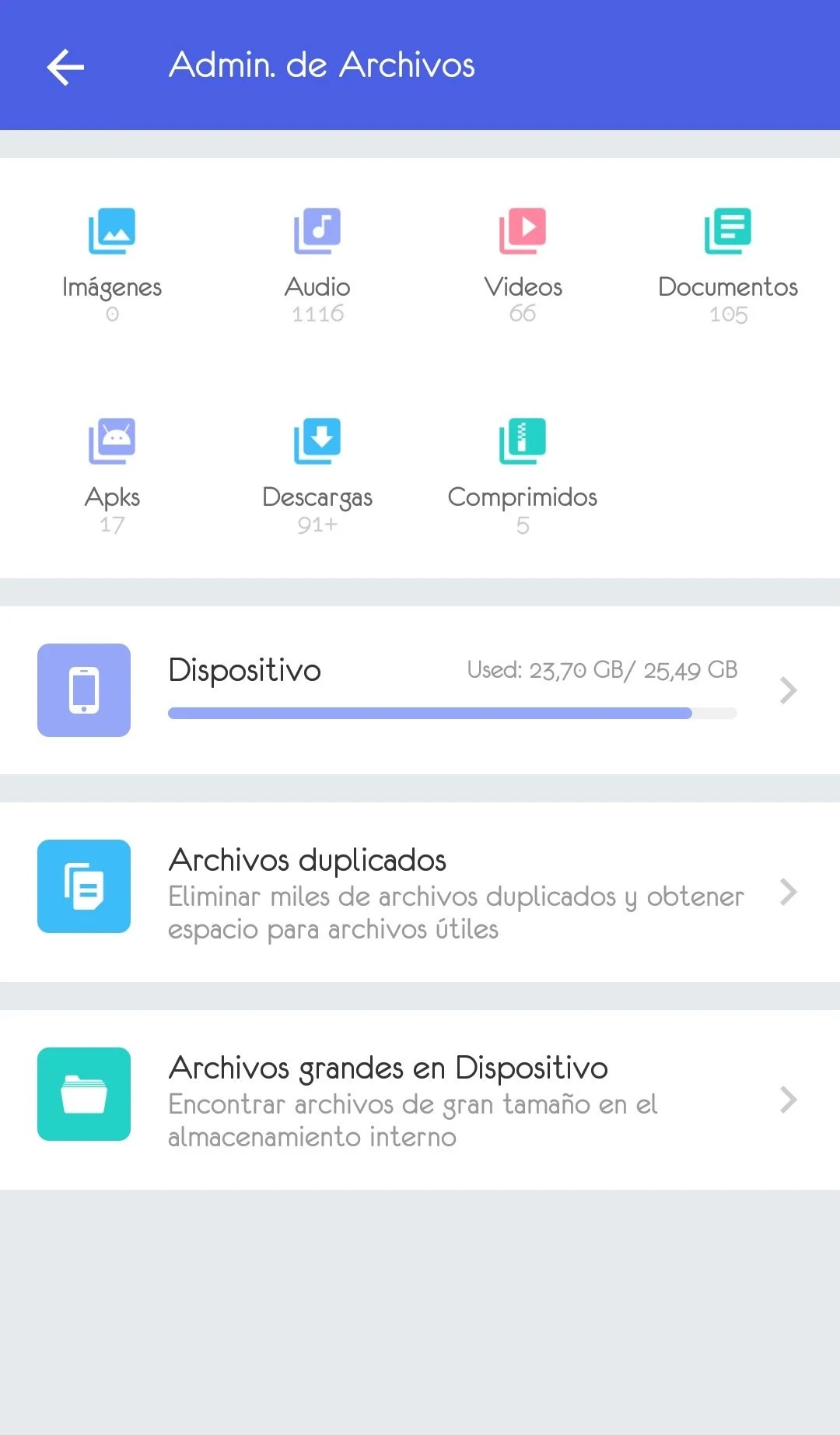
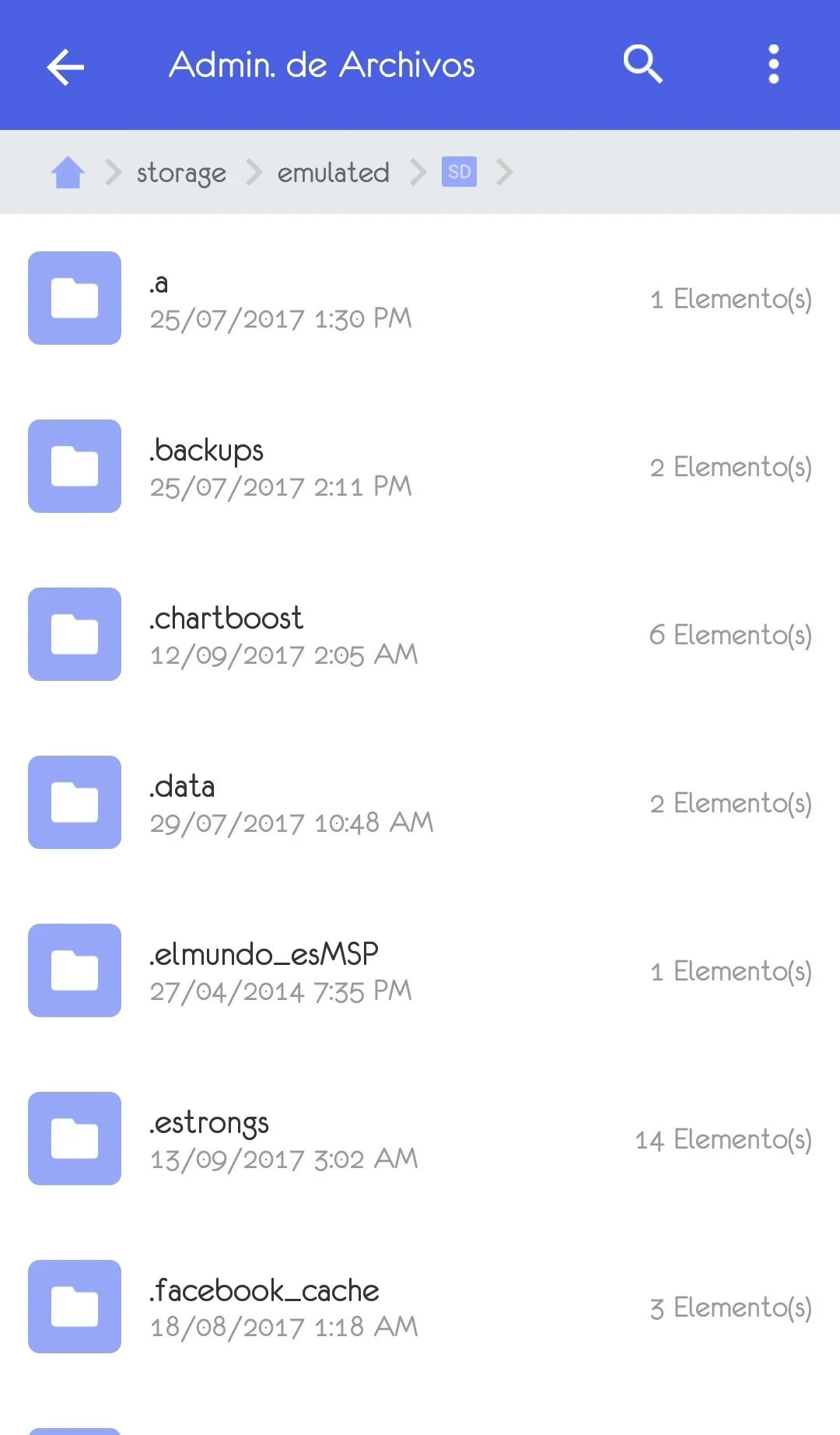
The application features dedicated cleaning modules to target junk files, residual data, and duplicate files stored across both the device memory and external SD cards. A cache cleaner removes redundant content from device memory, while specialized cleaners help locate and delete leftover installation packages of apps that are no longer installed. Furthermore, the built-in file manager enables users to browse and organize diverse file types, including images, music, videos, documents, APK packages, and downloaded files stored on external SD cards.
Application and Startup Control
Managing installed software is simplified through an integrated app manager that includes features such as App2SD, backup and restore capabilities, and a batch uninstaller for quickly removing multiple unwanted applications at once. To address sluggish startup times, the boot speedup function scans the apps configured to run automatically when the Android device boots up. Users can view user applications and system applications in separate columns and disable unnecessary startup items to help the phone boot up quicker.
Temperature Regulation and Background Tasks
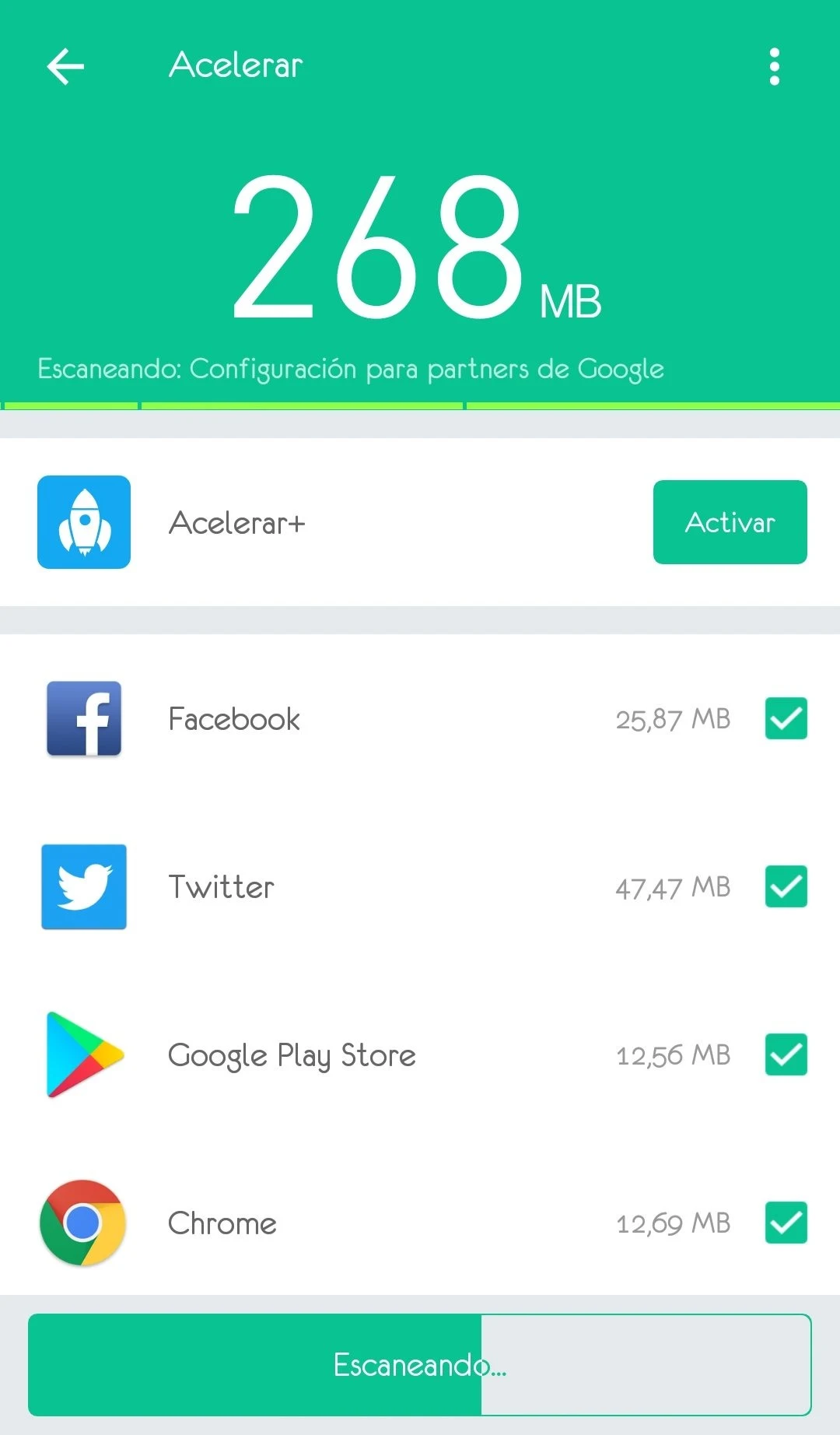
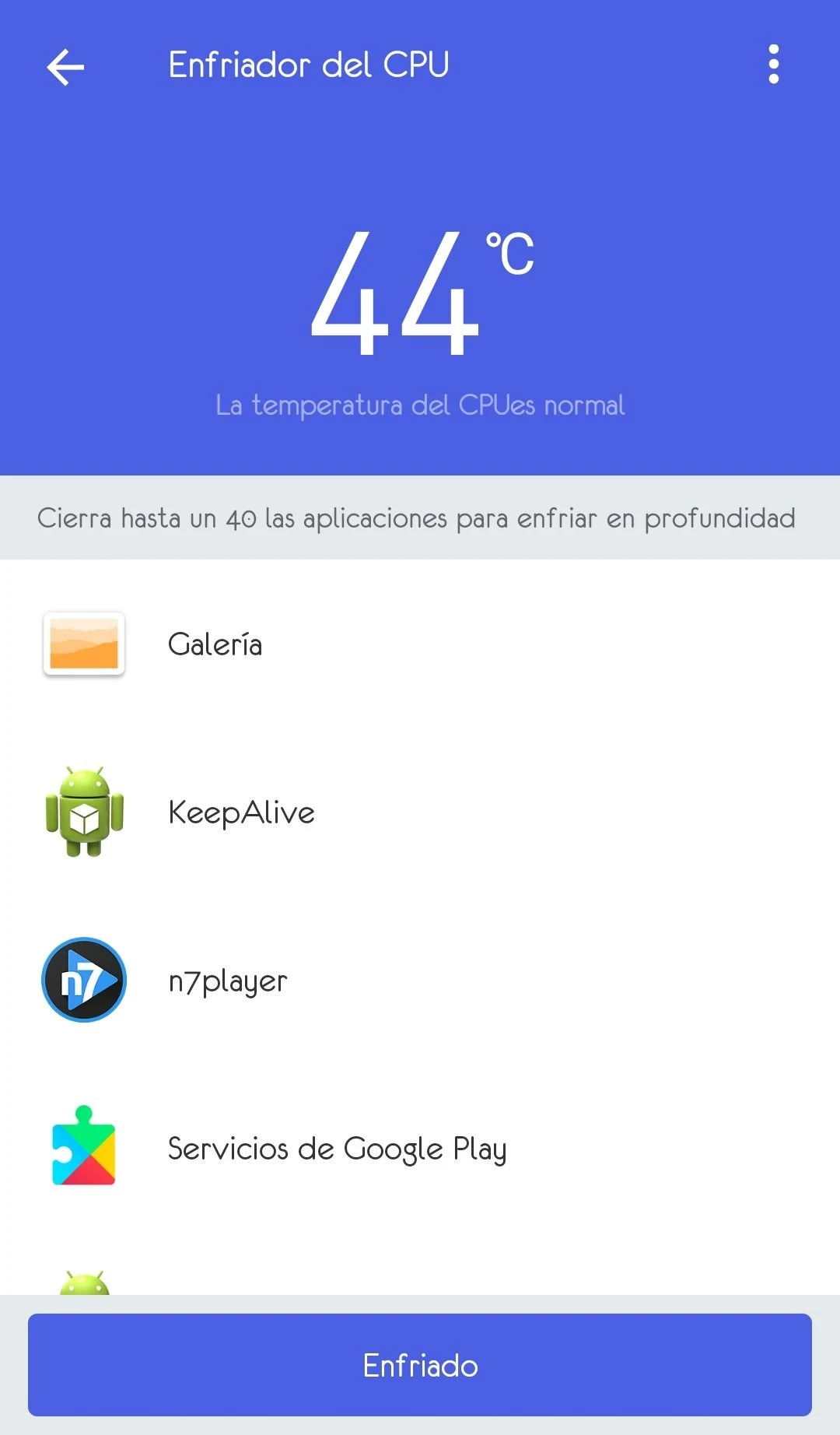
To help mitigate overheating and performance degradation during heavy use, the CPU cooler tool displays current processor temperatures and identifies running applications. Users can terminate these active processes with a single tap to lower CPU temperatures. An incorporated task killer allows users to stop any active process instantly, turning off background applications to reduce lag, control battery levels, and monitor how power is consumed across different processes.