
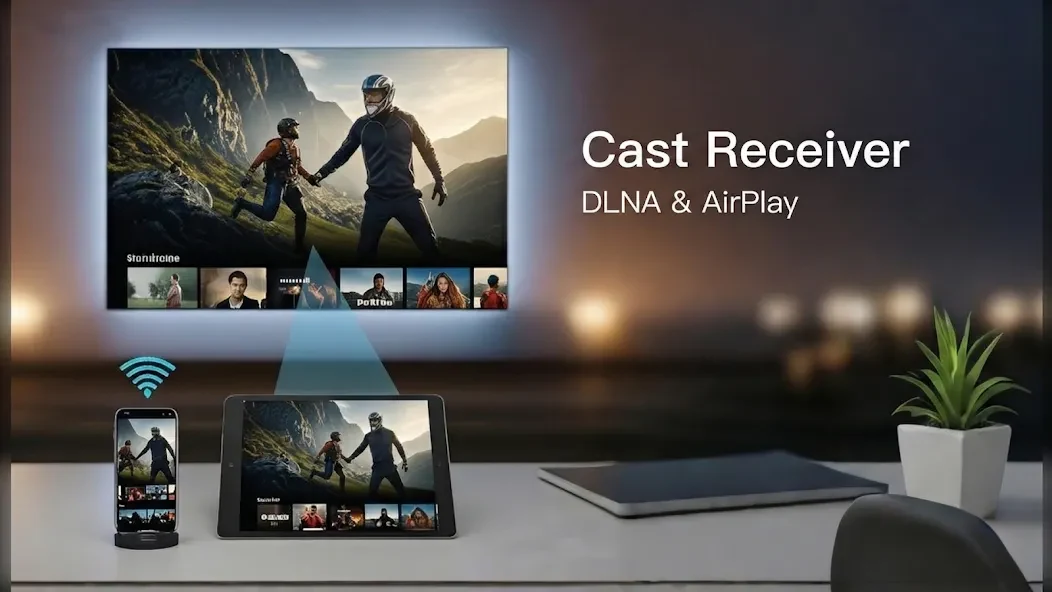
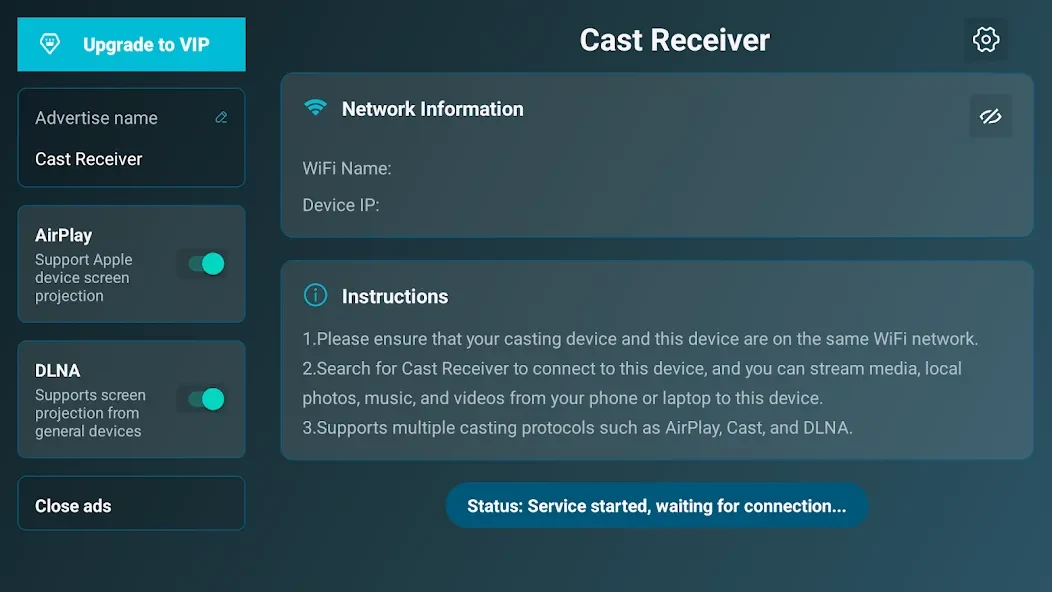


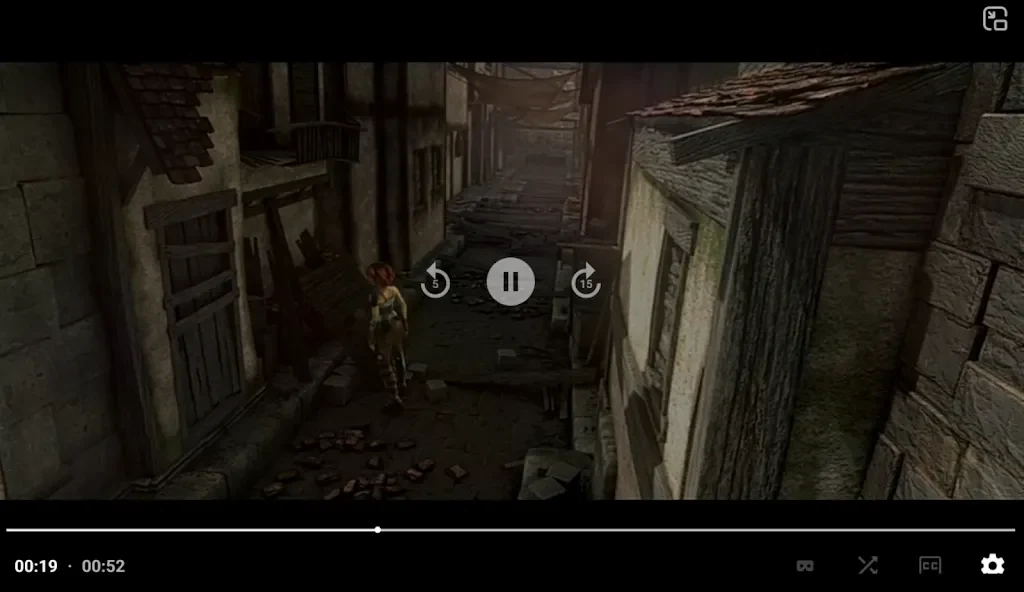
AirPlay/DLNA Receiver is a convenient screen-casting application designed to connect devices running different operating systems by supporting both DLNA and AirPlay protocols. Whether you are watching movies, playing games, or sharing photos, the software enables a high-definition, large-screen experience with low-latency transmission. Users can import video and audio files in various formats and utilize remote control capabilities via smartphones or tablets. By bridging iOS, macOS, Windows, and Android environments, the application addresses the core task of multi-device media sharing and display.
Which protocols and streaming methods are supported?
The application supports AirPlay video and music streaming as well as screen mirroring across all iOS and macOS versions, alongside DLNA and UPnP protocols. It includes specific capabilities like YouTube AirPlay streaming, photo streaming with slideshow support, and AirPlay password protection. Additionally, Windows streaming and mirroring work in conjunction with AirPinPcSender.exe, while Android mirroring and streaming are supported via AirPinCast using AndroidSender.
What configuration and background options are available?
Users can customize their setup with configurable network names for easy identification and adjust settings for automatic startup upon device boot or service shutdown. The software features a background service that allows continuous streaming, including background audio playback without delay and audio synchronization with other AirExpress devices. Users can also mirror PC screens on Android tablets using AirParrot compatibility and experience third-party AirPlay application performance through AirMirror.
What are the differences between versions regarding simultaneous display?
The standard (STD) version of the application allows users to display one device screen at a time, making it suitable for presentations, movie nights, or sharing photos. For an enhanced experience, users can upgrade to the PRO version to remove ads, unlock all features, and display up to four device screens simultaneously.
Who might find this application useful?
The application is useful for individuals who need to cast or mirror screens between iOS, macOS, Windows, Android, and various television or tablet devices. It suits users looking to stream personal media files, view photo slideshows, handle presentations, or manage multi-device visibility with configurable network identifiers and password protection options.