
Overview
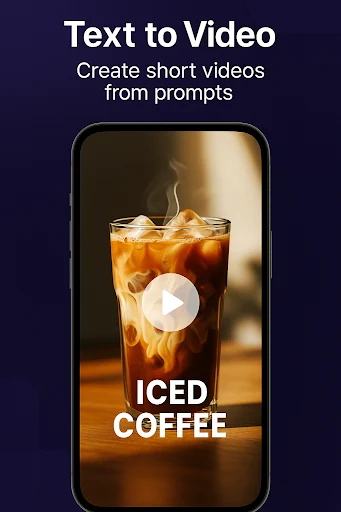
AI Video Maker: Text to Video brings video generation and supporting content tools into one app. You enter what you want to create, choose a style, and generate a short video for publishing on short-video platforms. Alongside that core workflow, the app offers editing, trimming, effects, and customizable templates for promotional clips, social media posts, or personal projects. Its writing and design tools also cover the material around a video, including scripts, subtitles, titles, and cover images, helping you work on both the clip and its accompanying content.
What You Can Do
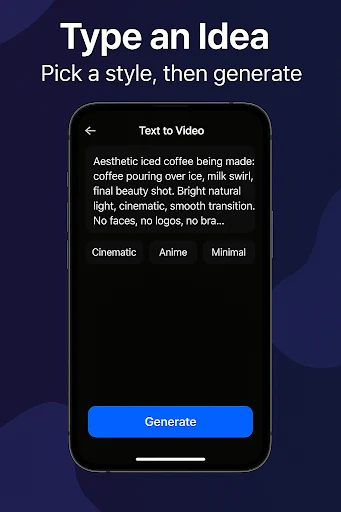
⭐ Generate short videos from text prompts. Describe your intended content and select a style to guide the result.
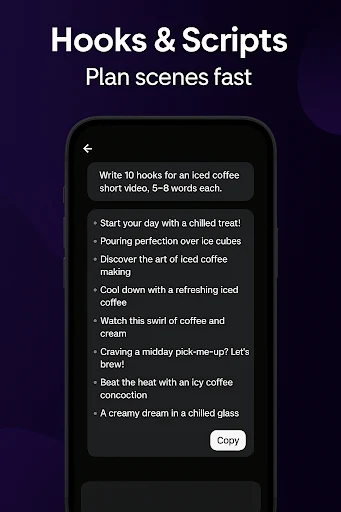
⭐ Develop scripts and opening hooks with writing tools for ideas, outlines, scenes, and rewrites. These can help shape a concept before you move into video creation.
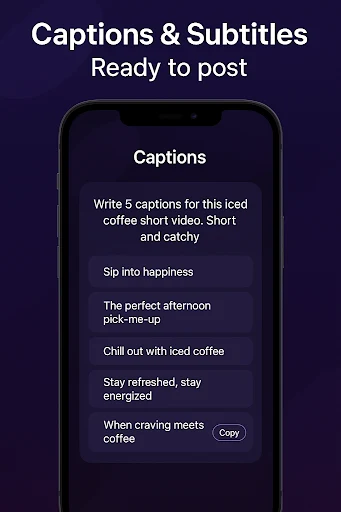
⭐ Generate captions and subtitles for your videos, adding a text component to the finished clip.
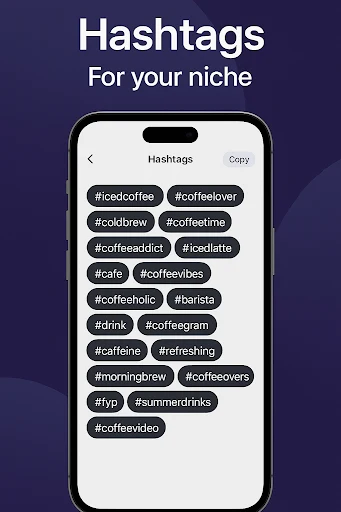
⭐ Get hashtag suggestions and post ideas to support content discovery and planning across your social media posts.
⭐ Create thumbnails and cover images to accompany your videos when preparing them for publication.
⭐ Use the creator chat assistant for captions, titles, calls to action, and content plans, extending the workflow beyond the video itself.
Using the App
The template library provides starting designs that you can customize rather than building every video from scratch. In the editor, you can trim footage and add music, effects, and animated text. The app supports adding your own music, branding elements, and personal touches, as well as experimenting with different intros and outros.
For presentations or mixed-media projects, the slideshow maker combines images and videos. Tutorials and tips are also available to help you learn the tools and get started with video creation.
Why It May Appeal
✅ Video generation, editing, and post-writing assistance are available together, which may suit creators who want to prepare a clip and its supporting material in one place.
✅ Templates and customization options offer a starting point without limiting projects to an unchanged preset, whether the goal is a promotional video or a personal creation.
Things to Consider
❎ The app offers a free trial before committing to a subscription. The supplied information does not specify the trial duration, subscription price, or which features are included in the trial.