

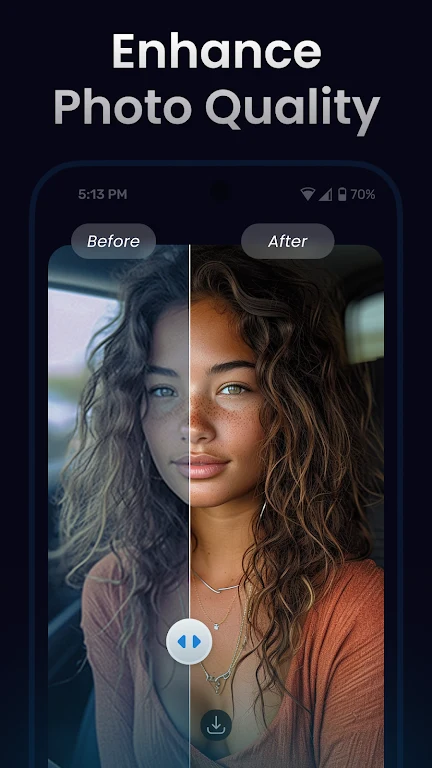
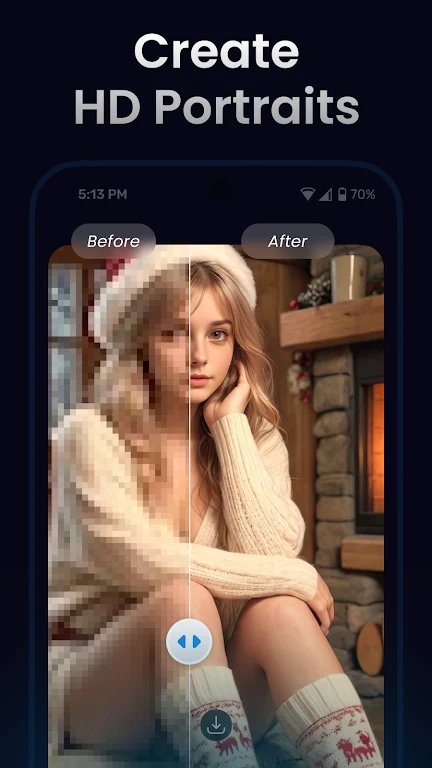
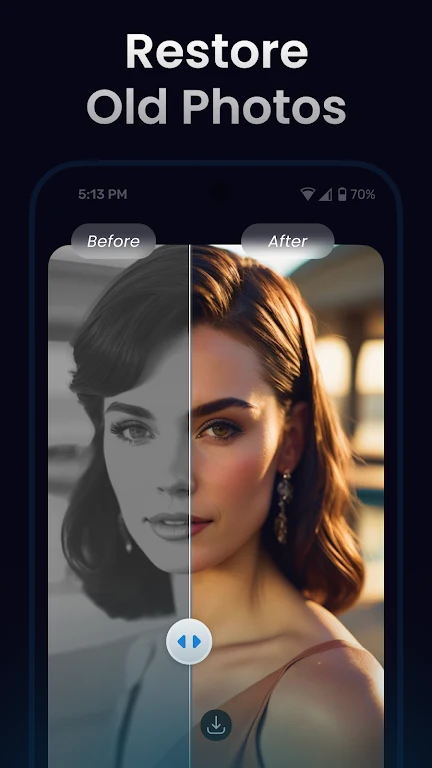
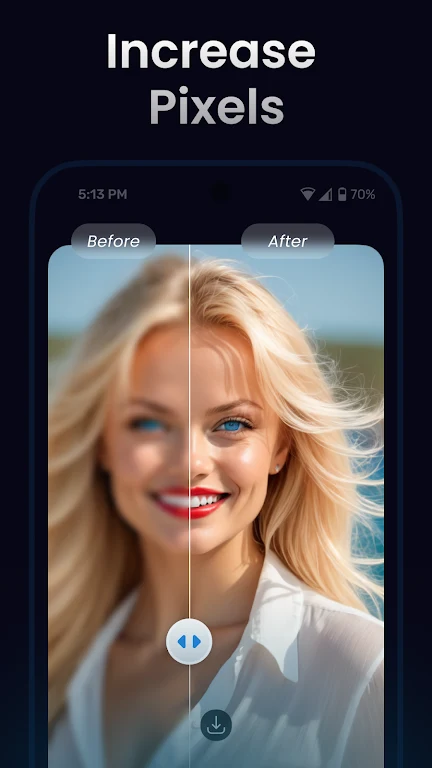
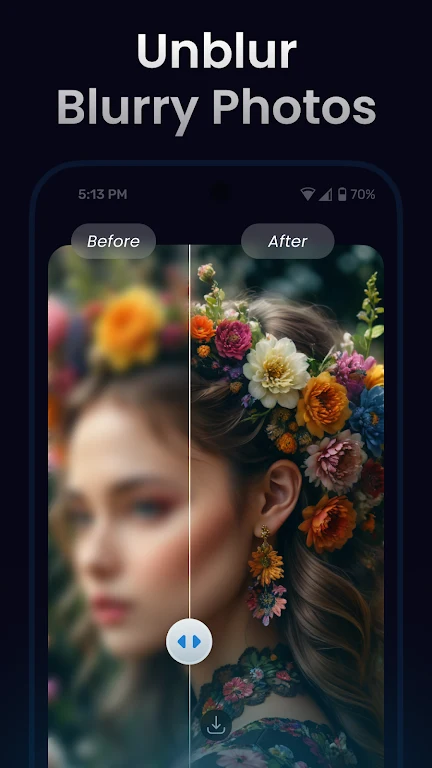
AI Upscale is a photo enhancement tool that applies artificial intelligence to repair low-resolution images, upscale them by factors of 2x or 4x, and improve clarity before sharing. It addresses the common problem of blurry or pixelated pictures by analyzing details and adjusting color, contrast, and sharpness automatically. Users can process multiple images at once and work with files up to 4096 by 4096 resolution without needing to register. The app delivers high-quality results across photos, paintings, AI art, and animation while remaining free for small-scale use with limited daily credits.
How does the AI enhancement process work in practice?
The tool employs intelligent algorithms that examine every part of an image and apply magnification technology to reduce pixelation. It automatically optimizes details to produce clearer visuals, and users can adjust parameters to refine the final output. This approach is especially effective for restoring older or low-quality photos that have lost sharpness over time.
Which image types and sizes receive support?
AI Upscale accepts PNG, JPG, and WebP files but excludes GIF and other animated formats. It handles images up to 4096 by 4096 pixels and can process transparent images when using certain models. Batch processing allows multiple files to be handled in one session, making it suitable for users who manage collections of pictures rather than single items.
What usage limits and costs apply?
The app provides completely free access for small-scale tasks with no registration required. Daily free credits are limited, after which additional processing may involve payment. User feedback notes that the core functions perform reliably within these constraints, though some wish for higher resolution options without extra cost.
Who finds this app most helpful for their needs?
People working with vector art, restoring family photos, or preparing images for social media benefit from the upscaling and repair features. It suits those who need straightforward enlargement of small files or improvement of faces that appear blurry or pixelated. The interface remains fast and user-friendly, allowing quick results for anyone who values clear output without complex setup.