

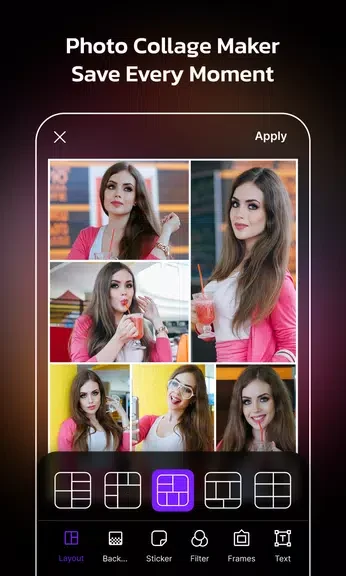
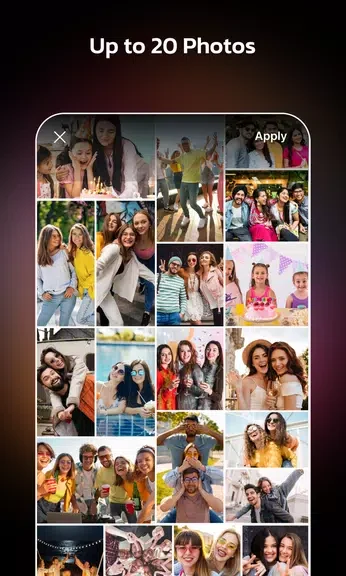
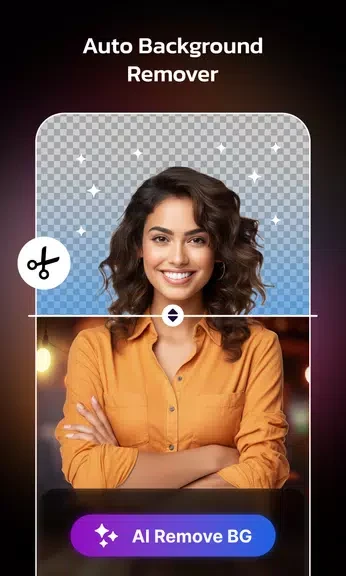
AI Photo Editor Collage Maker helps users turn individual pictures into edited images, collages, and visual stories. Its collage tools let you arrange multiple photos in customizable templates, while editing controls support cropping, rotating, brightness adjustments, filters, and other effects. AI-powered options can suggest automatic improvements, remove blemishes, and correct skin tone. Once the images are prepared, users can add text, quotes, stickers, frames, or backgrounds to give a project a more personal style and share the finished result on social media.
Build collages with flexible layouts
The app is designed for combining several photos in one composition. Customizable templates provide a starting layout, and users can explore different designs to find one that suits the pictures they want to use. This makes it possible to arrange a set of related images as a single visual creation rather than editing or sharing each photo separately.
Edit individual photos before combining them
Photo-editing tools allow users to crop and rotate images, adjust brightness, and apply filters or other artistic effects. These controls can be used before placing pictures into a collage, helping the selected images work more consistently within the final arrangement.
Use AI-assisted image improvements
AI features provide automatic enhancement suggestions for users who prefer help with adjustments. The listed options also include blemish removal and skin tone correction, offering targeted changes alongside the general enhancement tools. This can reduce the amount of manual editing needed for some images.
Add decorative and story-focused elements
After arranging and editing photos, users can personalize the result with stickers, frames, backgrounds, text captions, and quotes. The app also includes animated collage options, a background changer, and video story templates, extending its use beyond still collage designs. Completed creations can be shared on social media platforms through the app's sharing function.