
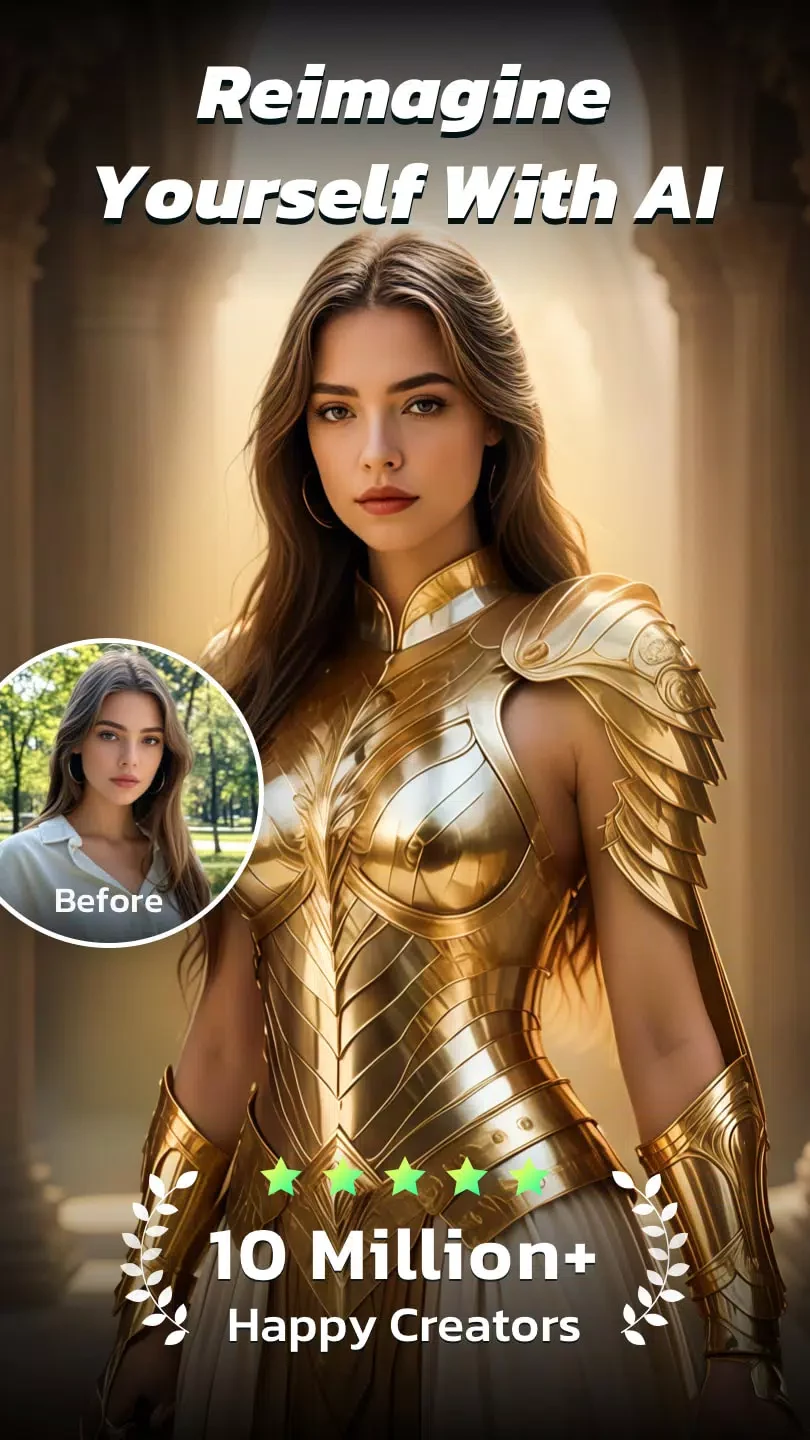
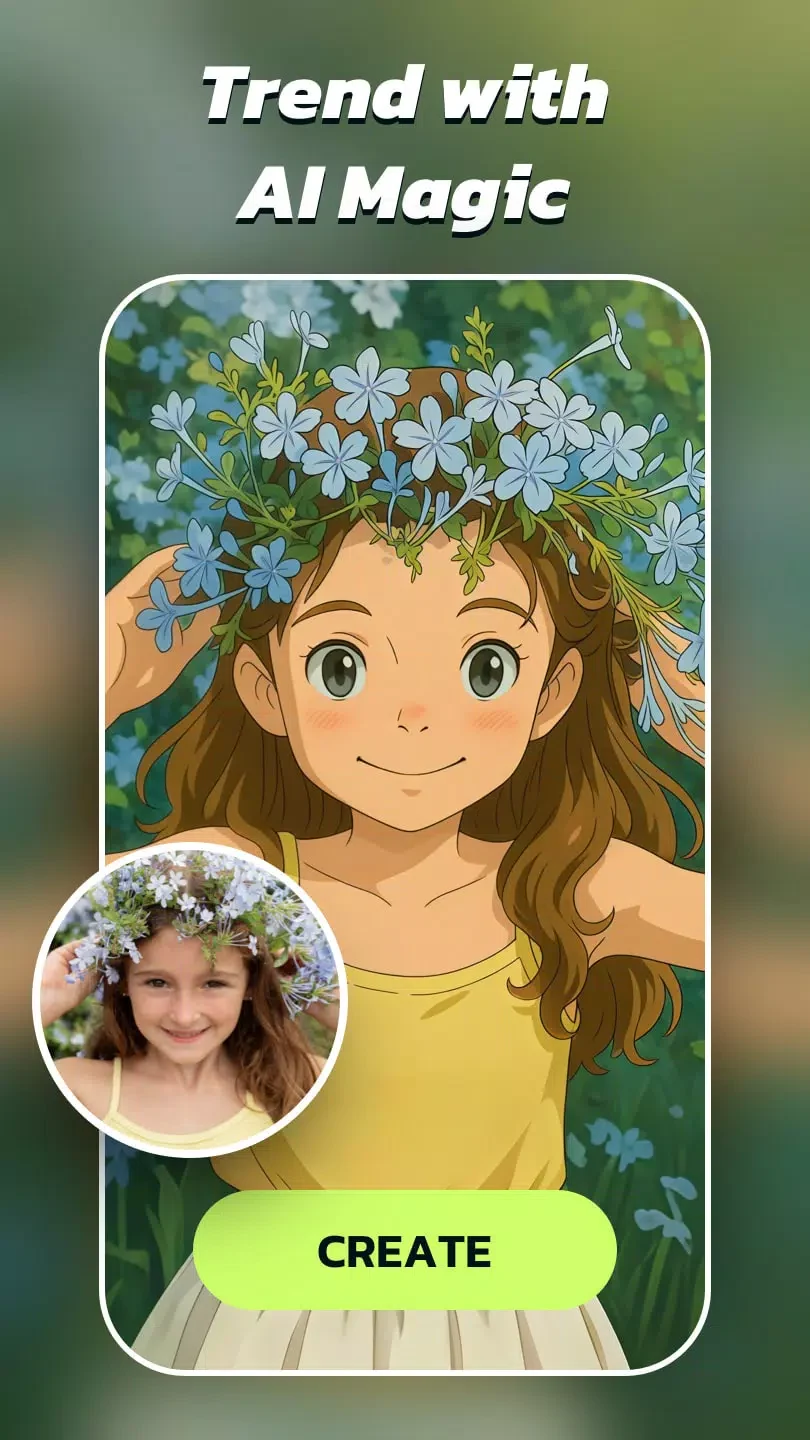
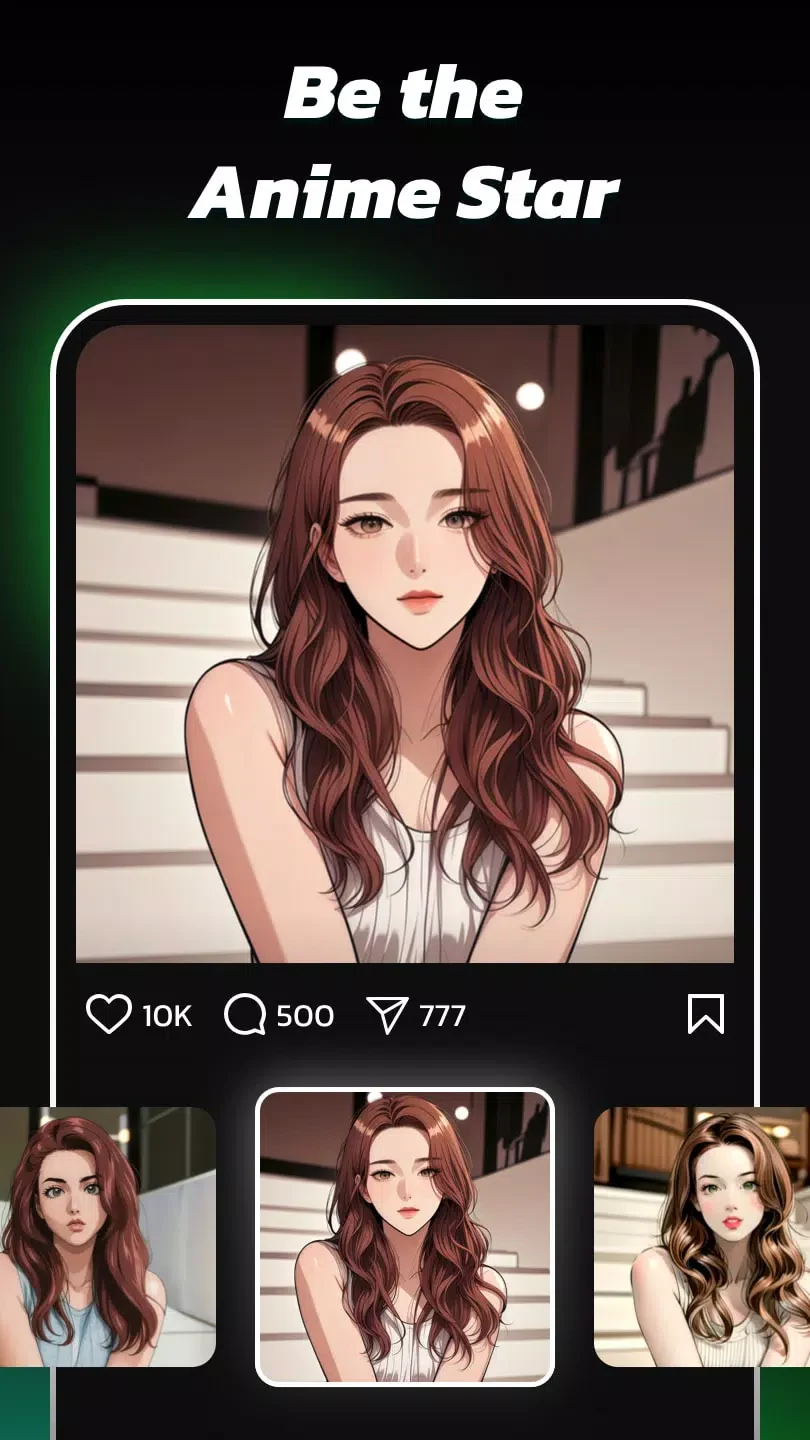
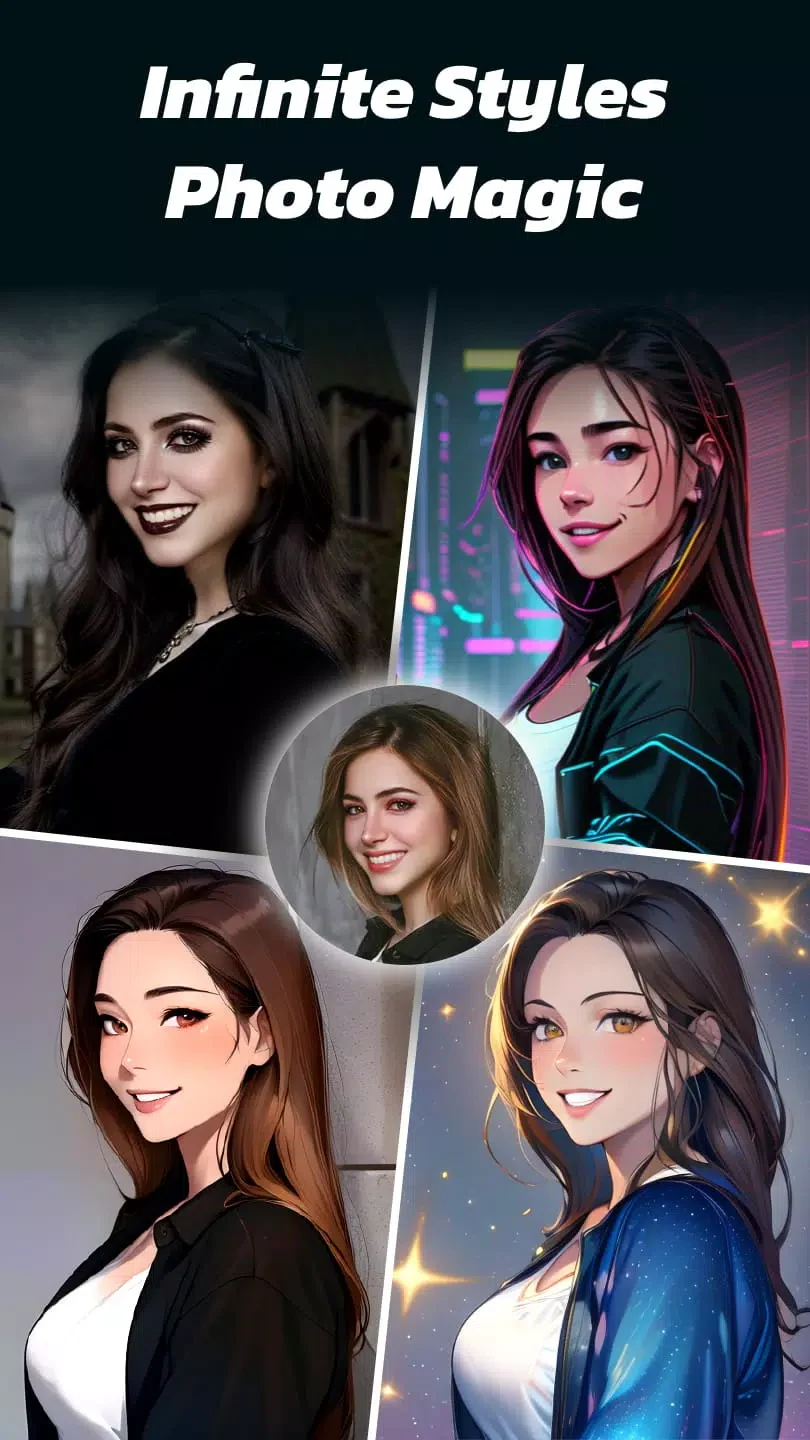
AI Photo Editor - AI Morph is an Android app in the Photography category that uses AI to convert a photo into a cartoon-like or anime-style image. According to its description, the main function is to upload a selfie and receive an automatically generated stylized version, with a selection of cartoon filters based on popular anime properties.
Uploading a photo and generating a cartoon-style image
The core workflow starts with a photo the user provides. The app description says a selfie can be uploaded and the app will automatically create a cartoon-like version. The source also describes the processing as fast and says it runs on an AI server, but it does not provide specific processing times, so the speed of any individual result is not established.
Choosing from anime and cartoon styles
The app offers cartoon filters inspired by well-known anime properties, and the source states that more than 50 selected AI art styles are available, with new styles added over time. The description mentions Ghibli-style and ultra-realistic looks among the filter options. Users can browse these styles to find the look they prefer, which is the main way the app's variety is presented.
Adjusting style strength and enhancing results
The source says users can customize style strength to shape the final character. The FAQ section in the description adds that this adjustment happens during the photo editing process. An HD AI enhancer is also listed as a tool for improving image quality in anime-style results. The source does not explain how these controls are arranged within the interface.
Turning older photos into illustrated images
The description states that old photographs can be transformed into anime-style artwork using the app. One account in the source describes converting childhood photos into animated-looking images. This is a reported personal experience rather than independent testing, so it should be read as an example of the intended use rather than a verified outcome.
Creating avatars for people and pets
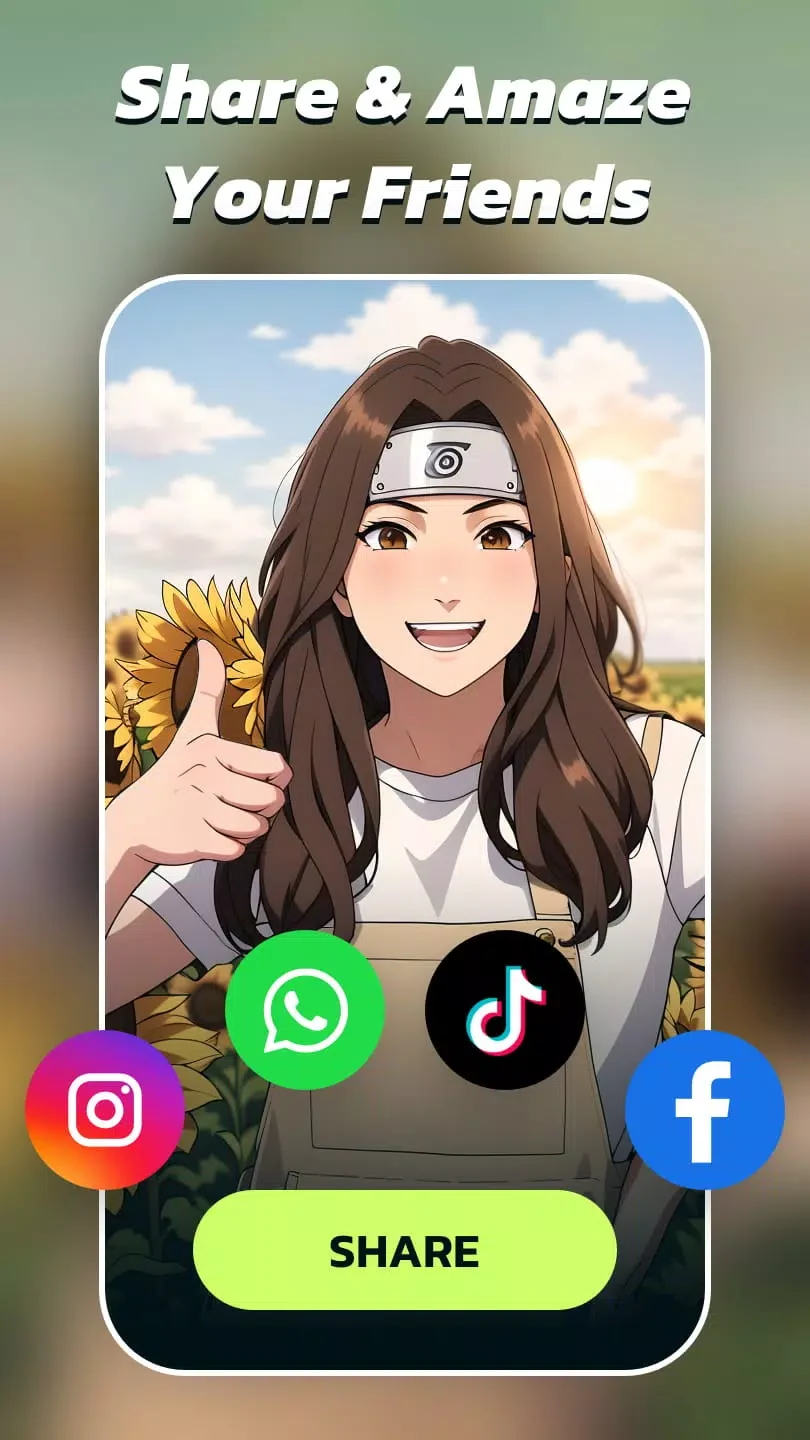
Beyond individual portraits, the source says users can create anime art for family members, friends, and pets. Results can be shared as avatars with one tap, according to the highlights section. These sharing and creation options are the documented ways the output is used beyond the editing screen.
Free use, ads, and optional purchases
The app can be downloaded for free. The description says one or two attempts to create an anime-like image can be made without a subscription. Additional styles can be unlocked by watching ads, and some premium styles remain locked. The FAQ also says there are optional in-app purchases for extra features and art styles. The source does not list pricing, and it does not state whether advertising appears in every part of the app.