

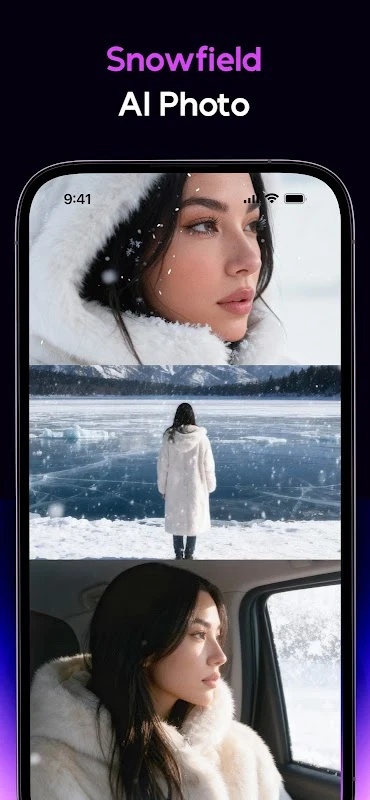
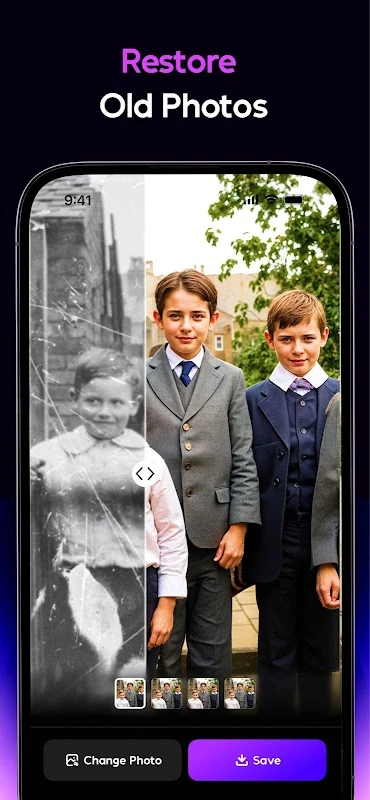
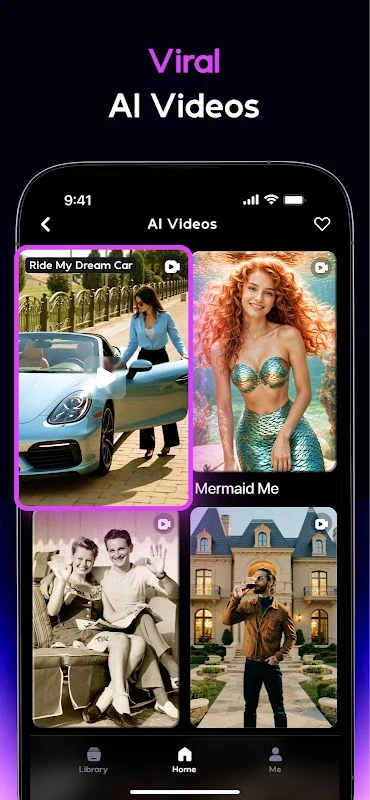
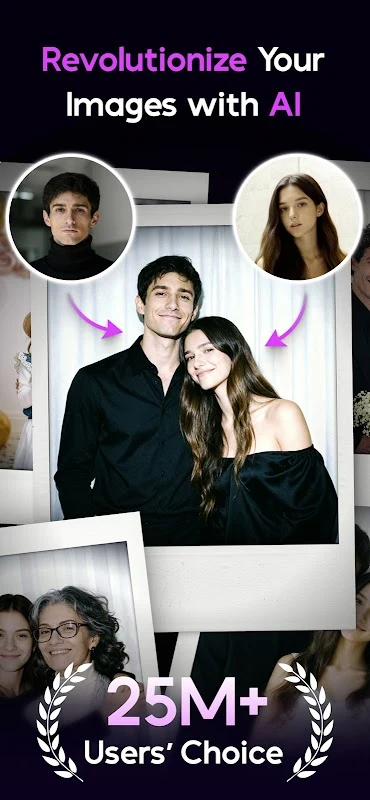
AI Mirror AI Art Photo Editor helps users transform photos into stylized artwork and create short visual content with AI-assisted tools. The app combines photo effects, filters, animation features, video templates, and command-based generation, giving users several ways to develop an image or turn it into a moving creation.
Its tools are aimed at people who want to experiment with personal photos, artwork, character concepts, or social media content without building every effect manually. A user can begin with an uploaded image, select a visual treatment, try an animation style, or enter a command for the app to generate a corresponding image or video. The supplied material also describes tutorials intended to help users understand the creative functions.
Transforming photos with AI styles
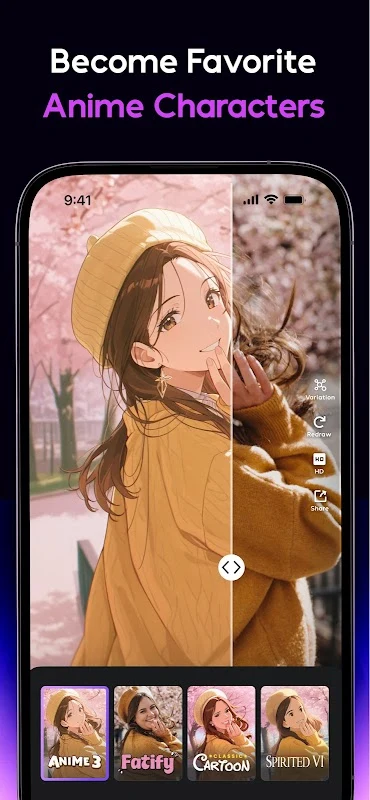
The image transformation tools can change the appearance of photographs through AI processing, filters, effects, and enhancements. Examples in the source include converting a selfie into an anime-style character or reimagining a pet as a fantastical creature. These examples show how the editor is used to explore different interpretations of an existing image rather than only making basic adjustments.
Users can browse different artistic directions, including animation themes and manga filters. The available choices are described as covering a broad range of moods and visual treatments, from unusual to whimsical. This gives the editing process a style-selection stage before users refine the result or compare it with the original photo.
The app also supports personalized creations based on uploaded photos, selected themes, and user input. Its AI tools are described as analyzing those inputs to produce images that reflect the chosen direction. The resulting artwork can therefore be based on a specific source image or on a creative instruction entered by the user.
Generating images and videos from commands
In addition to transforming existing photographs, AI Mirror AI Art Photo Editor can generate corresponding images and videos from commands. This command-based approach connects the AI generation tools with the editing features: a user can start from an idea, produce a visual result, and then continue working with styles, effects, or animation options.
The source describes an AI image processor intended to handle image generation quickly and responsively. It also describes automated video production, where the photo animator adds movement and visual effects to a still image. This allows a static picture to become an animated video without requiring the user to create each animation frame manually.
Photo animation is particularly suited to portraits, artwork, and other still images that users want to present in a more dynamic form. Multiple animation themes provide different directions for this process, while the available video templates, filters, and effects can be used to shape the presentation of the finished result.
Editing controls and a practical workflow
The supplied editing guidance recommends exploring several styles and filters before deciding which one best suits a photo. Users can also adjust settings manually when an automatic result does not match the intended appearance. Paying attention to composition, checking the image at closer detail, and using enhancements carefully are presented as ways to refine the final look.
A useful editing sequence is to preserve a copy of the original image, apply a selected style or effect, inspect the transformed version, and compare it with the source. If further changes are needed, the user can adjust the settings, review specific areas at higher detail, and make additional refinements. Keeping the original available makes it easier to evaluate how much the image has changed.
The source also recommends using clear, uncluttered original photos when creating AI images. This is a practical consideration for the input stage, while the comparison and zoom controls help with reviewing the output. Users can draw inspiration from other artwork shared through the app's community connections while developing their own approach to styles and techniques.
Sharing finished creations
After an image or video has been edited, the app provides saving and sharing functions. Its one-click sharing feature is described as supporting direct posting to Instagram, Twitter, and Facebook. This connects the creation process with social publishing, allowing users to move from an edited result to a shared post without leaving the app's stated sharing flow.
The sharing tools can be used for AI-generated artwork, transformed photographs, and animated creations. The source also describes community engagement through social accounts, Discord communities, events, and challenges. These community-related channels give users places to discover other creative work and participate in activities connected with the app.
Creative possibilities and review considerations
AI Mirror AI Art Photo Editor brings together several creative formats rather than limiting users to a single type of edit. A photograph can become an anime-inspired image, a pet can be placed into a more imaginative visual style, or a still picture can be animated into a video. Templates, filters, effects, themes, and command-based generation provide different starting points for these projects.
As with any AI image workflow, reviewing the generated result remains important. The source material includes user reports describing occasional irregularities in generated hands, fingers, body parts, and other image details. These reports are user experiences rather than guaranteed behavior, but they reinforce the value of comparing the result with the original and checking important areas closely before saving or sharing.
The app's documented purpose is to make image transformation and simple video production more accessible through AI-assisted generation and editing. Its functions fit together around a straightforward creative task: provide a photo or command, explore a visual style, refine the output, animate it when appropriate, and save or share the finished work.