
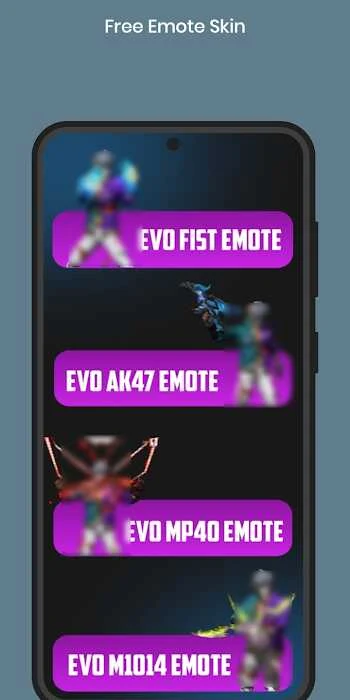
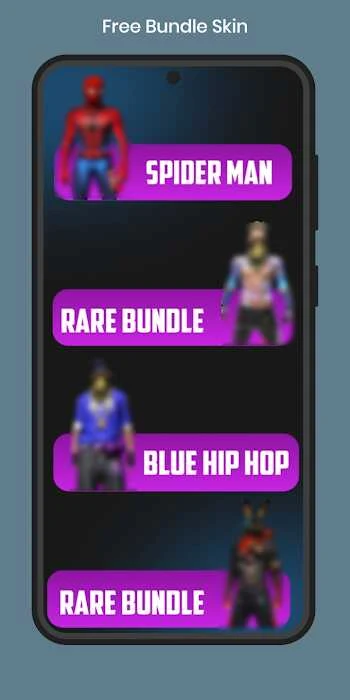
AG Skin Tool is an Android utility for customizing game characters with visual items such as clothing, skins, and emotes. It is aimed at players who want to change how their characters look without changing the underlying game mechanics. By grouping cosmetic options into categories and providing ways to view items before selecting them, the tool can make browsing more manageable. Its straightforward interface may also help users understand where different options are located, reducing confusion while they explore styles for team play, social sessions, or recorded gameplay.
Organized cosmetic browsing
The tool is described as offering a broad collection of skins arranged into categories. This structure gives users a practical way to narrow their search instead of moving through every item in one continuous list. Clothing, character skins, and emotes are presented as visual customization choices, so the focus remains on appearance rather than competitive game functions.
Preview items before choosing
Visual preview options allow users to inspect how a skin appears before selecting it. Browsing, viewing, and previewing work together as a simple selection process: users can explore a category, check an item’s appearance, and then decide whether it suits the character style they want. This is useful for players who prefer to compare looks before applying a cosmetic choice.
A simple interface for different experience levels
AG Skin Tool emphasizes uncomplicated navigation and is described as suitable for beginners as well as more experienced users. Learning the layout and developing a habit of checking categories first can make movement through the available options more intuitive. The source also describes the design as lightweight and generally optimized for a range of Android devices, although the experience can still depend on the device being used.
Content, templates, and personal designs
The description refers to frequent additions of cosmetic items, which can give users new styles to review over time. It also mentions an editor with pre-built templates. Starting with a template may help someone who is new to customization create a design more quickly. Users who make original skins are advised to export or back them up regularly so they are less likely to lose those designs after an update or reinstall.
What the tool does not provide
AG Skin Tool is presented as a visual customization utility rather than a gameplay-enhancement tool. It does not alter game mechanics and is not expected to provide an advantage to competitive players. The source also notes that it is not an official application from game developers, so users should consider the download source when assessing whether to install it. Online groups may provide places to share skins or discuss troubleshooting, but that community activity is separate from the app’s core customization functions.