


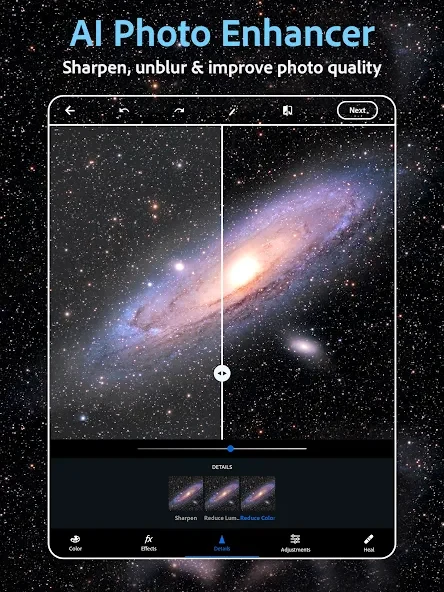
Adobe Photoshop Express is a feature-rich photo editor designed specifically for Android phones and tablets, helping users clean up images, apply creative effects, and share their work directly from a mobile device. The application addresses the need for fast, high-quality photo repairs and everyday touch-ups without requiring a desktop computer. Its clearest supported benefit is making advanced editing tasks approachable through a user-friendly interface that combines manual sliders with a built-in AI assistant, allowing individuals of all experience levels to produce polished results quickly.
How does Adobe Photoshop Express help clean up portraits and selfies?
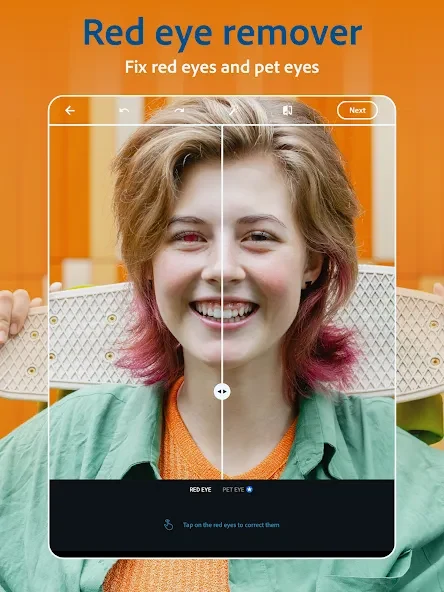
The app provides a comprehensive suite of retouching tools aimed at removing imperfections and cleaning up busy scenes. Users can utilize airbrush utilities, blemish removers, spot healing, red-eye correction, and a clone stamp to refine portraits and selfies. In addition, AI-powered tools make it possible to remove unwanted background objects, replace backgrounds entirely, or restyle images using straightforward buttons and sliders.
What options are available for adjusting overall photo aesthetics?
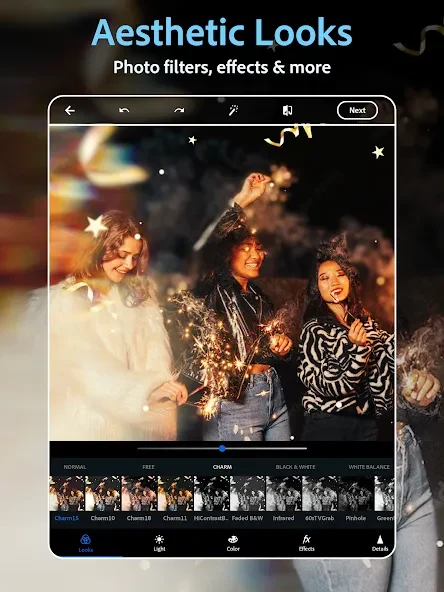
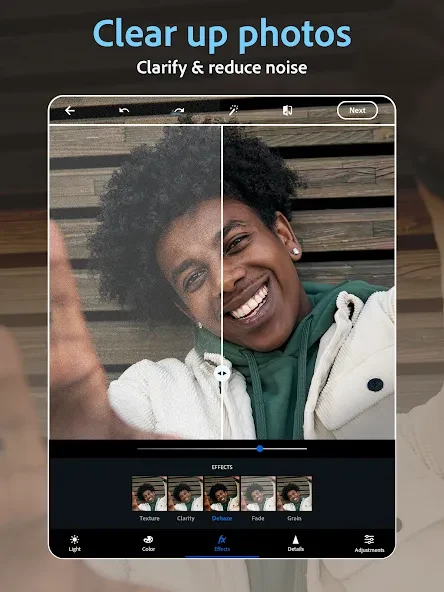
Once the initial cleanup is complete, users can explore a wide variety of filters and adjustment options to establish a specific mood. The software includes vintage-style filters, quick presets, and custom filter creation tools. Users can also dehaze scenes, reduce background noise, sharpen fine details, and apply radial or full blur effects to shift focus or create a sense of movement.
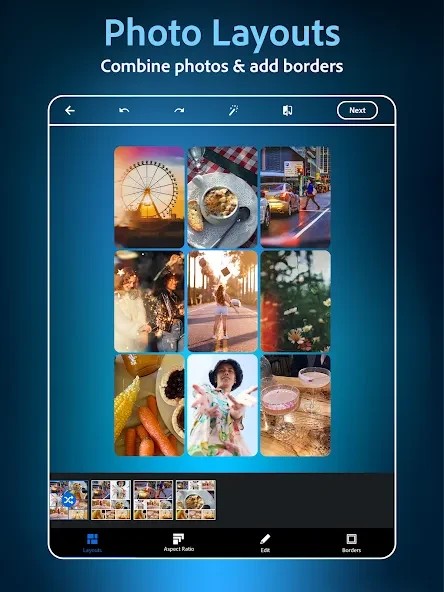
Beyond basic corrections, the application lets users add text captions, build memes, and arrange multiple pictures using a dedicated collage maker equipped with adjustable borders and colors. Custom stamps and watermarks can also be applied to label personal or shared creative projects, and the editor supports 15 different borders and frames.
Which file formats are supported for import and sharing?
Adobe Photoshop Express supports importing various image files, including RAW, TIFF, and PNG formats, ensuring users can work with high-quality source material. Once editing is finished, completed images can be shared directly from the application to popular social platforms and messaging services such as Instagram, TikTok, Pinterest, Snapchat, Facebook, Line, and Telegram.
Can the application be used without an internet connection?
Most of the editing functions within Adobe Photoshop Express can be utilized completely offline, enabling users to produce everyday photos anywhere. However, certain advanced functions, cloud synchronization, and premium features require an active internet connection. Additionally, users can log into an Adobe account to access additional filters and presets.
This mobile photo editor is well-suited for individuals on the go, budget-conscious users without access to heavy laptop software, and photographers who need to quickly tweak candid event pictures on location. Whether editing wedding photographs paired with Lightroom, preparing digital publishing materials, or sharing snapshots straight to social media, the app provides accessible tools for fast, quality adjustments.