
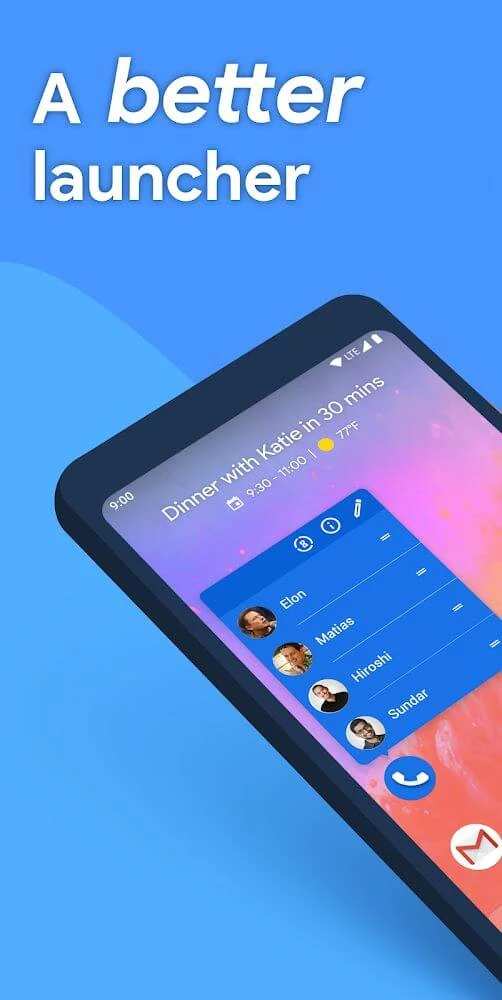
Action Launcher is an Android launcher that changes how the device home screen, app list, search tools, icons, folders, and widgets are arranged and used. It provides controls for adjusting the grid and icon size, selecting colors and themes, organizing applications, and accessing information without always opening the related app.
Home-screen appearance and layout
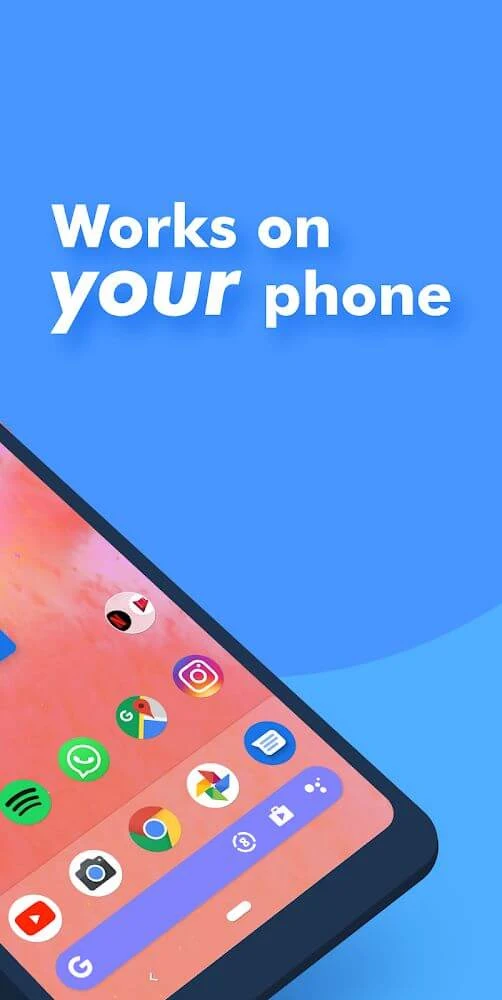
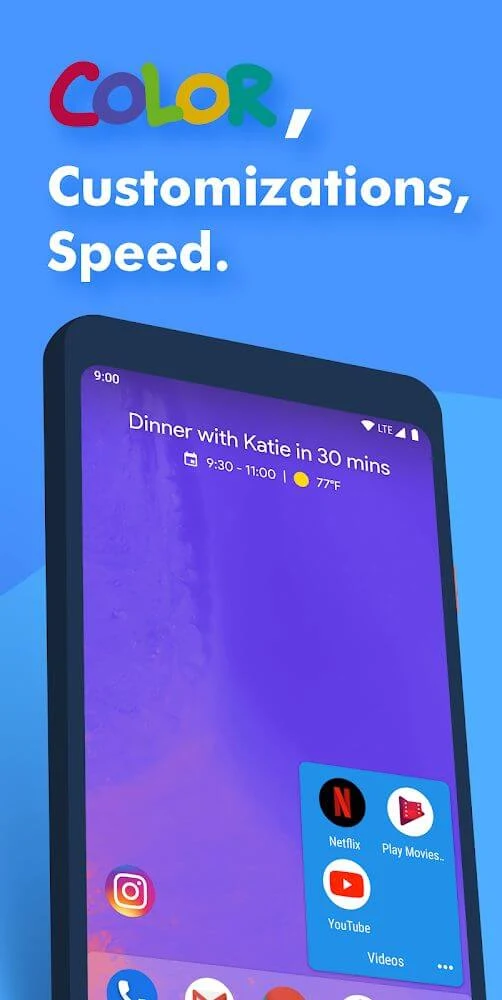
The Quicktheme tool can create a wallpaper-matched color scheme for the home screen, or users can choose colors themselves. These settings can be used to adjust the appearance of the search box, folders, and other parts of the interface. The launcher also supports custom grid sizes, icon scaling, adaptive icons, icon packs, and Smartsize Icons, which resize icons to match the recommended Material Design proportions.
Users can customize the search box and decide how it appears on the home screen. Apps can also be hidden or renamed, allowing the visible layout and labels to be adjusted to personal preferences. The available interface controls are accessed through the application's menu, with changes applied after the relevant settings are adjusted.
Folders, shortcuts, and app organization
Covers replace a conventional folder appearance with a single app icon on the desktop. Tapping the icon opens the associated app, while swiping over it reveals the folder contents. This provides two actions from the same home-screen position without displaying a standard folder icon.
Quickdrawer presents installed applications in an A-to-Z list designed for scrolling through the app collection. The launcher also supports All Apps Folders for grouping applications. Application shortcuts can be used from the home screen, and the source describes swiping on an app to access a preview or related shortcut. Quickedit can present alternative icon suggestions without requiring users to search through icon packs manually.
Widgets, search, and notifications
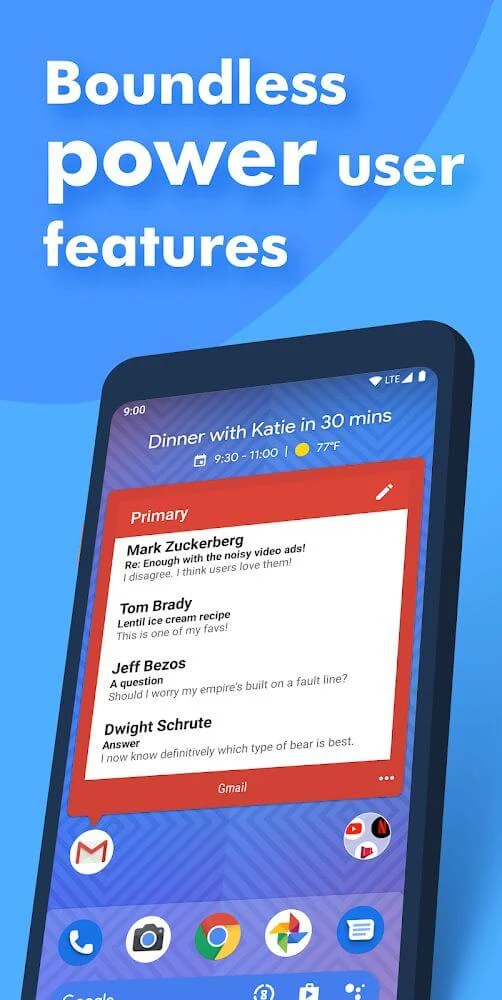
Widget Stacks allow several widgets to occupy one area and be viewed by swiping between them. Shutters provide another shortcut-based widget action: swiping on an app can reveal its associated widget, such as a preview of an inbox or a Facebook feed, without opening the full application. An At a Glance widget displays the date and the next calendar appointment.
Action Search searches the web and the device directly from the home screen. Notification Dots and Unread Count indicators can show notification information on app icons, while the launcher also supports Google Discover integration for accessing that service from the home-screen experience.
Gestures and device support
Customizable gestures are available for navigation and shortcut actions. The launcher is described as supporting phones, phablets, and tablets, so the interface controls can be used across these device form factors. Together, its layout, icon, folder, widget, search, and gesture settings provide a configurable alternative to the default Android home screen.