

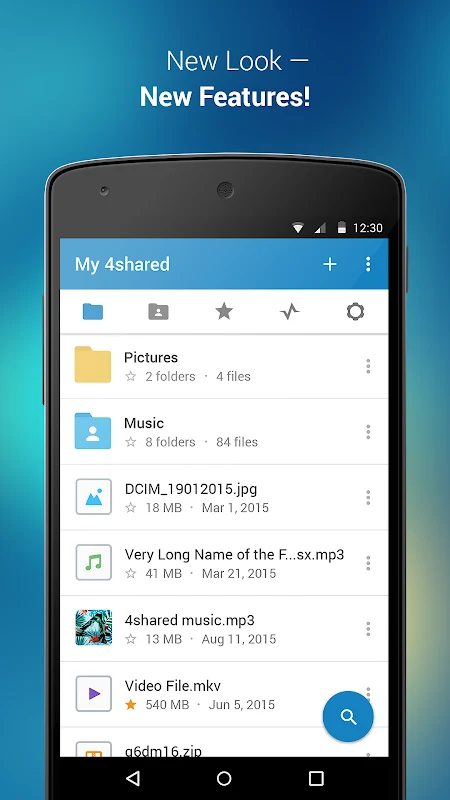
4shared Premium is an Android app for finding, storing, accessing, and sharing files through the 4shared service. It combines a searchable file library with cloud storage linked to a 4shared account, and also includes media playback and chat. The described functions cover both files already in an account and files users upload from a device.
How can users search for files?
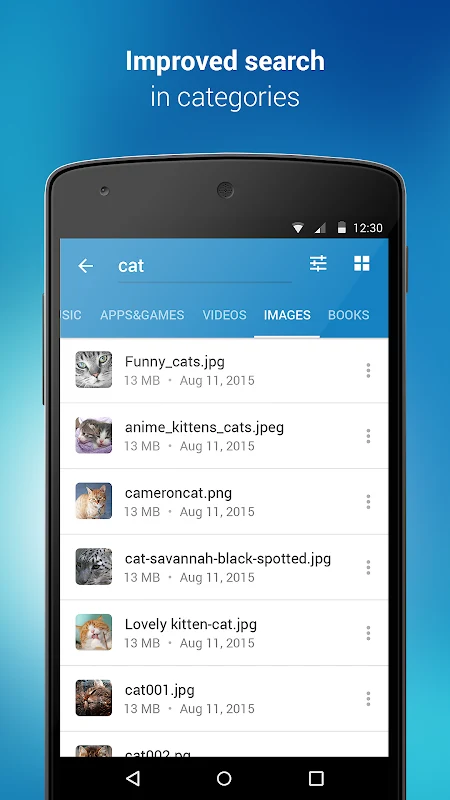
The app’s search covers the 4shared library. Users can enter a keyword, such as a song title, or browse by file category. Search filters can narrow results by details including upload time and file size. These controls are intended to help locate a particular file among the library’s results; the description does not specify which file types are available in every search.
What can users do with files in cloud storage?
A 4shared account provides a virtual drive for storing files and folders. The app can display files and folders already in the account, upload files from an Android device, and download account files to the phone’s storage or an SD card. Photos and videos are examples of content that can be uploaded. The description also says a file found in the 4shared library can be added to cloud storage and saved on a mobile device for later access, including offline use.
Files uploaded to an account are hosted on 4shared servers. The service’s account information says users can create folders and access their stored files through the service from a laptop or PC connected to the internet, as well as from the app. The description does not state a storage capacity, so no particular amount of space can be inferred from it.
Which sharing and transfer options are described?
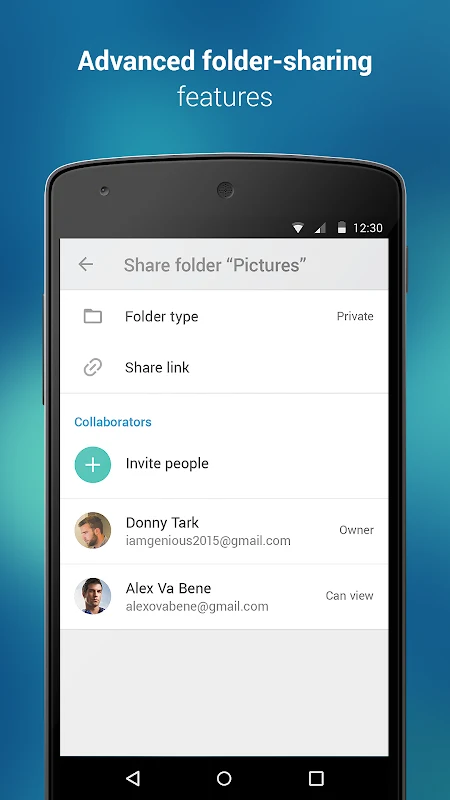
Users can share files through email, messaging apps, and other apps. The description also mentions direct transfers to nearby devices. These options apply to sharing files with friends, colleagues, or family; it does not give further details about transfer requirements or supported nearby-device methods.
Does the app play music or video?
The app can play songs and live streams, and it supports watching videos within the app. Users can also create and share their own music live streams with others. These are playback and sharing functions in addition to file storage; the description does not identify supported codecs or provide a complete list of playable formats.
Is there an in-app chat?
The described chat is for communicating with friends who also use 4shared. It supports exchanging media and other files and receiving alerts about account updates in the app. This links chat with the service’s file and account functions, though the description does not provide further details about chat controls.
What account and device access does the app describe?
Using the service requires creating a 4shared account and setting up its virtual drive. The account information says registration is free and does not require credit card details, and that an email address must be verified before account features are available. Verified users can access their accounts and use functions such as sharing and downloading files, previewing files, and commenting on files.
The listed device permissions correspond to particular functions. Contact access is described as being used to read the contact list so files can be shared to contacts’ email addresses. Access to photos, media, and files supports uploads, including camera uploads, and downloads to phone storage or an SD card. Identity access is used for signing in. Device ID and call information are described as supporting the pausing of streamed music during a call, while Wi-Fi connection information is used in connection with file uploads and downloads.
What does the description say about advertising?
The app description says users can switch off ads by subscribing to 4shared PRO membership. This is a subscription-specific option, not a claim that ads are disabled for every user. The description also characterizes the basic service as free, but does not provide detailed pricing terms for the PRO membership.