

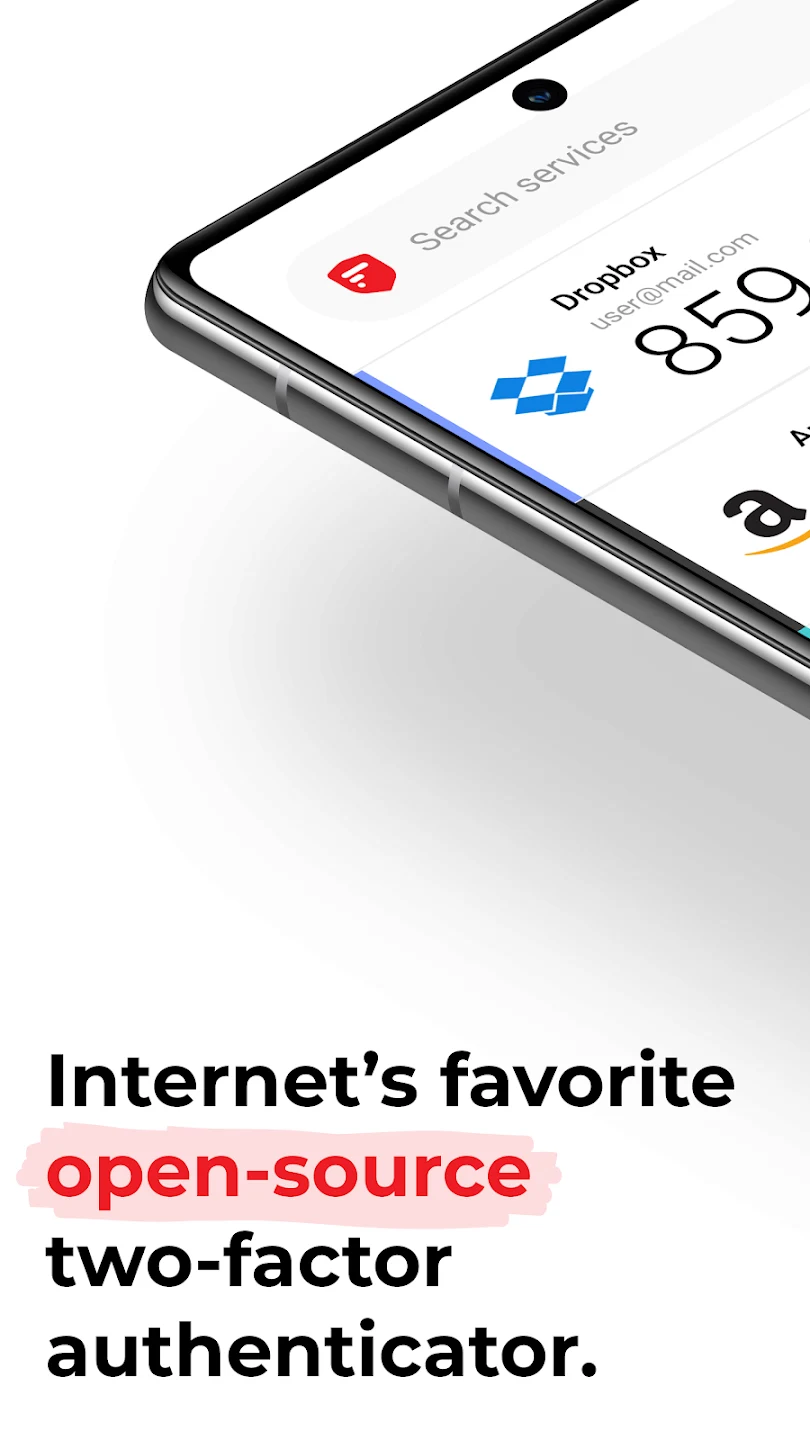
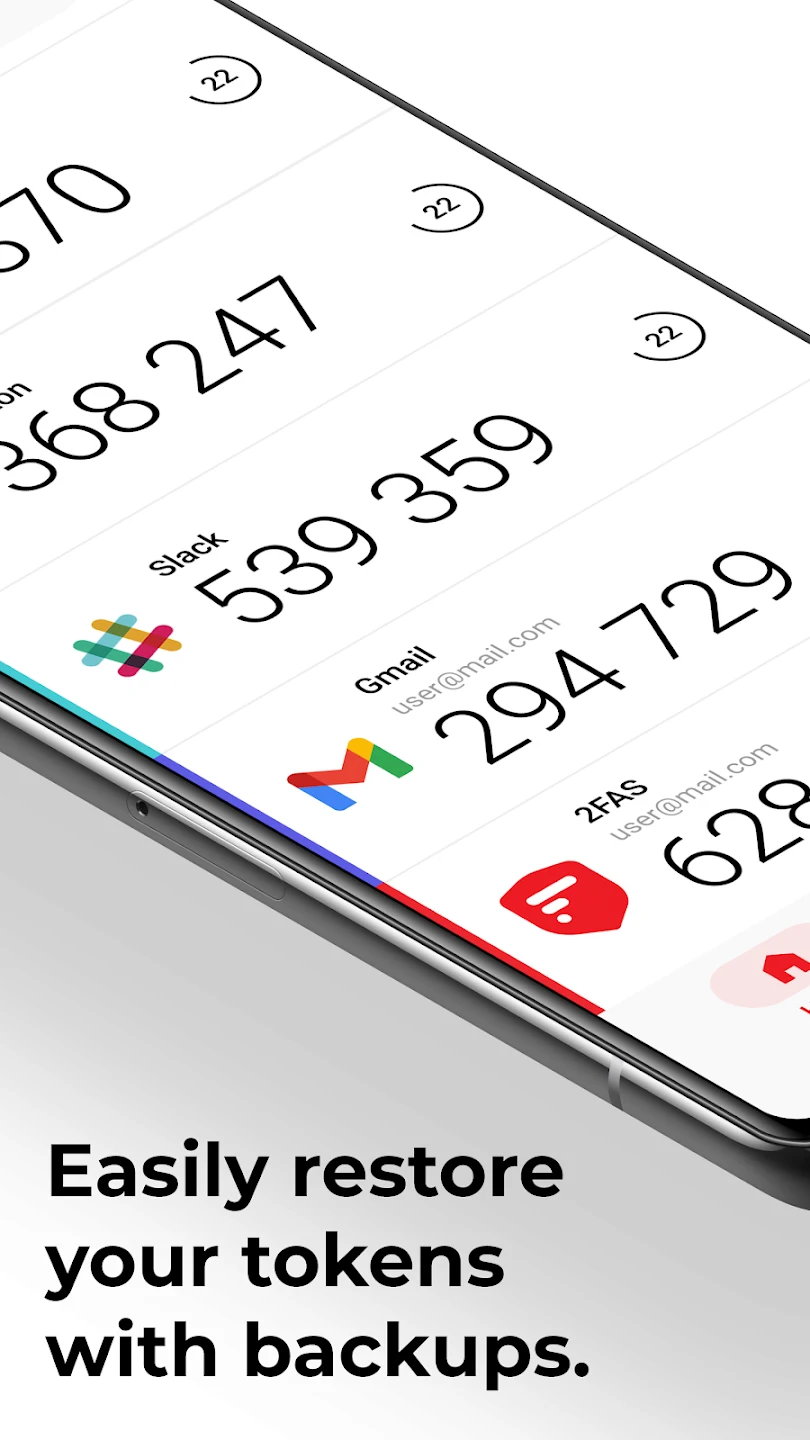

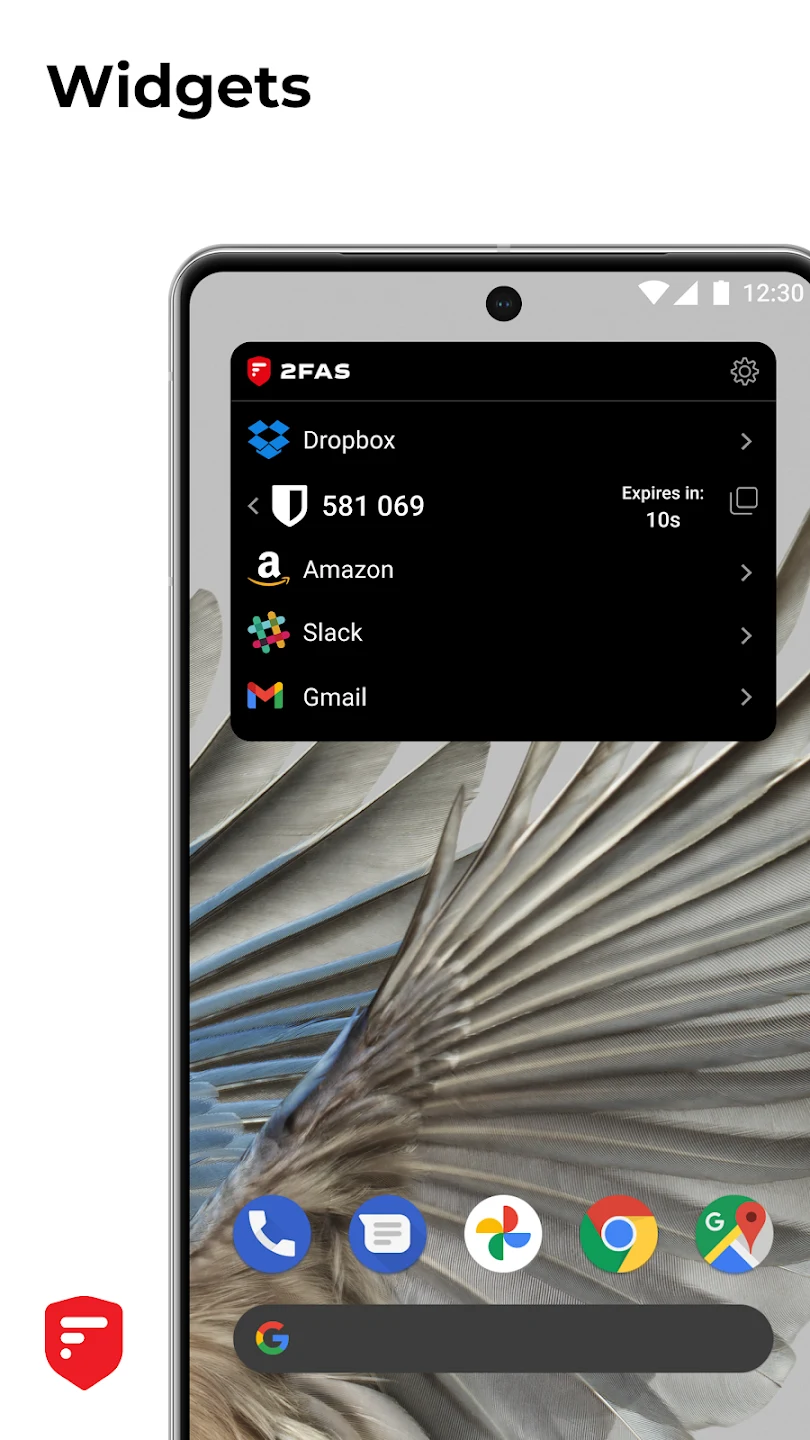
2FAS Authenticator is a mobile security app that generates two-factor authentication codes to add another verification step when you sign in to online accounts. Its main task is helping users protect important information and passwords by combining account credentials with a code from the authenticator. The app also lets you protect access to its stored tokens with a passcode, fingerprint, or facial recognition. Backup and synchronization options are available for users who need to restore tokens or use them across multiple mobile devices.
How does 2FAS Authenticator help protect online accounts?
The app provides two-factor authentication, using a generated code alongside the password for a supported online account. This adds a separate verification step to sign-in rather than relying only on the account password. The source describes the app as suitable for protecting accounts and mentions services such as Facebook, Twitter, Google, Dropbox, and GitHub.
Access to the authenticator itself can also be restricted. Users can add a passcode or use fingerprint and facial recognition, depending on the available method on their device. This gives users control over how the app and its stored authentication information are opened.
Can tokens be restored or used on more than one device?
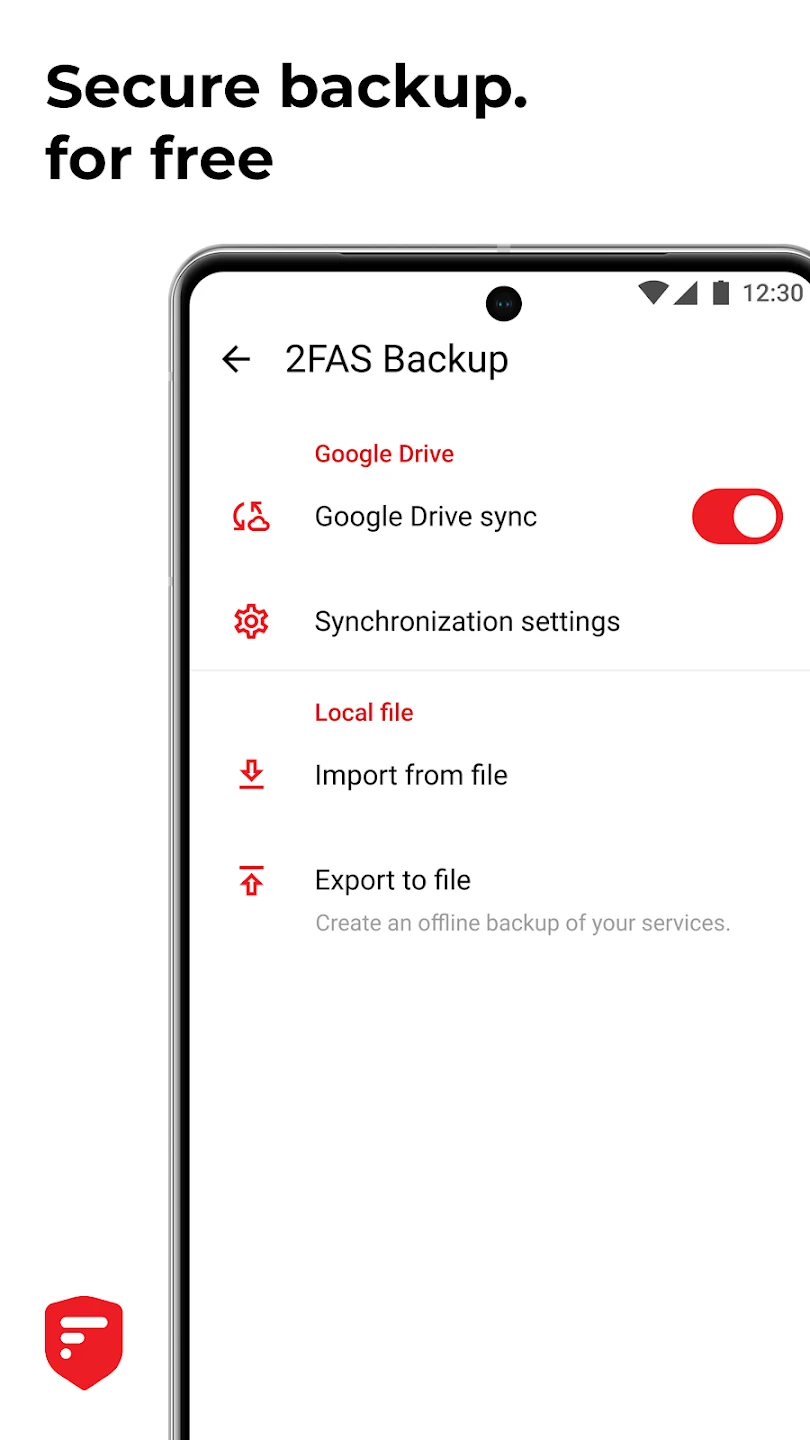
2FAS Authenticator includes backups for restoring tokens if they need to be recovered. The app also supports synchronization across multiple mobile devices, allowing users to access their usage history and authentication information after signing in on those devices.
A setup guide is included to help users configure the app and encrypt important information. These features are relevant for people who want a recovery option and a way to keep authentication access consistent across their mobile devices.
What can the browser extension do?
2FAS Browser Extensions can help users authenticate in a desktop browser with one tap. Instead of manually handling an authentication code each time, the extension is designed to make the code-entry part of the process faster when using a supported browser setup.
The source also includes user feedback about the browser extension, including a reported limitation when one service has multiple accounts: the extension may use the token from the first account listed. Users with several accounts on the same service may therefore need to pay attention to which token is selected.
Is 2FAS Authenticator open source?
The app is described as an open-source, transparent, and community-driven platform. Its community area allows users to exchange usage tips and experiences, interact with developers, and provide suggestions or feedback intended to help improve the software.
The interface is described as simple and intuitive, and the app includes multi-language support for users in different regions. The source also mentions planned quick setup guides and support resources in future updates, but it does not provide details about when those resources will be available.
Who may find this authenticator useful?
2FAS Authenticator may suit Android users who want to add two-factor authentication to online accounts and manage their verification tokens in one mobile app. It is particularly relevant to users who value token backups, device synchronization, app access controls, or browser-based authentication through the 2FAS extension.
People managing several accounts can use the available protection and recovery features, while users who prefer community-driven software may appreciate the open-source model and feedback channels. The browser-extension limitation described in user feedback is worth considering when multiple accounts share the same online service.