

What does 20SPEED VPN do?
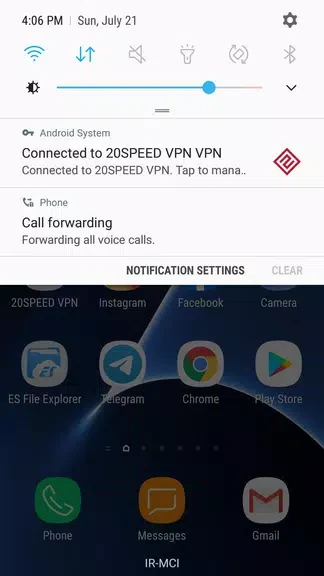
20SPEED VPN is an Android VPN app listed in the Tools category, version 8.6. According to its description, it lets users change their IP address through a range of servers, which the developer presents as a way to browse with more privacy. The description also describes the connection as encrypted, but it does not explain the encryption method.
Can it route only Telegram traffic?
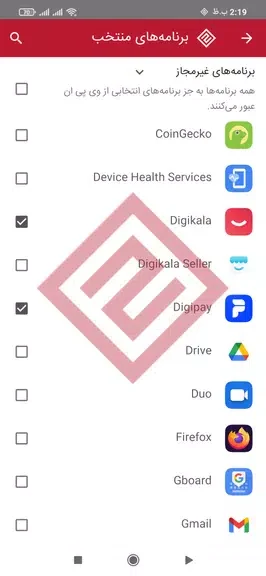
The description lists a “Only for Telegram” option. According to the source, this passes only the Telegram app through the VPN while other apps are unaffected. The source suggests this may suit users who want extra privacy for Telegram communications without routing their whole device.
What traffic and subscription details are shown?
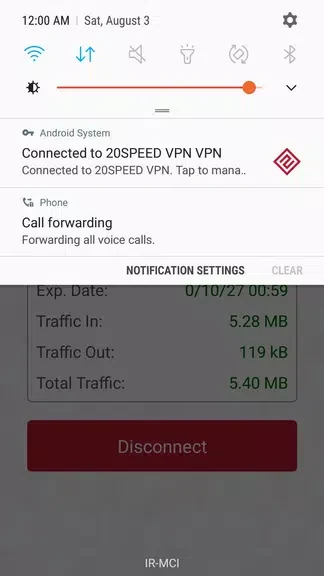
The app is described as displaying real-time incoming and outgoing traffic, total consumed traffic, remaining subscription time, and connection time. The description presents these figures as a way for users to track their usage. The source also states that new users can receive a free 7-hour subscription by installing and running the app, but it does not describe pricing for use after that trial.
Which networks and sites does the source mention?
The description says the app can be used with various home and mobile internet connections, regardless of network provider. It also mentions access to what it calls the latest unfiltered site addresses, which it says can help users reach blocked websites. The source does not name specific sites or regions.
What should users check if traffic does not flow?
The description includes troubleshooting notes. It says an “Internet access” error despite a successful connection may relate to Power Saving Mode, and that a connection without traffic on mobile internet may relate to Background Data being disabled. It also recommends restarting the device after each update. These notes point to battery and data settings on the device, but the source does not present them as a guaranteed fix.
How do users contact support?
The source says the app includes a way to communicate directly with the support department from within the program, which it presents as a route to prompt help with connection issues.